iOS 14 has brought on a few new updates, including customisable home screens that brings me back to MySpace. Another new feature is picture-in-picture mode, which lets you watch a video in a small window while you're doing other things on your iPhone.
However, you aren’t able to utilise the feature on YouTube-unless you pay for the Premium account. But we just found an easy little trick to make picture-in-picture still work on YouTube’s site.
What is picture-in-picture mode?
iOS 14’s picture-in-picture mode is handy for if you wanted to watch a video while chatting with your friends or checking email. You can now easily do so on apps like Twitter and WhatsApp.
Here’s how to access the feature:



- Visit an app where you can also watch videos like Twitter or WhatsApp
- Play the video in full-screen mode
- You’ll see a picture-in-picture mode button on the top right side
- Once you click on the button, you’ll be able to watch the video while you access the rest of the app
Unfortunately, YouTube’s iOS app still doesn’t support picture-in-picture—which is why people are turning to Safari to do it. But YouTube probably took note of this and quickly disabled it on YouTube.com, unless you’re a Premium user. You can view how the feature looks like with a Premium YouTube membership below.
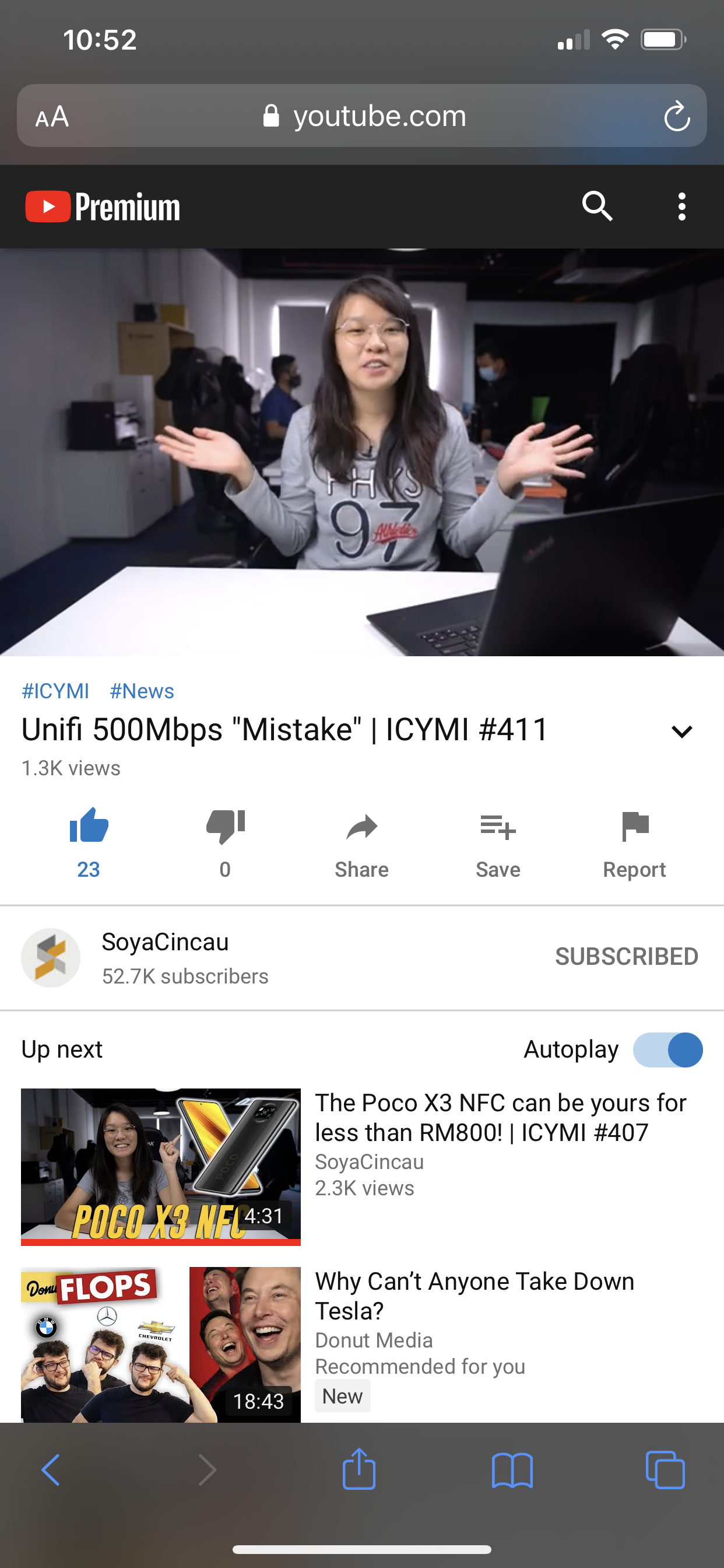
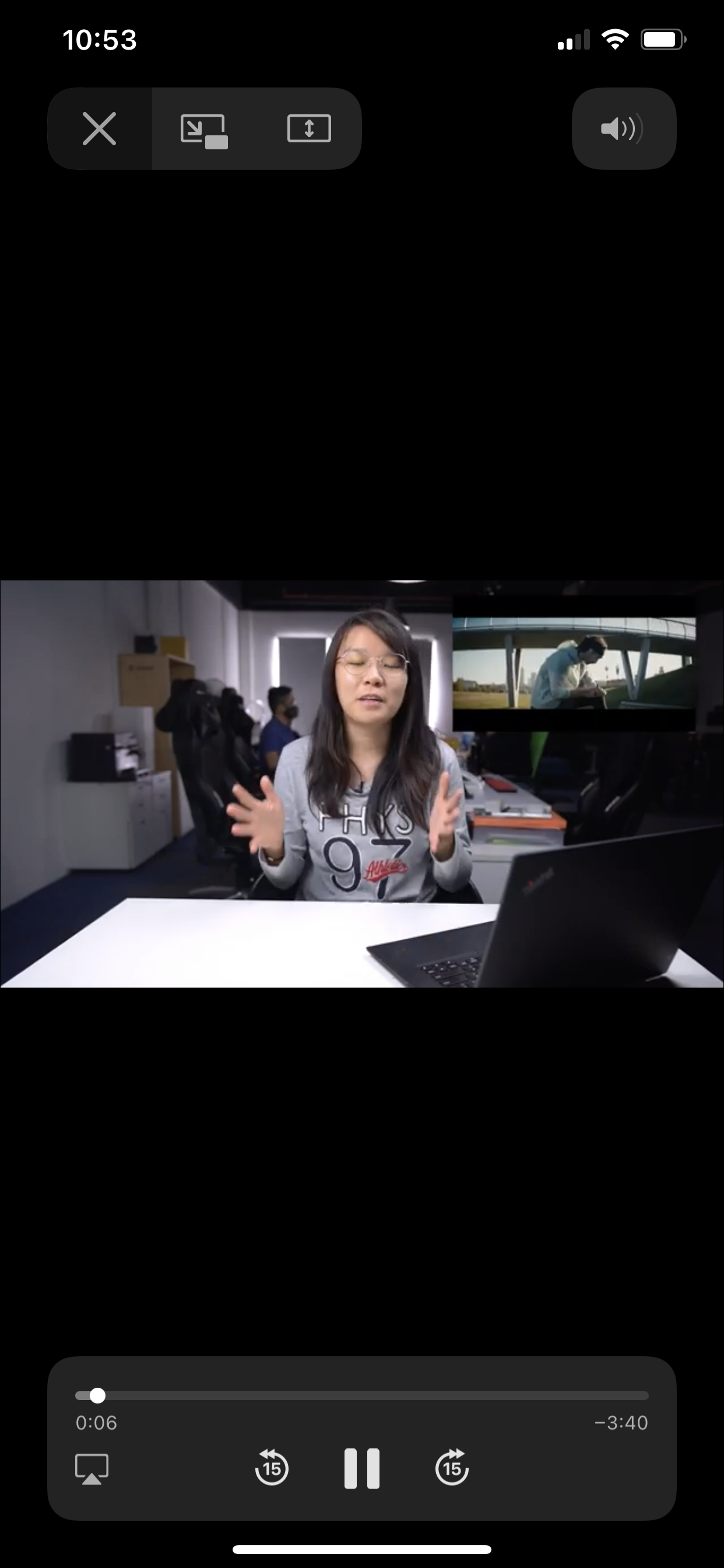
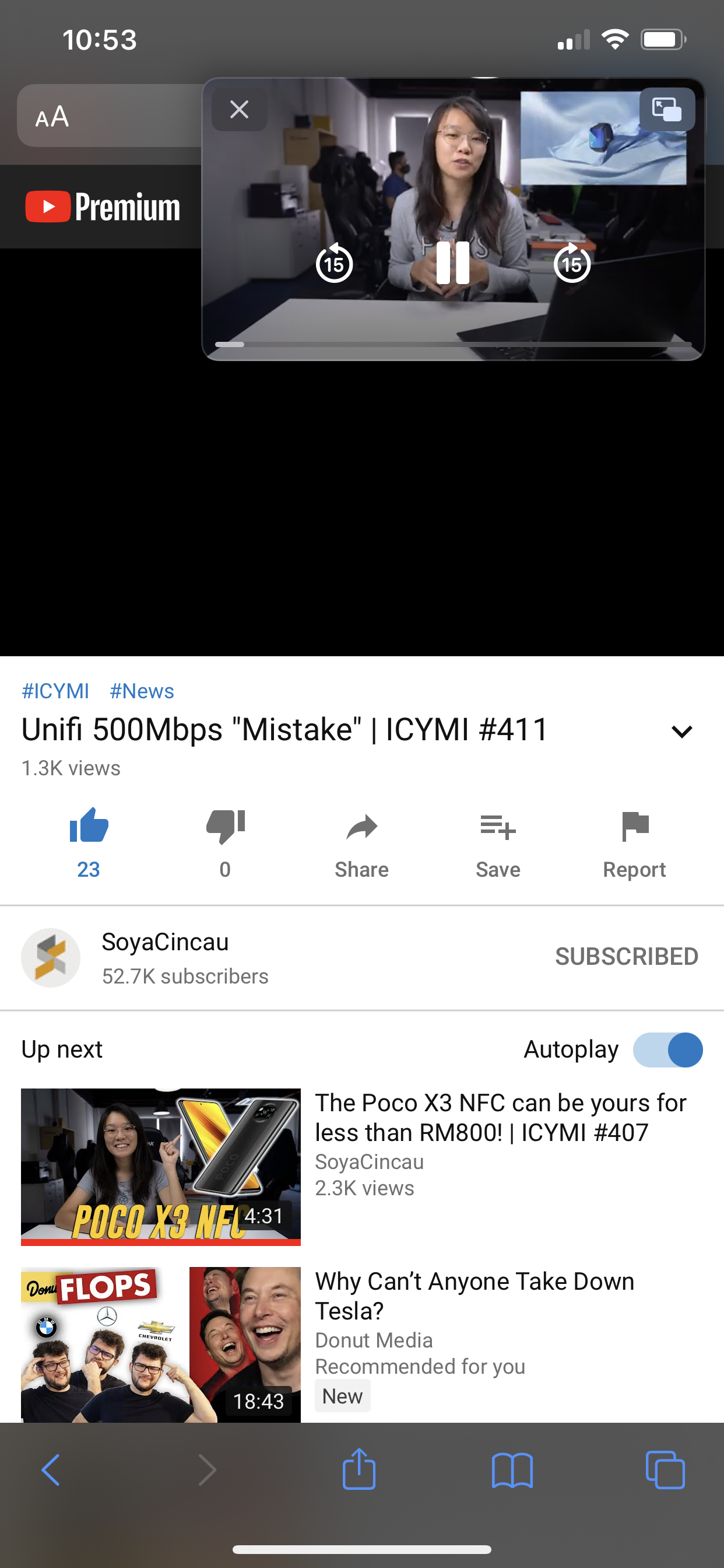
How to access picture-in-picture mode for YouTube as a non-Premium user

- Visit YouTube.com on Safari
- Choose a video to watch
- Select the “aA” icon available on the top left side
- Select “Request Desktop Website”
- You’ll now be able to access picture-in-picture mode
Besides the way above, picture-in-picture will also work if the YouTube video is embedded on external website. For example, you can access the feature if you view a video through our own site.
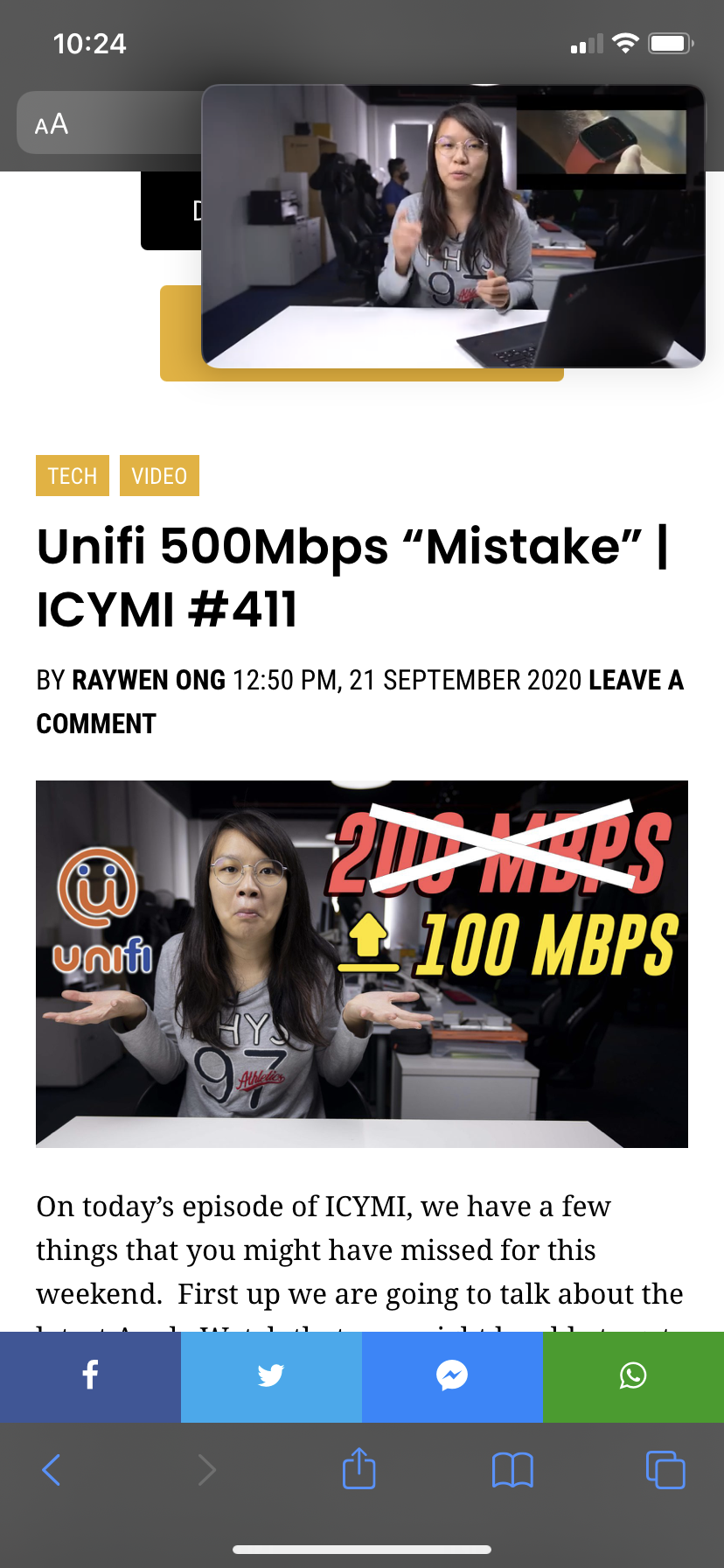
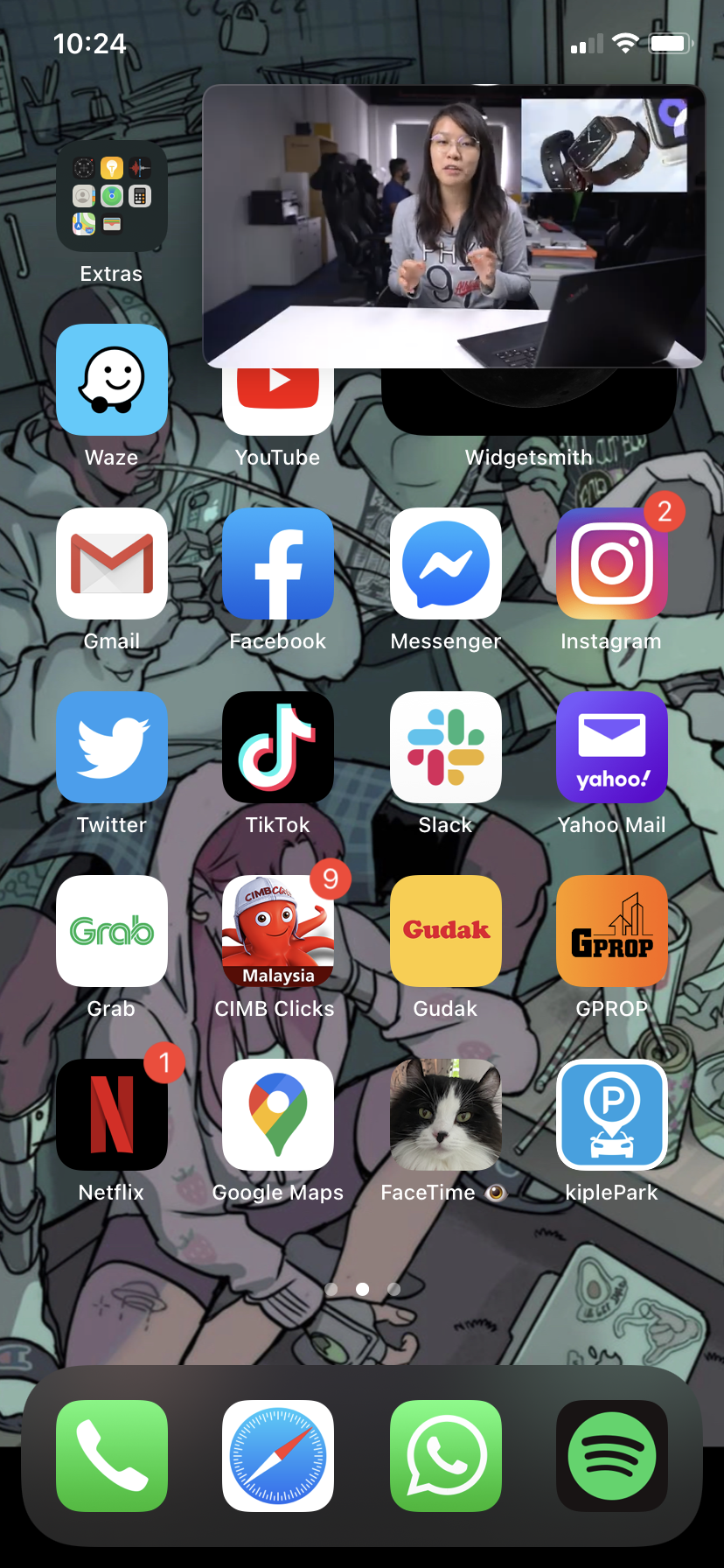
Picture-in-picture mode works with YouTube videos in Safari if you're using an iPad, regardless of whether you've got a free or Premium account.
[ SOURCE ]
Related reading
The post iOS 14: YouTube blocks picture-in-picture mode, but here’s a hack to make it work appeared first on SoyaCincau.com.