Congratulations on your purchase of a new iPhone, or any Apple device, because starting today you are entitled to a 1-year free subscription of Apple TV+, which usually costs you RM19.90/month after the trial ends, and here’s how you are going to get that 1-year free subscription instead of the usual 7-day trial.
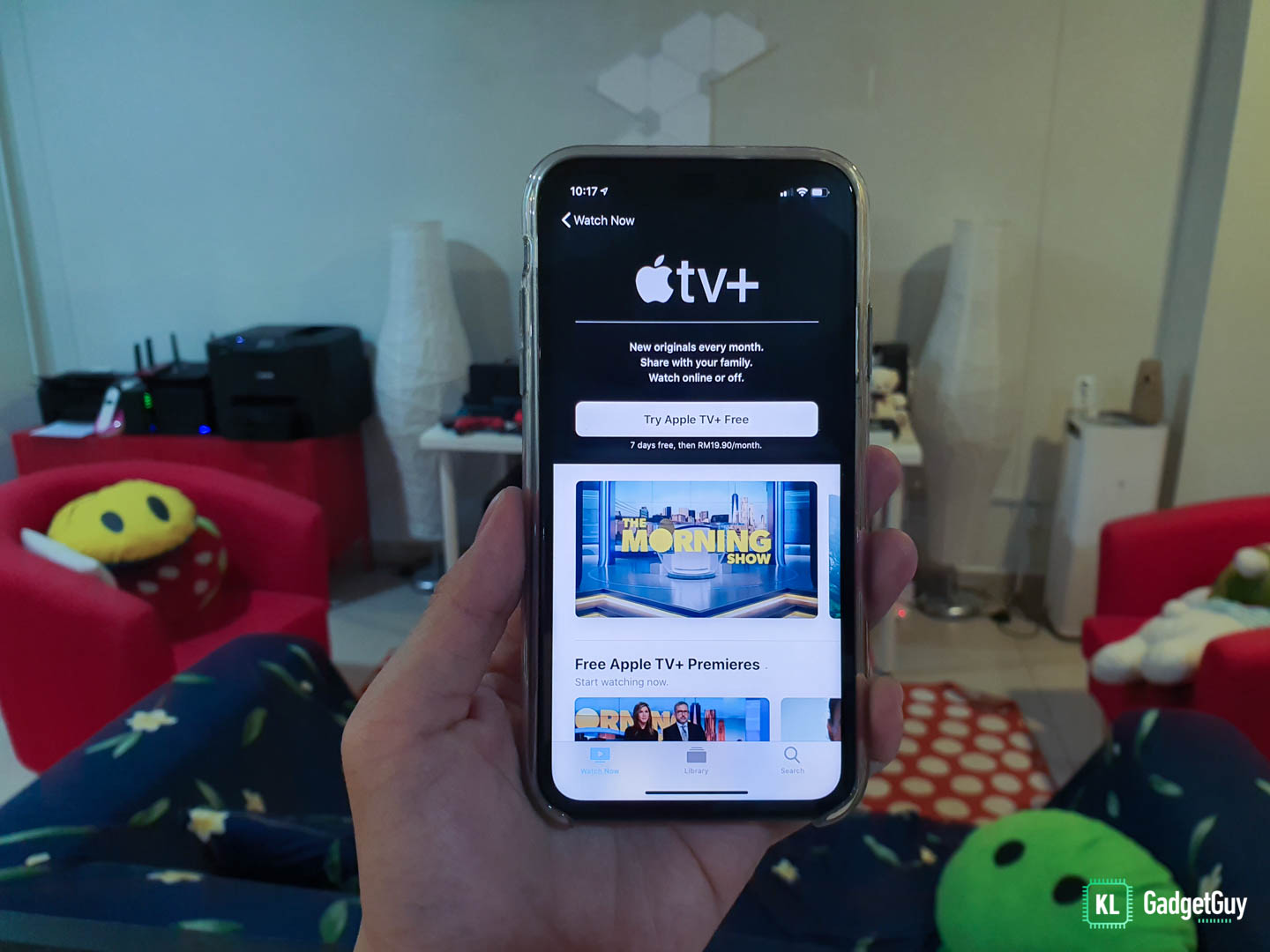
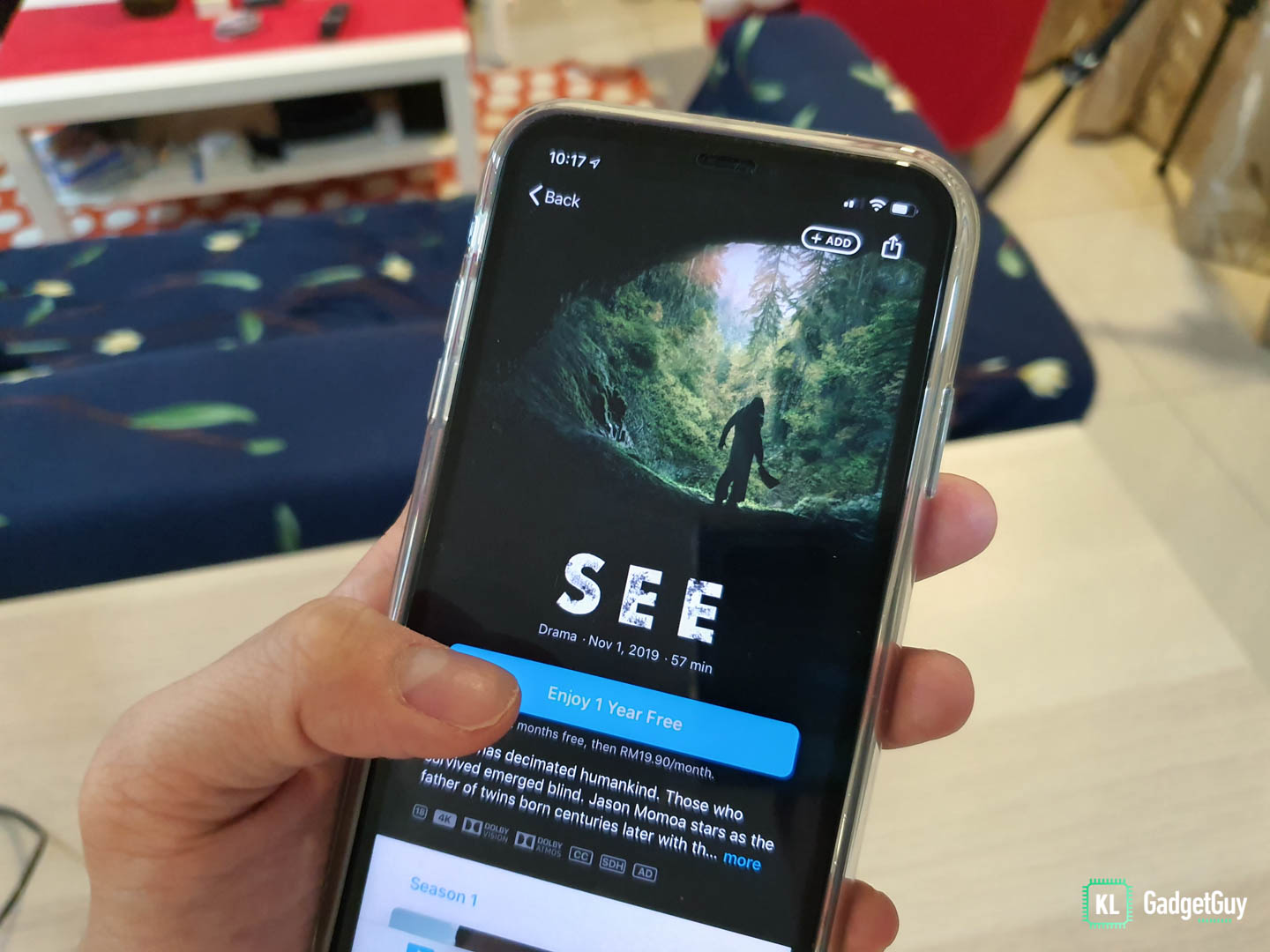 Once inside the introduction page, you will immediately see a big blue button that says ‘Enjoy 1 Year Free’, tap really hard on that.
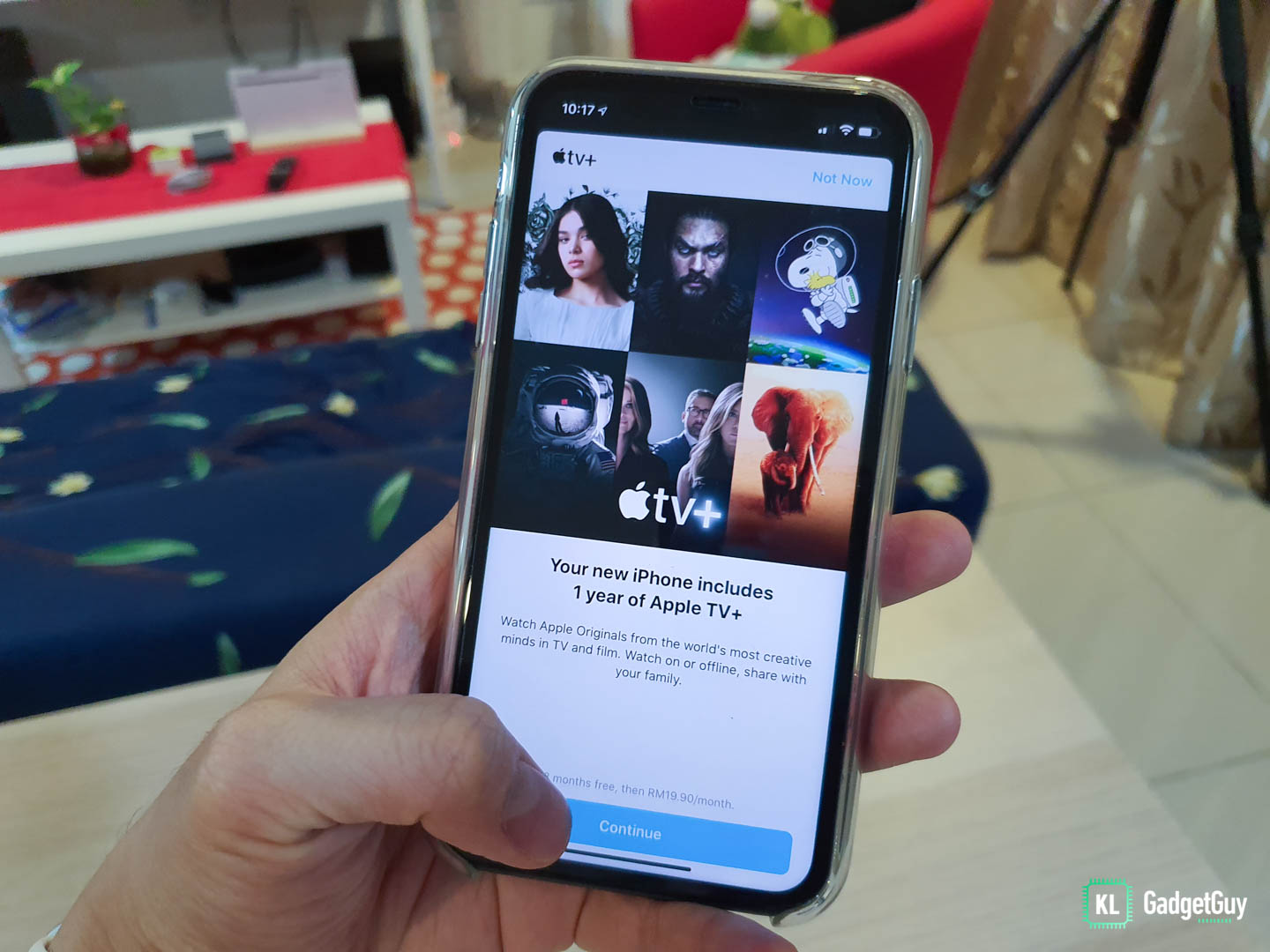 You will be brought to the next screen that tells you that your new iPhone includes a year of Apple TV+, just hit that big ‘Continue’ button again.
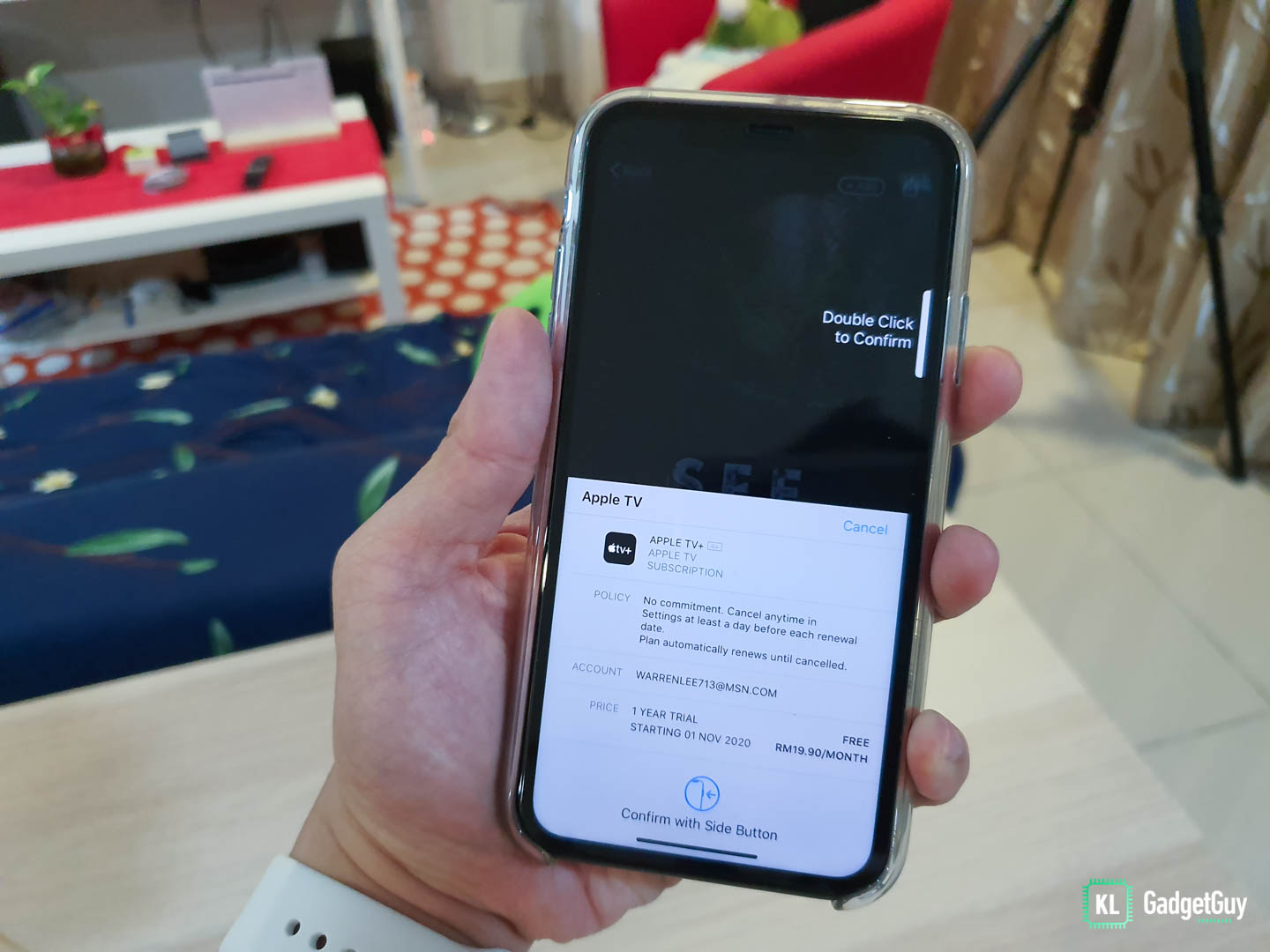 A familiar purchase dialog popsup and all you need to do is to authenticate the purchase, nothing will be charged to your credit card until next year.
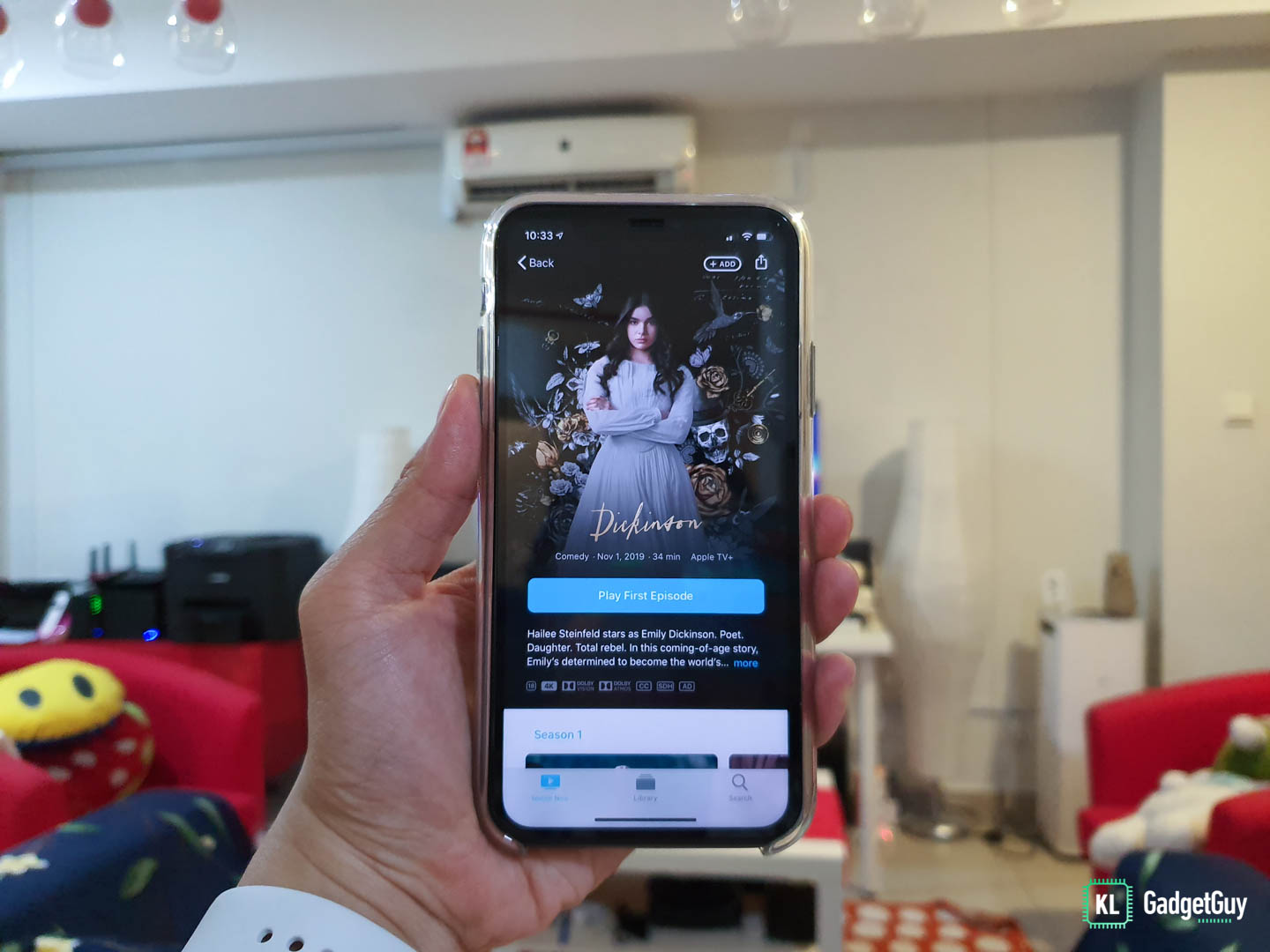 Voila, you are all set and get instant access to a plethora of great titles, which includes The Morning Show, See, Dickinson, For All Mankind, The Elephant Queen, Helpsters, Ghost Writer and Snoopy in Space.
Hope your weekend is no longer boring, happy viewing!
By the way, if you want to watch these movies from a non-Apple device, just head on over to https://tv.apple.com on your browser.