Finding a compact 6-inch e-reader that doesn’t feel locked into a single ecosystem can be surprisingly tough. While Kindle and Kobo dominate the 6-inch form factor, their walled gardens leave power users wanting more. Enter the Bigme B6 Color. Packing an E-Ink Kaleido 3 display, Android 14 OS, and generous hardware specs into a pocket-friendly body, the B6 Color attempts to balance color reading with ultimate software freedom.
Specifications
| Bigme B6 Color | |
|---|---|
| Display | 6″ E Ink Kaleido 3, 300 PPI (B&W), 150 PPI (colour), flush front |
| Front light | 36-level dual-tone (warm + cool) |
| Processor | Octa-core MediaTek Helio P35 (per reviews) |
| RAM / Storage | 4GB / 64GB, microSD up to 1TB |
| OS | Android 14 (Bigme OS), Google Play Store |
| Battery | 2,100mAh, USB-C |
| Connectivity | Dual-band Wi-Fi, Bluetooth |
| Audio | Built-in speaker and microphone |
| Dimensions / Weight | 108 × 149 × 6.98mm / 176g |
| Price | US$179 on Bigme’s official store (check current price before publishing) |
Design and Build
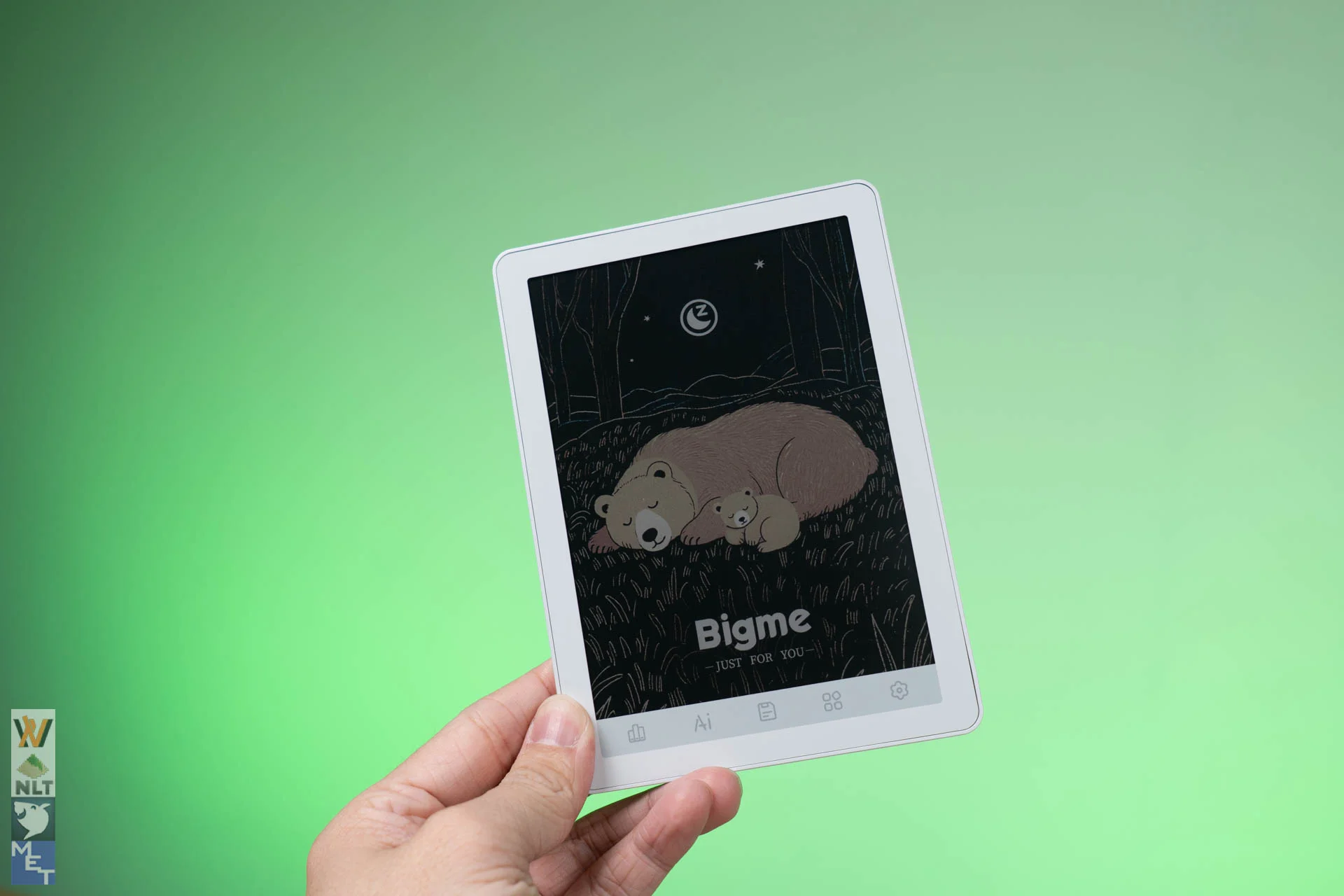
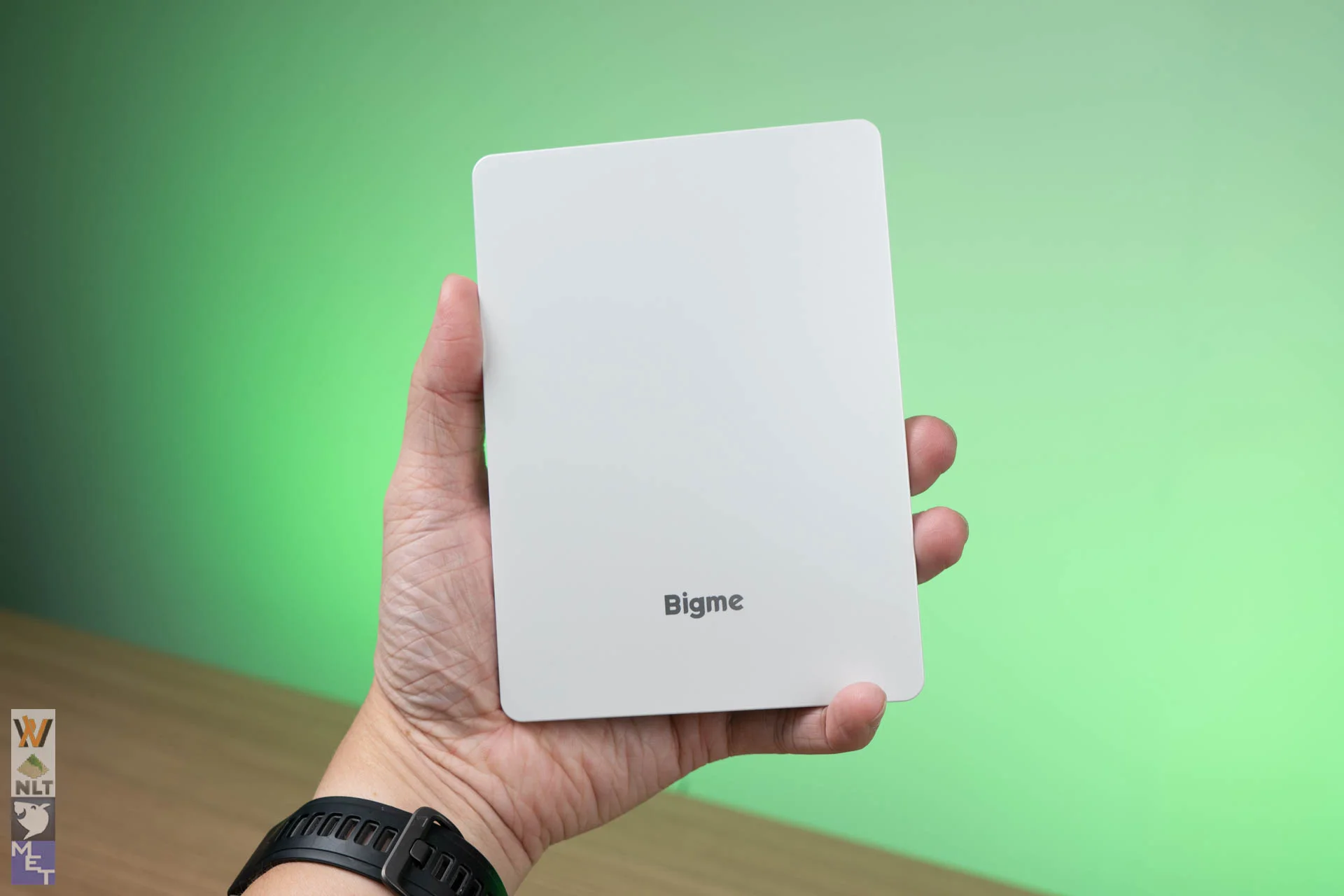
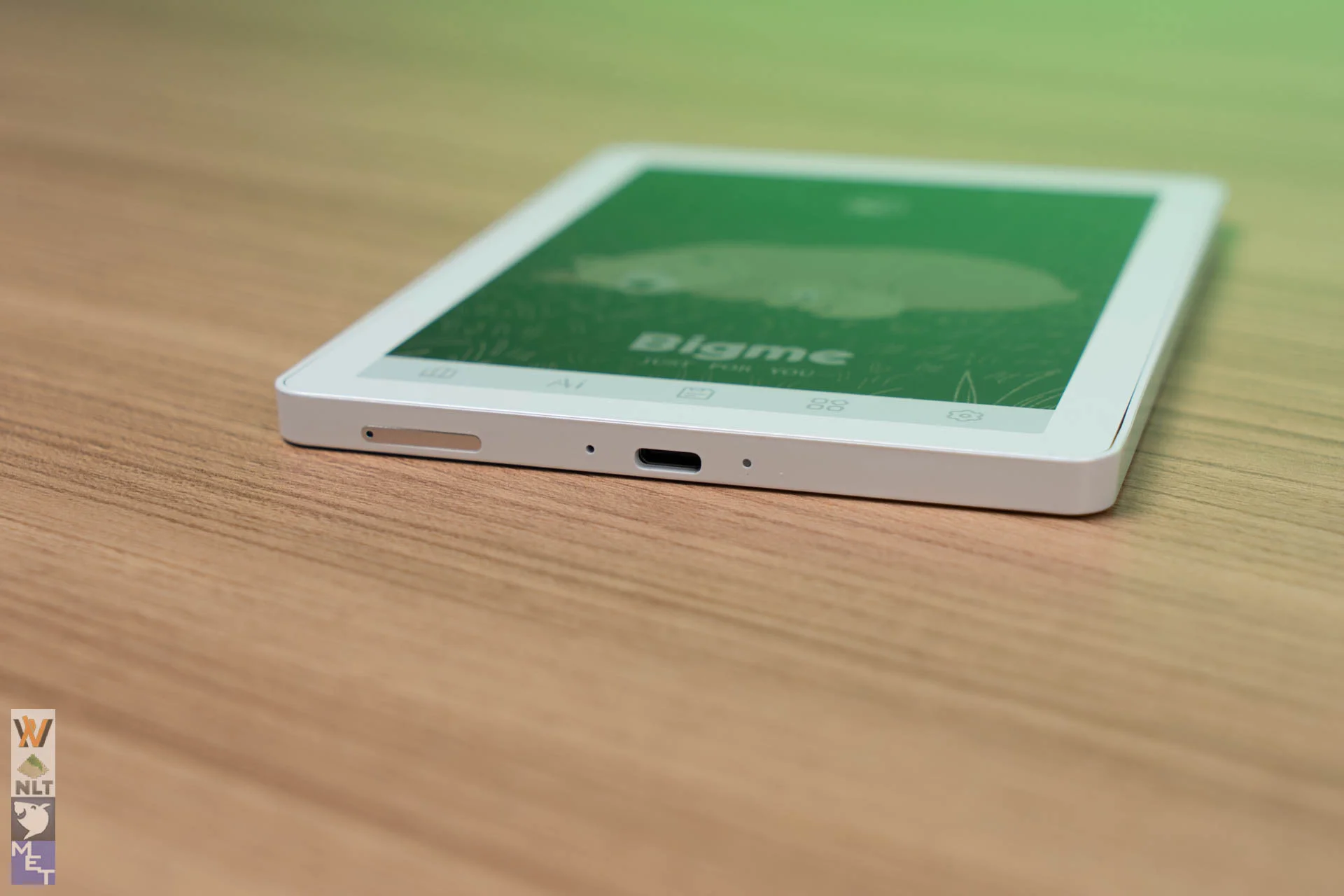
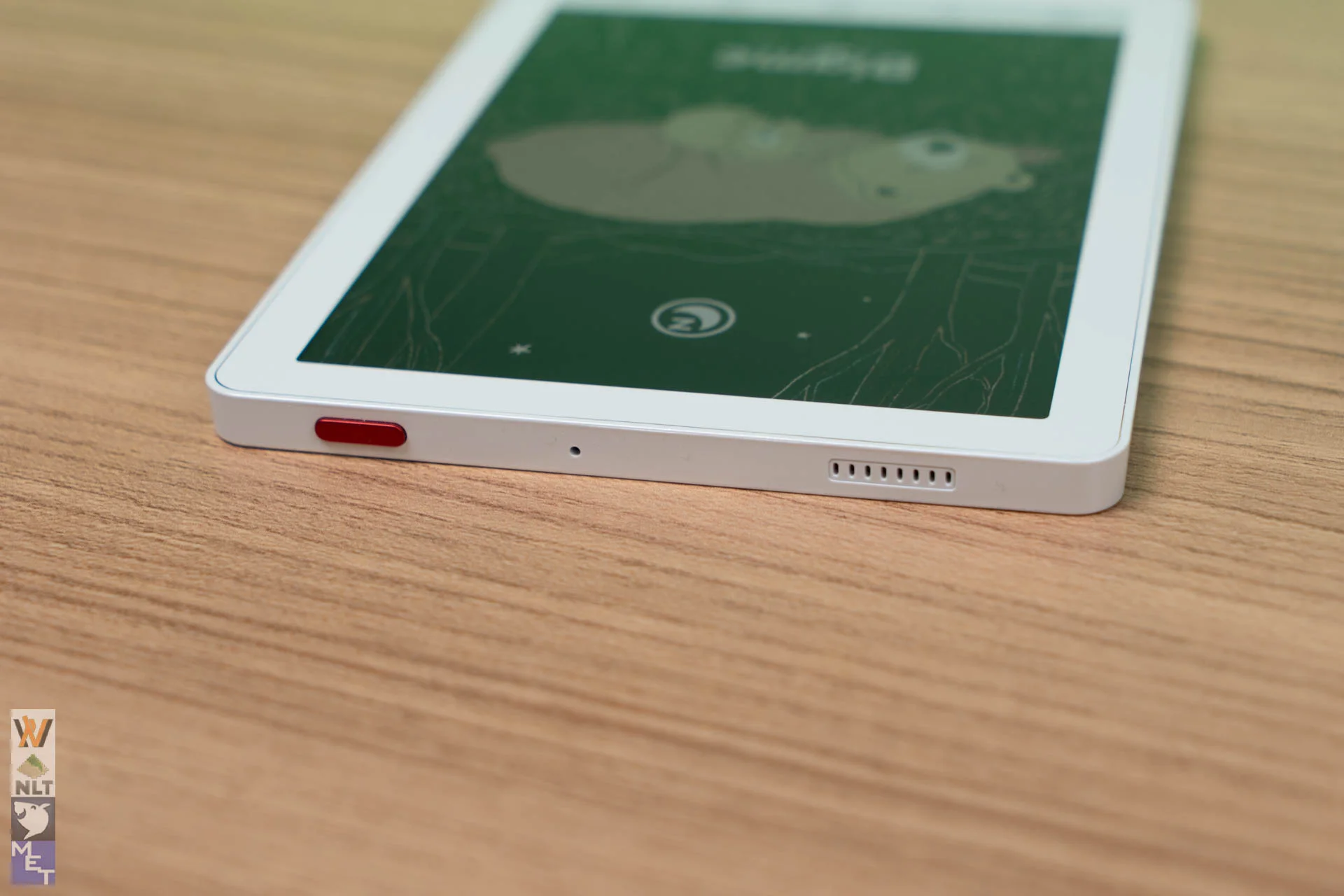
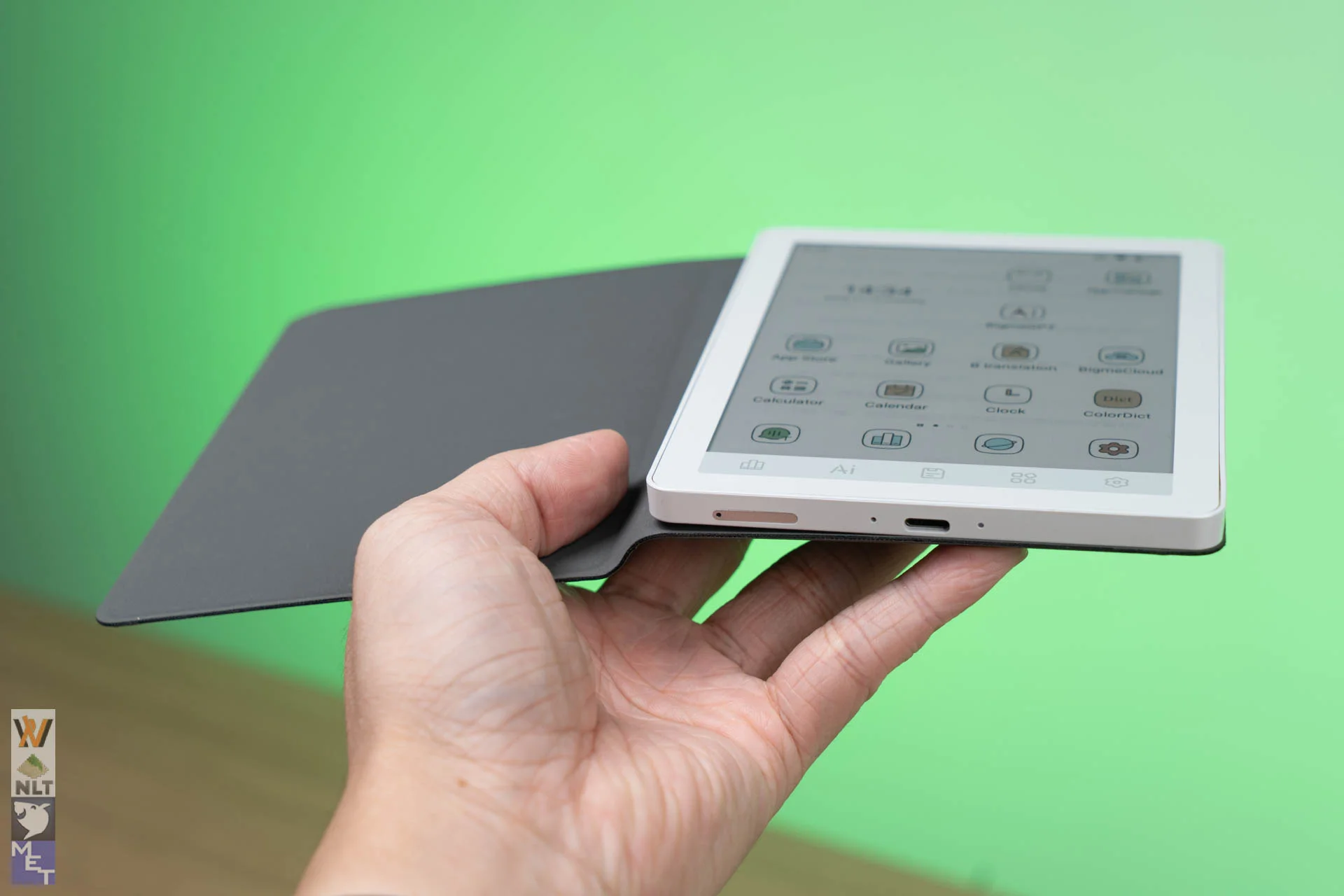
At 6.98 mm thin and weighing just 176 grams, the Bigme B6 Color is thin and light. It nail the primary mandate of a 6-inch e-reader: portability.
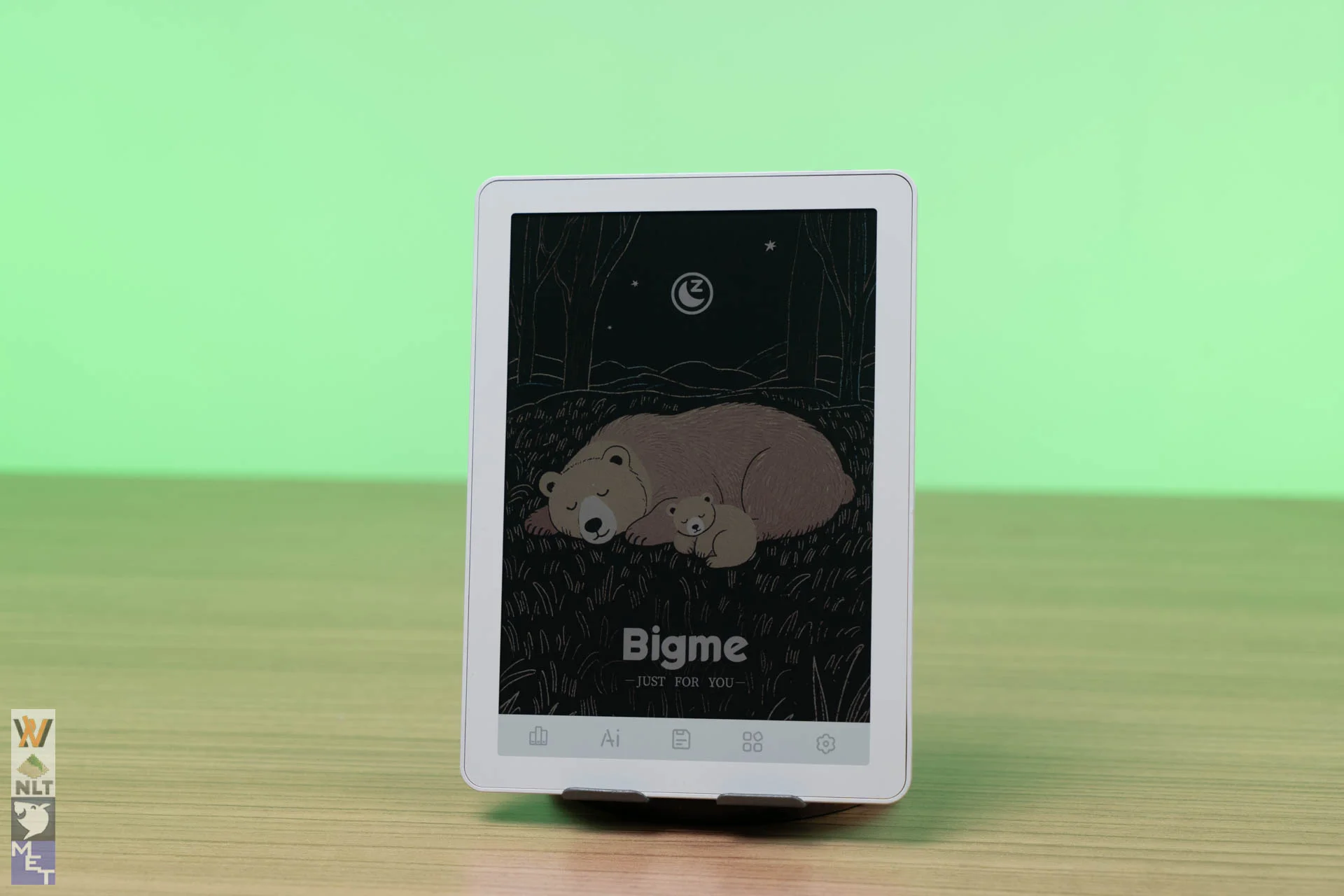
The front face uses a flush-glass design, giving it a sleek modern look without harsh plastic bezels. I would have preferred rounded edges where the front display meets the body, which would be nicer in the hand. Because the device is so small and light, though, it isn’t a real concern.
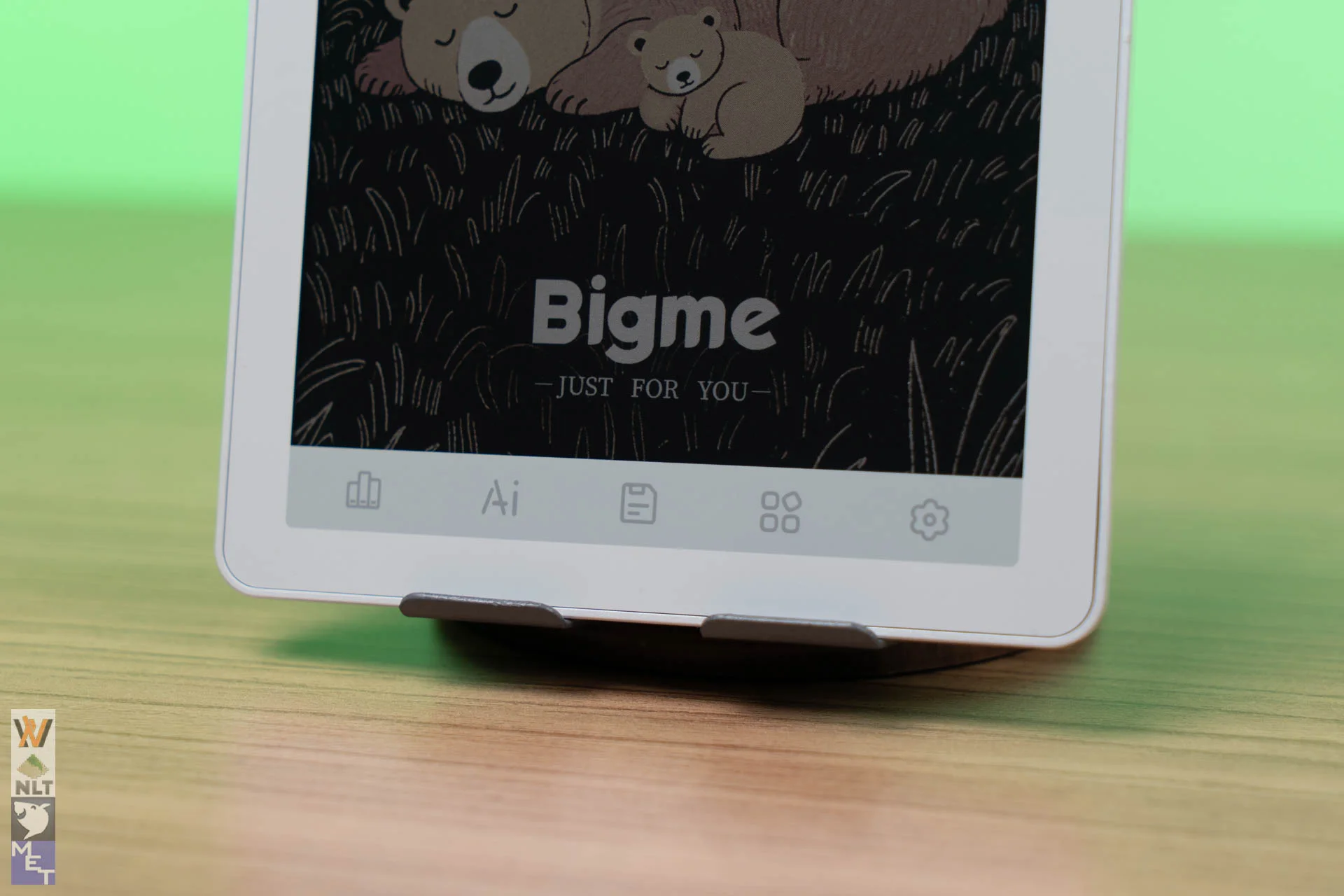
Under the display are five capacitive touch icons for quick access to apps. By default they open Books, BigmeGPT, File Manager, App Center (home) and Settings. You can reassign each one in Settings.
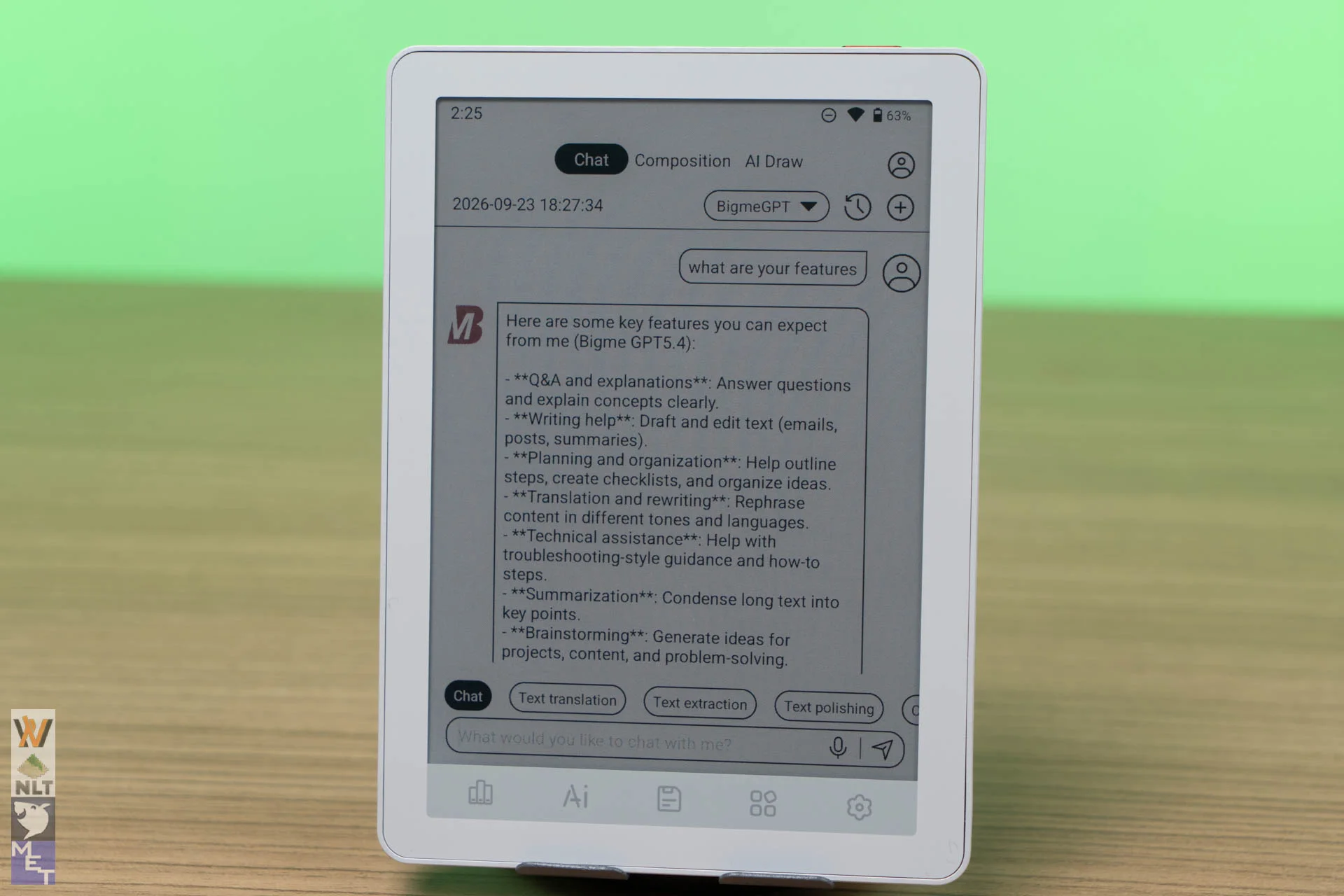
If you don’t care for BigmeGPT, you can make the AI icon launch your web browser instead.
There is one catch. The capacitive icons can interfere with the swipe-up-from-the-bottom gesture used for Android navigation (task manager, home and full refresh, but not back).
Display
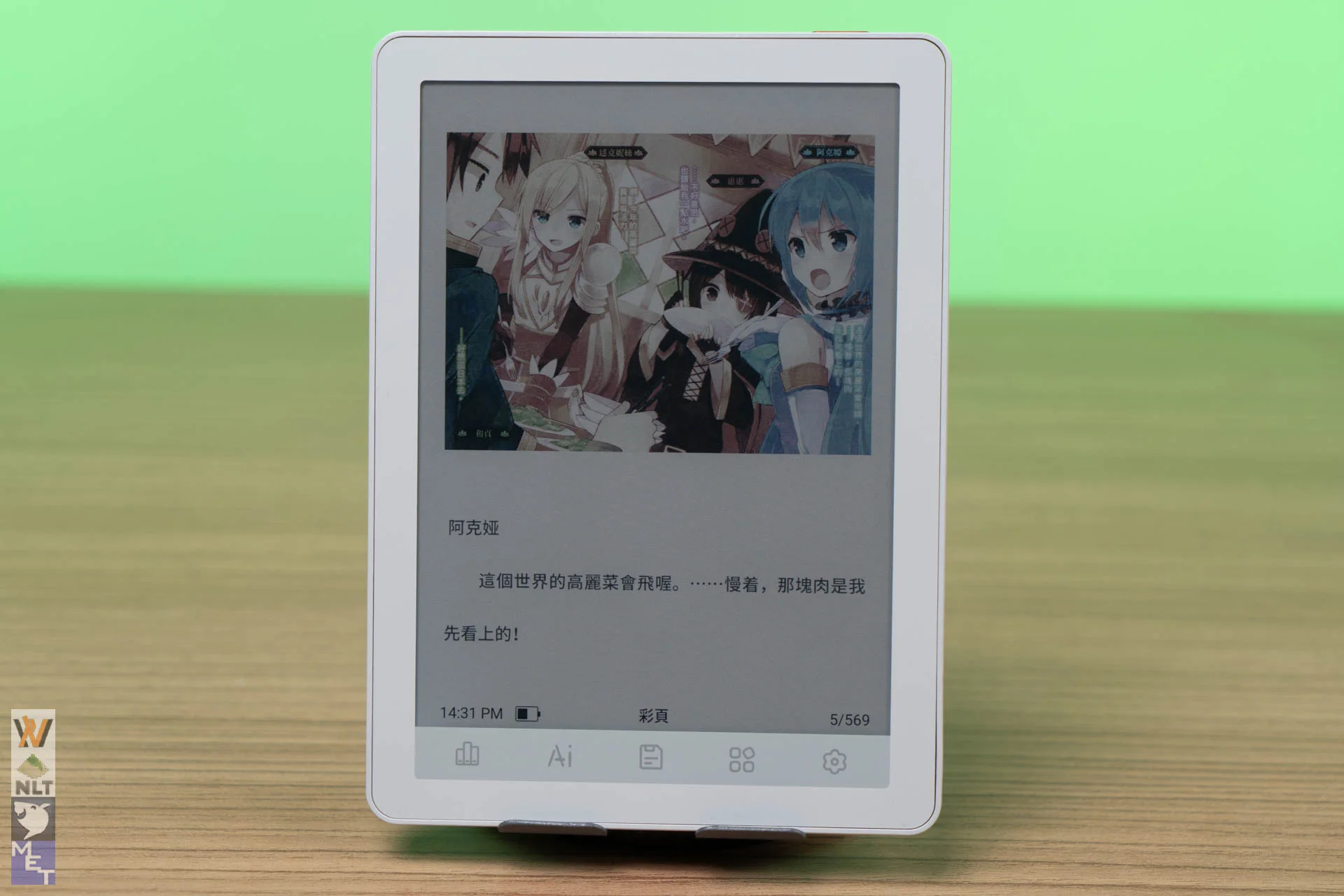
The core highlight of the B6 Color is its 6-inch E-Ink Kaleido 3 panel.
- Text Quality: For black-and-white reading, the panel renders crisp 300 PPI text. Sharp typography and clean contrast make reading e-books enjoyable.
- Color Output: Color content renders at 150 PPI. Like most Kaleido 3 screens, colors are pastel-like rather than saturated LCD/OLED hues. Comic books, webtoons, book covers, and colorful UI elements look pleasant, but lower contrast compared to monochrome panels means you will rely on the front light more often. Remember, this is e-paper colour, not an LCD tablet.
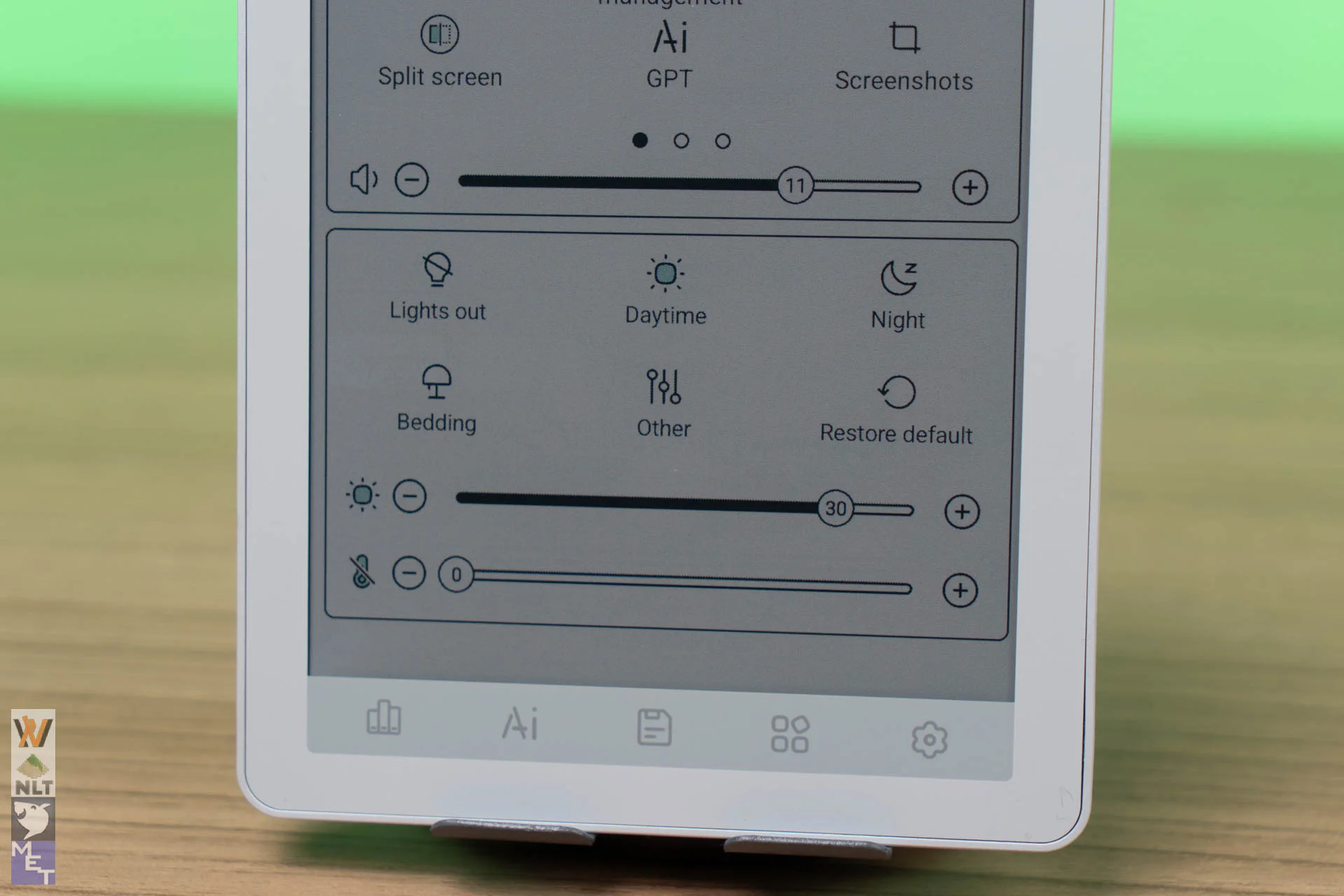
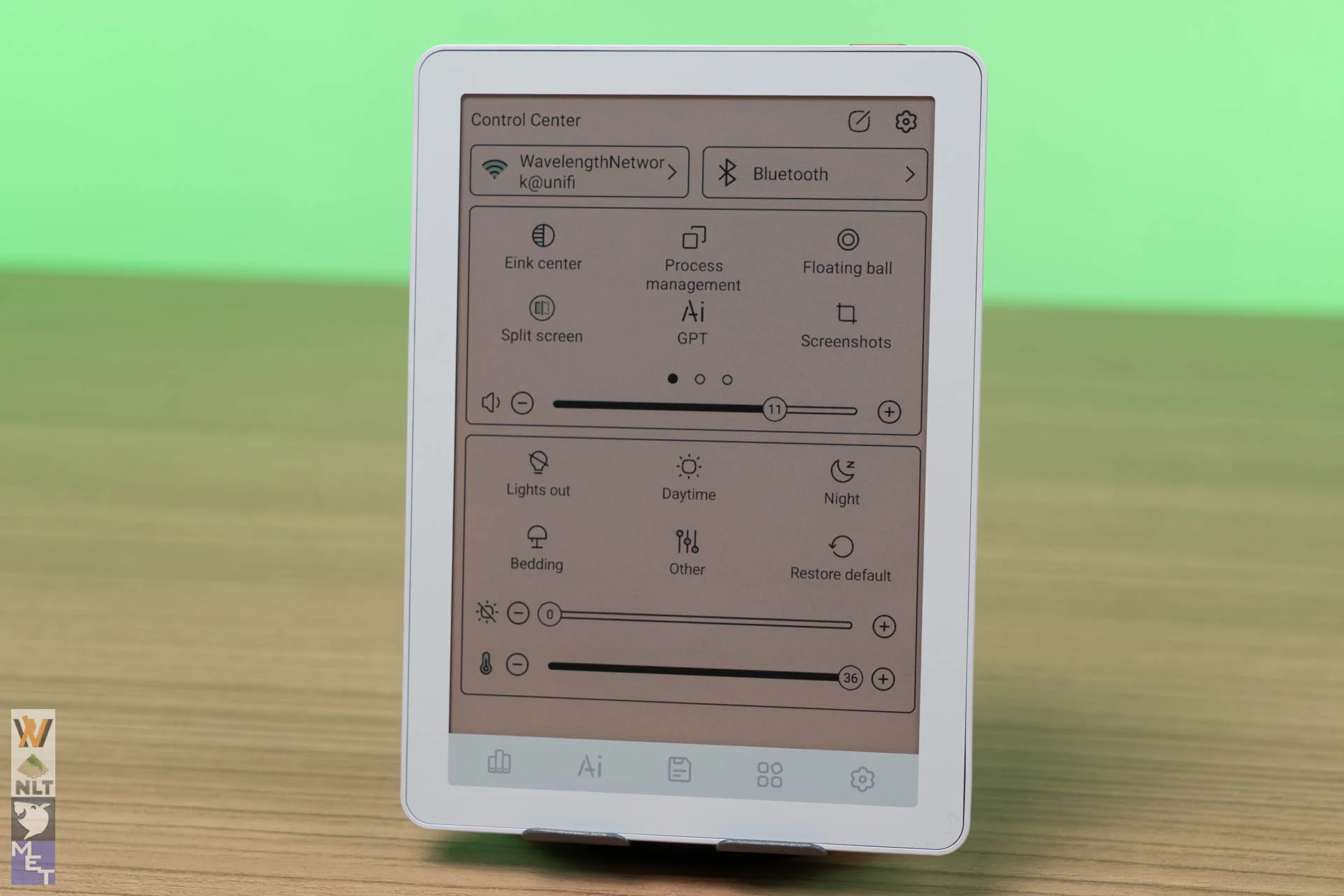
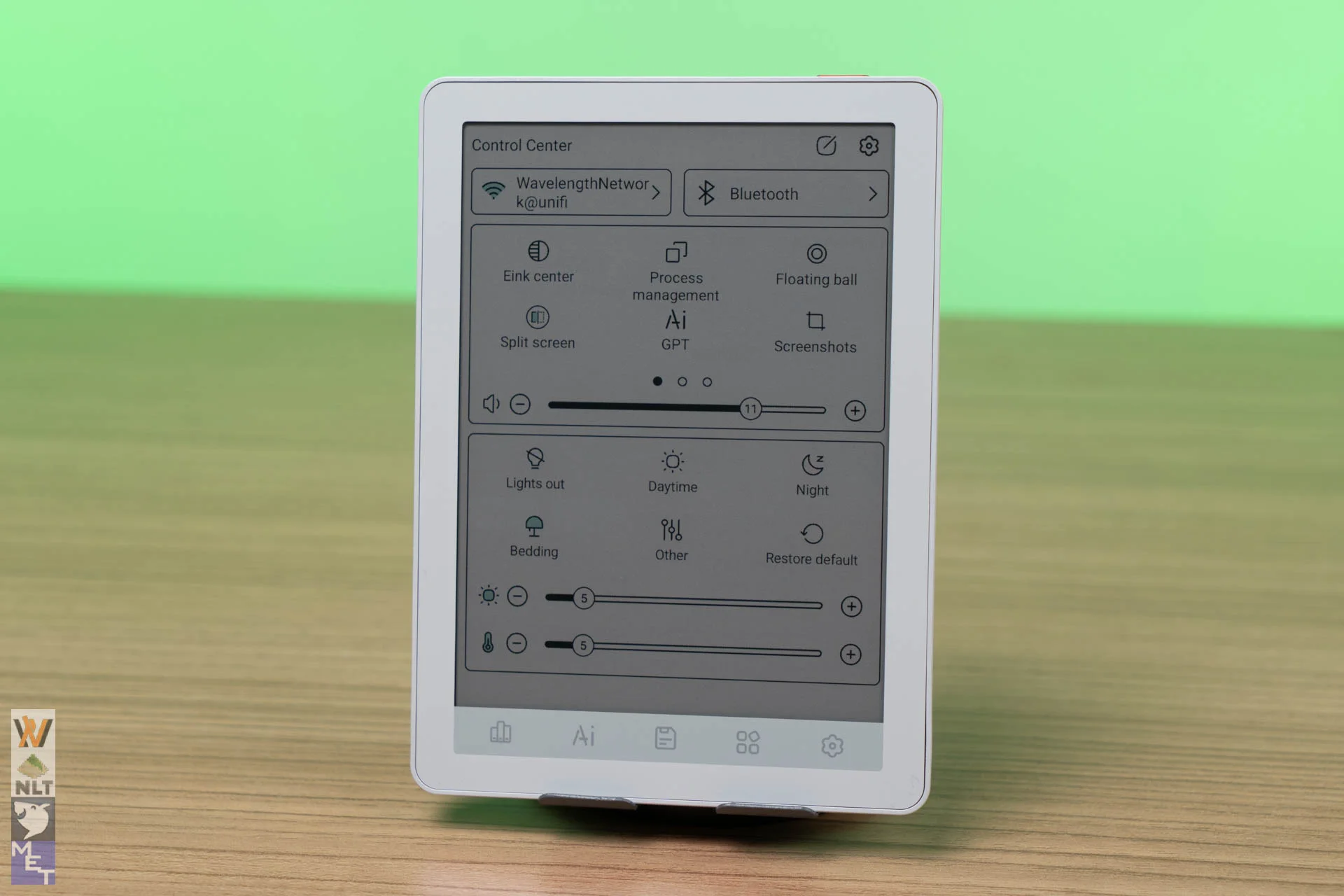
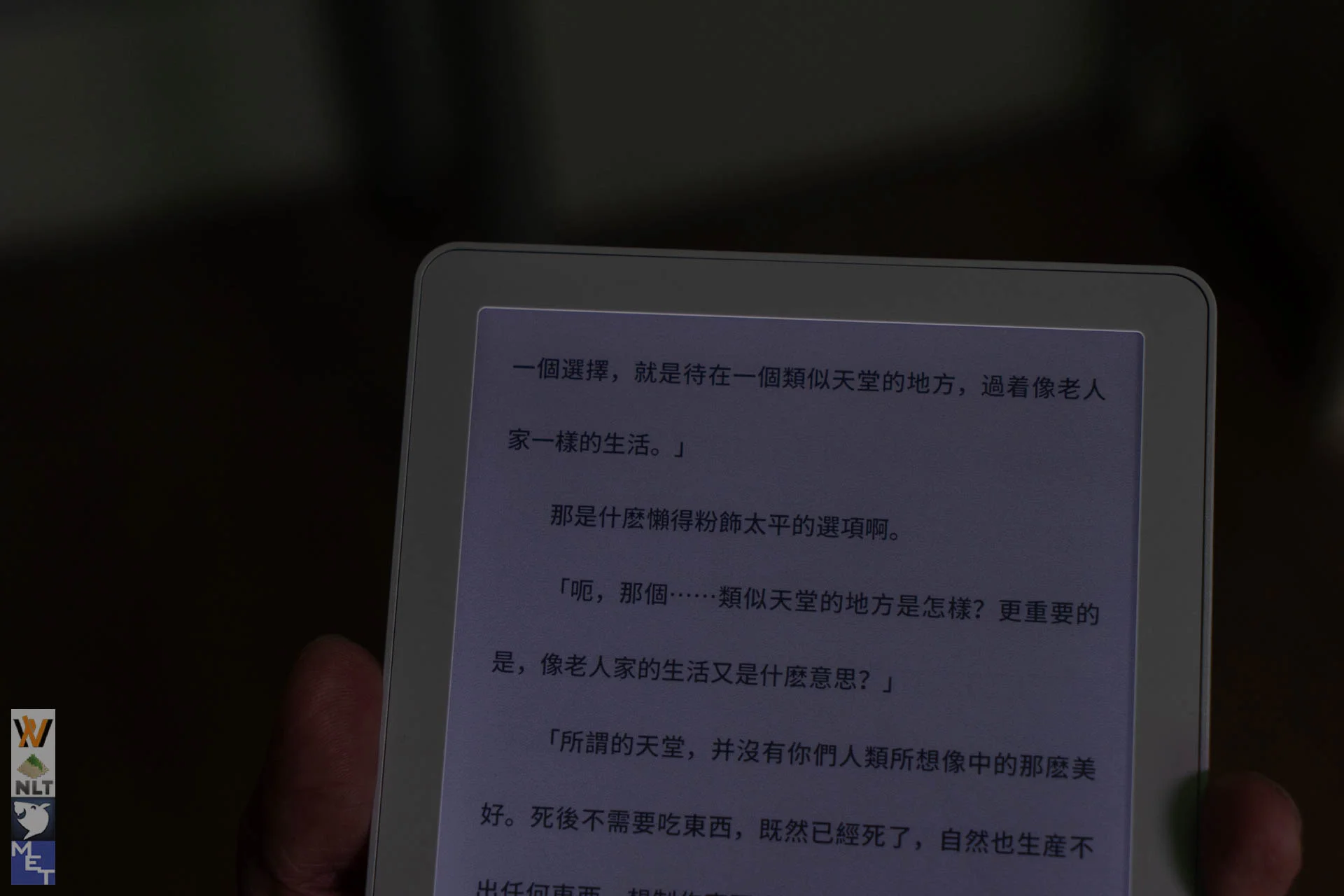
- Front Light: The 36-level dual-tone front light lets you mix warm amber and cool white to find a comfortable setting. The dropdown menu has five backlight presets, and you can customise each one to switch quickly between lighting setups. Though, there are some light leak at the display edges.
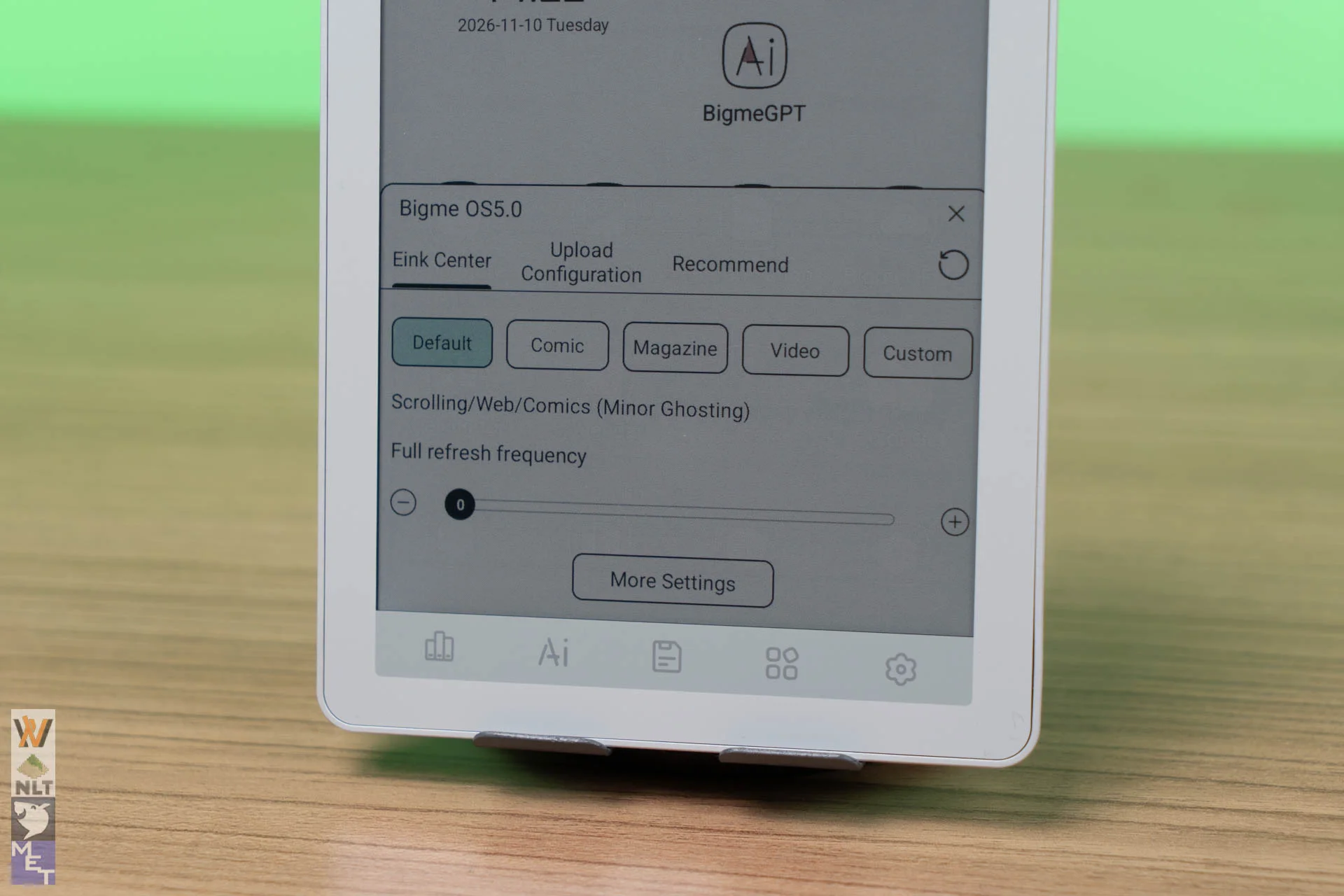
E Ink Center gives you far more control than most e-readers.
- Regal / HD Mode: Ideal for static book reading with maximum sharpness and minimal ghosting.
- Web / Video Modes: Speeds up refresh rates to handle scrolling feeds or light animation with manageable ghosting.
You can change the refresh mode and display effects, and each setting is tied to an individual app. When you switch apps, the B6 Color applies that app’s settings automatically.
Software & Default Reading App
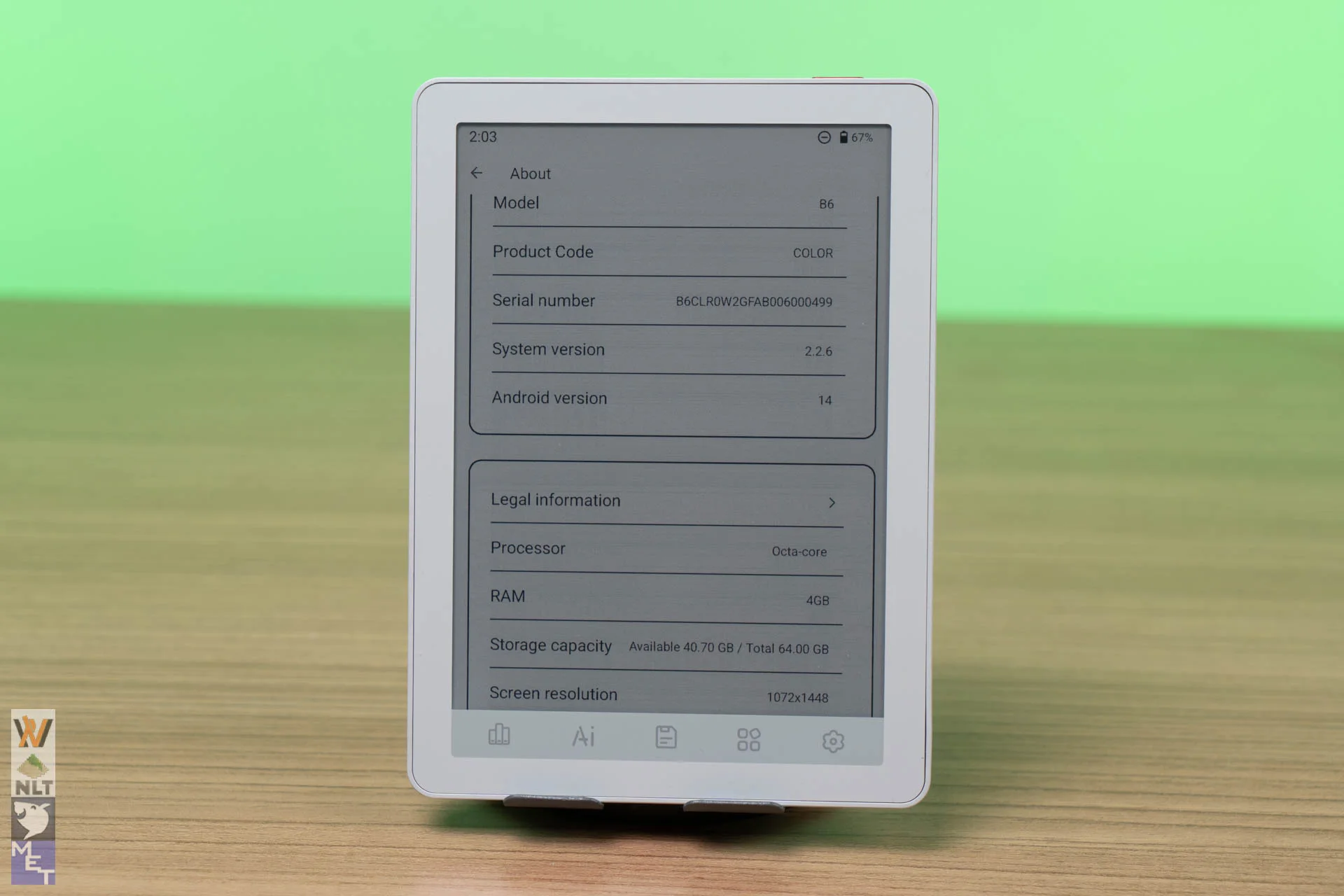
The B6 Color runs Bigme OS on Android 14 with full Google Play Store support.
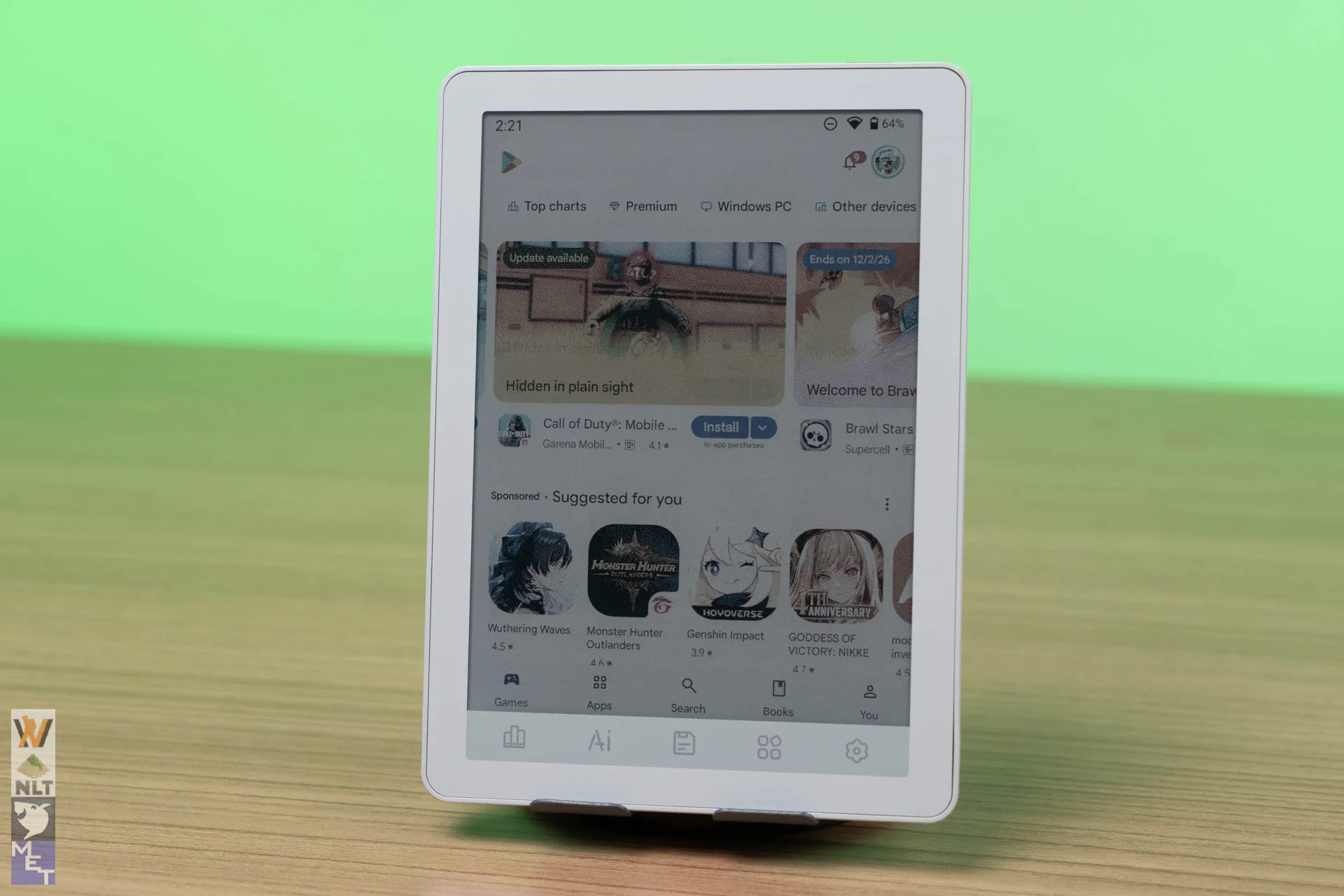
This is where the B6 Color shines. You aren’t restricted to a single bookstore. You can install Kindle, Kobo, Libby, Moon+ Reader, KOReader, or news readers side by side on the same device.
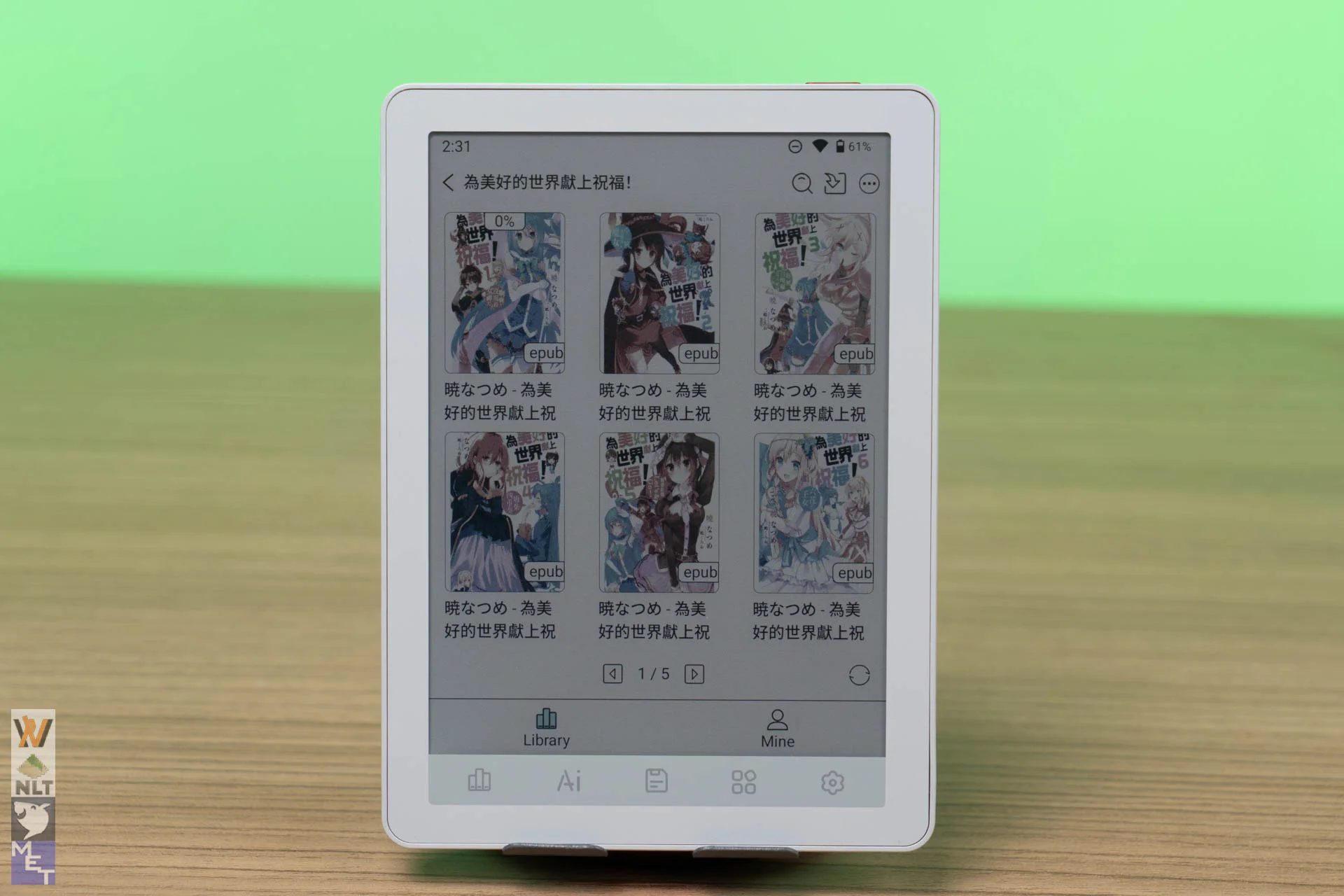
The built-in Bigme BookShelf app feels unfinished. The only organisation tool is folders. Search has no filters, and sorting and display styles are limited.
What I really don’t understand is why BookShelf shows the file name instead of the title from the book’s metadata. I manage my library in Calibre, and Calibre exports my Chinese books with pinyin file names instead of Chinese characters. I know this could be some sort of misconfiguration on my Calibre. However, it doesn’t change the fact that the BookShelf ignores the metadata.
In a mixed library, that makes things chaotic. I tried other bookshelf apps and they clearly knows how to prioritize the metadata over the file name, but the experience was subpar, and some force ads on you. I stayed with BookShelf and manually renamed my files to Chinese.
Hardware and Performance
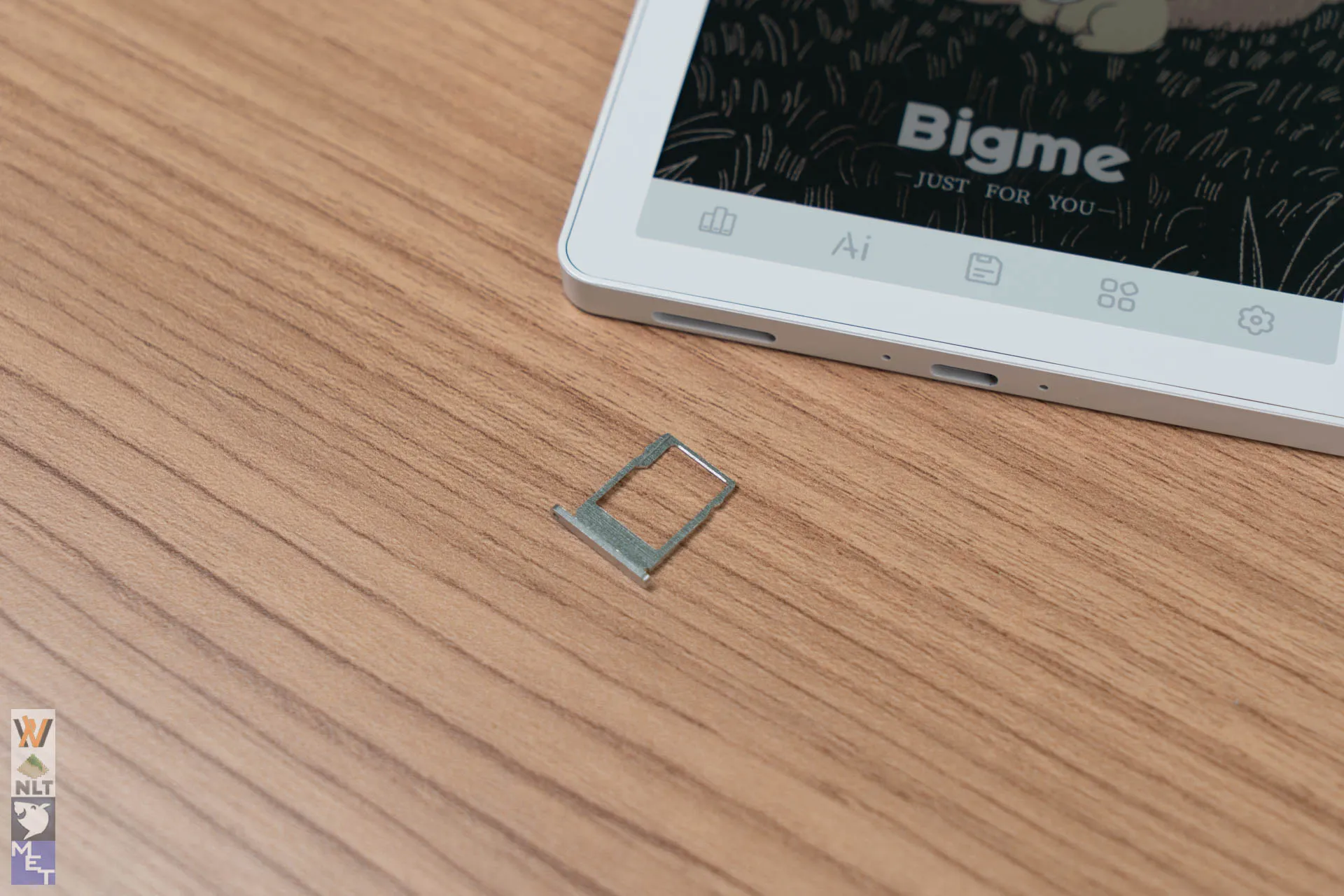
Unlike typical budget e-readers stuck with limited RAM and restricted storage, Bigme equips the B6 Color with an Octa-Core chipset, 4GB of RAM, 64GB of onboard storage and up to 1TB of microSD expansion. Navigating Android 14 is responsive for an E Ink device, and app launching feels prompt.
There’s also a mono speaker. It isn’t meant for music, but it works for audiobooks. It won’t be loud, though it’s fine in a quiet room. For anything else, pair Bluetooth earphones for that TTS ASMR.
Battery Life
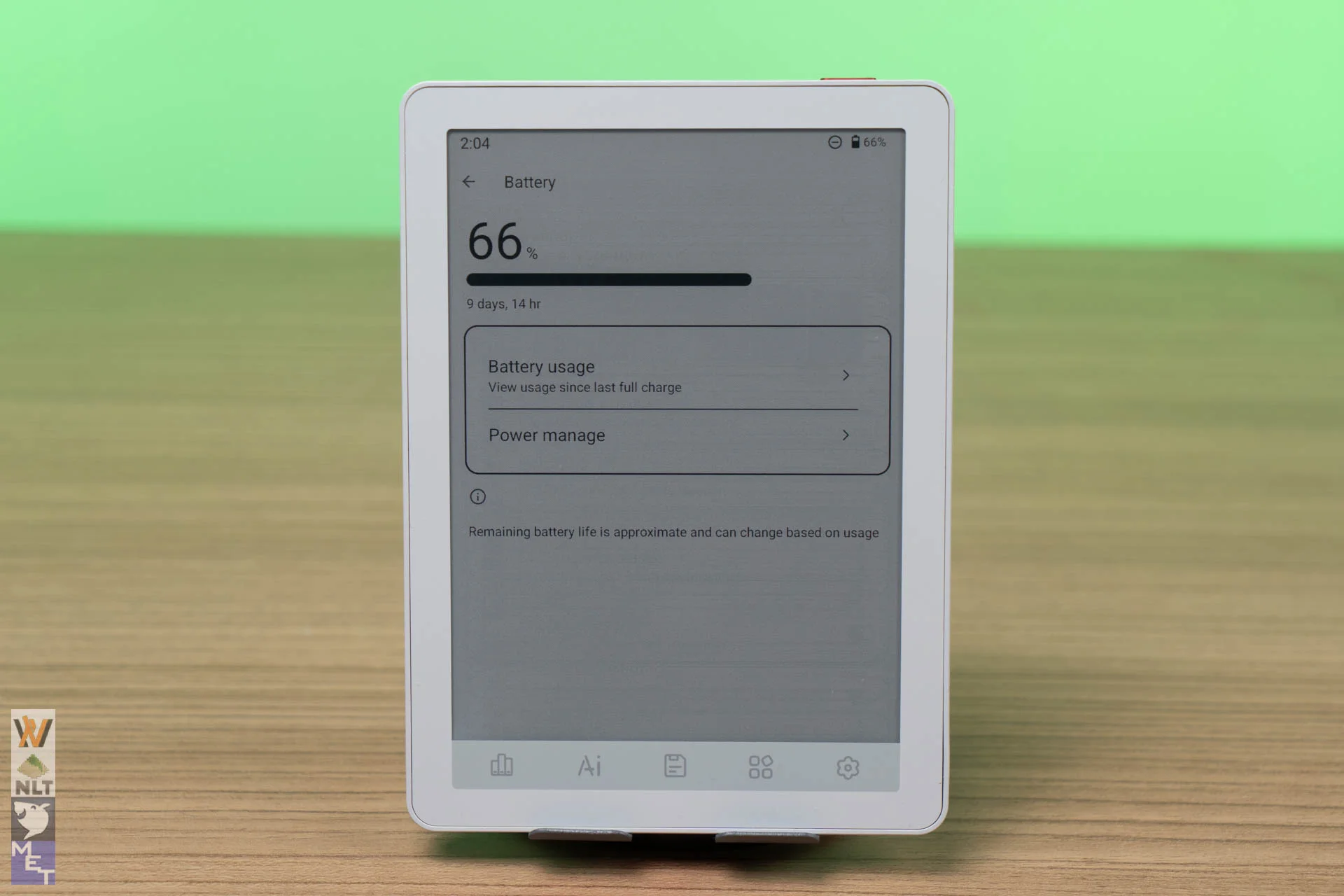
The 2,100mAh battery is fine for a couple of days of reading, depending on your display settings, Wi-Fi use and the apps you run. The power manager is comprehensive (it can switch Wi-Fi and Bluetooth off during sleep, for example), but I still find standby time lacking. Compared with a Kindle, expect the B6 Color to drain faster while idle, which I assume comes down to Android.
Verdict
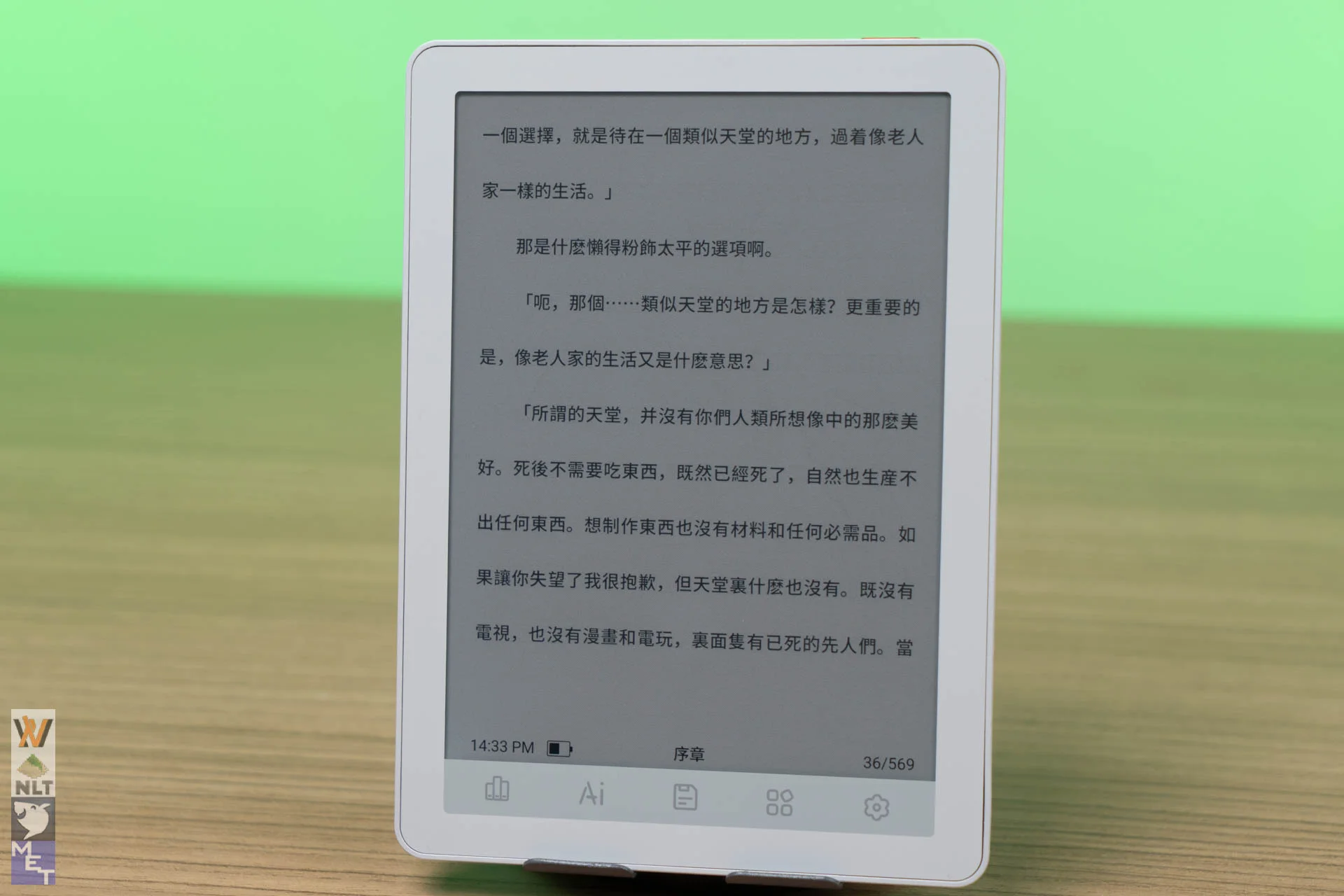
The Bigme B6 Color is one of the most versatile 6-inch e-readers around, thanks to Android. The 300/150 PPI Kaleido 3 display is a pleasure to read on, whether it’s a novel or a coloured comic. It fulfils a specific niche for readers who want color comics, open app access, and pocket portability without compromise.
Pros:
- Thin (6.98mm) and lightweight (176g) build.
- Crisp 300 PPI black-and-white text with Kaleido 3 color.
- 36-level warm and cool adjustable front light.
- per-app display settings.
- Android 14 with full Play Store support.
- Generous specs 4GB RAM + 64GB storage with microSD expansion up to 1TB.
Cons:
- BookShelf is basic and ignores metadata titles
- Capacitive icons can clash with gesture navigation
- Battery drains faster when running third-party Android background apps compared to closed OS readers.
Where to buy: (Affiliate links)
- Amazon US: https://link.amazon/B05MlLtfz
- Shopee: https://invl.me/clo94i0
- Lazada: https://invl.me/clo94hw
The post Bigme B6 Color Review: A Pocket-Sized Android 14 E-Reader That Does It All appeared first on Nasi Lemak Tech.