
Hostinger is one of the premium web hosting services that does more than just web hosting. They have back-end server management, VPS, all of that – and they also introduced a brand new service called the AI Builder. This is where we can just conjure up a fully functional site from a few short sentences, whilst deeply integrated with Hostinger’s services. Here’s what we conjured up in less than 30 minutes.
I implore you to watch the video as we go through the entire process from start to finish, including testing the payment system and adding more items to the inventory.
This article is sponsored by Hostinger.
What is Hostinger AI Builder?
Hostinger offers a few ways to build a website, while the AI Builder is a new avenue to make website creation even more accessible. In the simplest form, the AI Builder is practically vibe-coding an entire website.
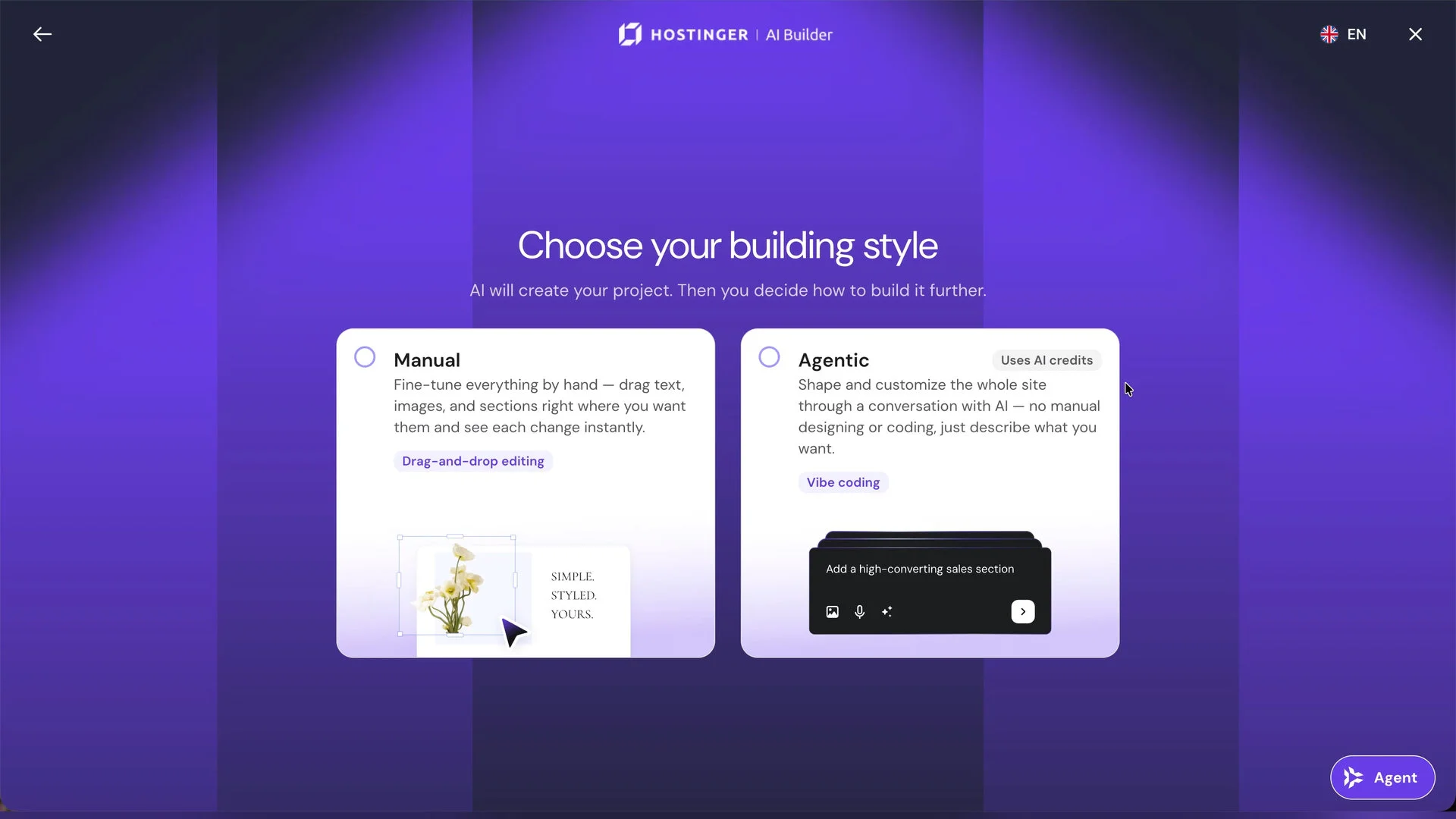
We can select manual or agentic mode, but I have to admit – I am not really good at website backend stuff even though we are running this entire website. So, we just selected agentic mdoe – and off we go.
The AI Builder is super powerful
Here, the presentation is as straightforward as it can be. We have a text box to type our prompt in. For me, I am using this prompt:
I am NL Tech from YouTube (https://www.youtube.com/@NasiLemakTech). I have a lot of old inventory of stuff for sale. The products are barely used since they’re just sent in for review; then we just pack them back up when we’re done. It’s basically open-box condition only. I need a website to sell all of these items. I want the website to be simple: just list the items as images in a grid format, with the title and some description visible from the main page alongside the price.
Prompt we used for Hostinger.
One side of the website should show the latest 10 videos from the YouTube channel, available in both dark mode and light mode with a toggle switch.
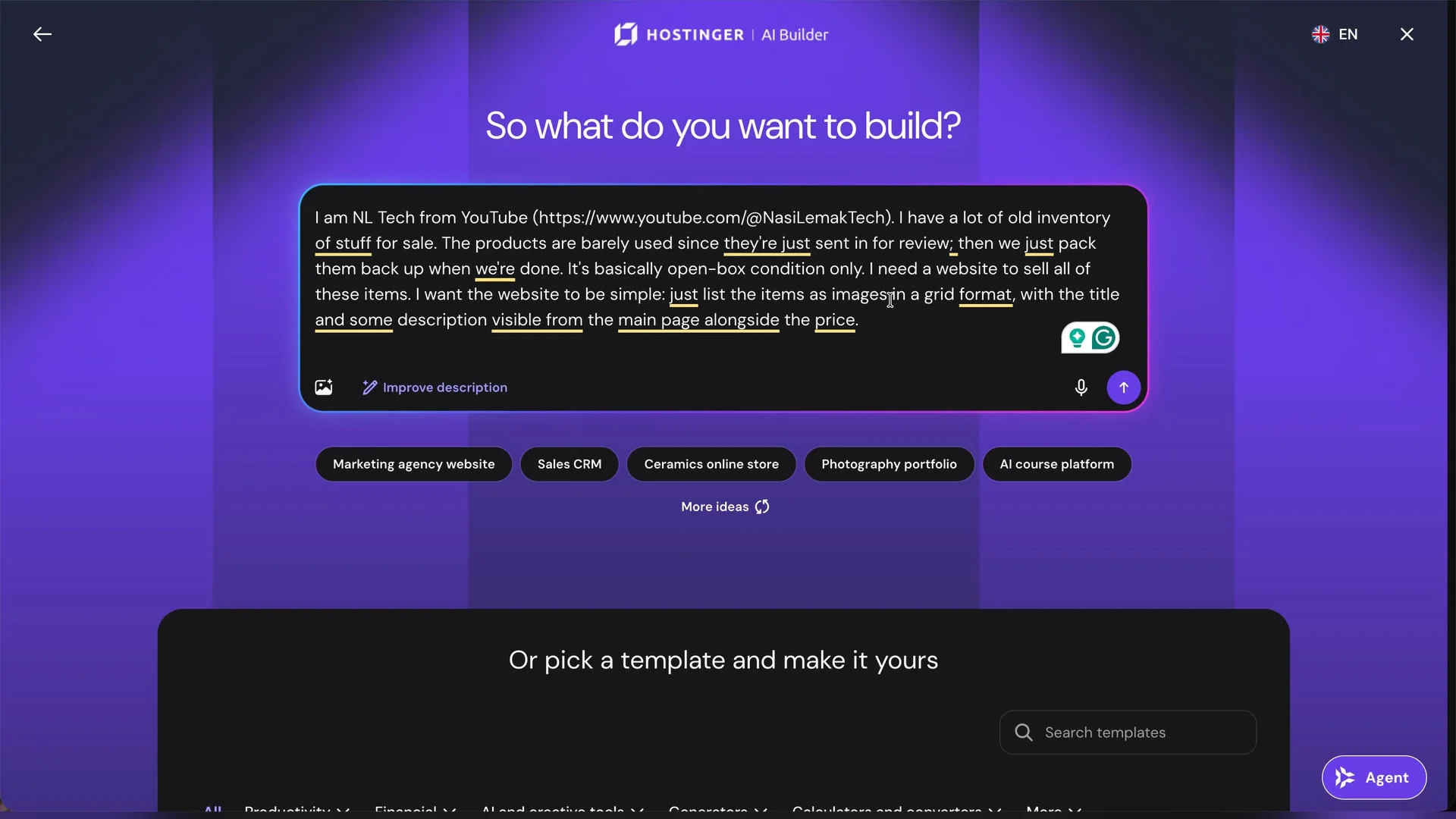
Then, we have a button here that automatically refines our prompt. I’m not particularly sure why it’s there – but okay. It’s using AI to refine out prompt so that the AI Builder can understand better.
We can also go and upload a sketch or even a screenshot as an example of how the website should look.
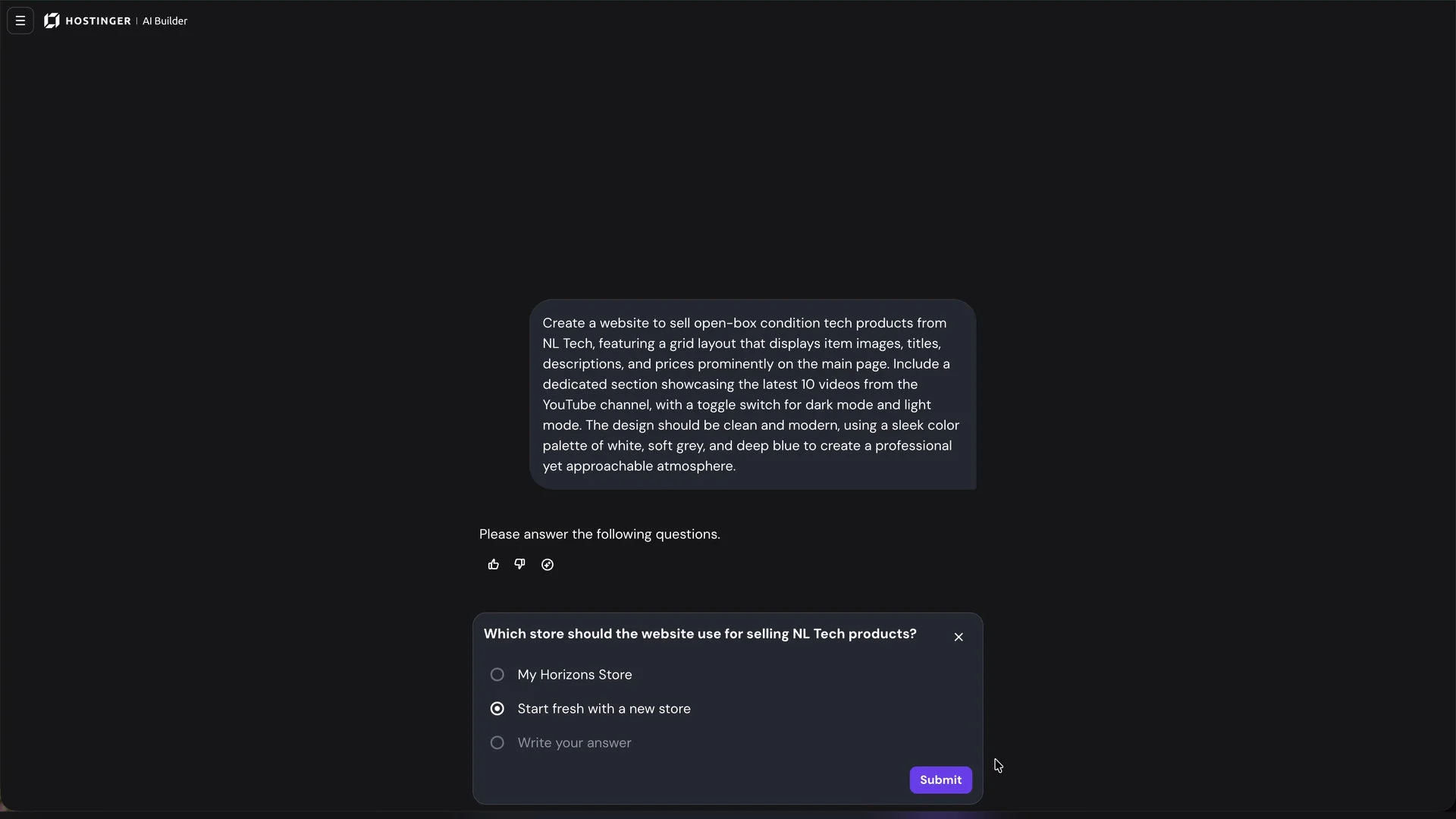
As we hit “send”, we’ll have to be patient and wait for it to do its thing. It will ask us some questions back as a form of clarification – which I appreciate – and it’s back to waiting after that. During our demonstration, the AI Builder did get stuck for about a good 7 minutes or so, and we just hit it with the classic “refresh” and that seemed to fix it.
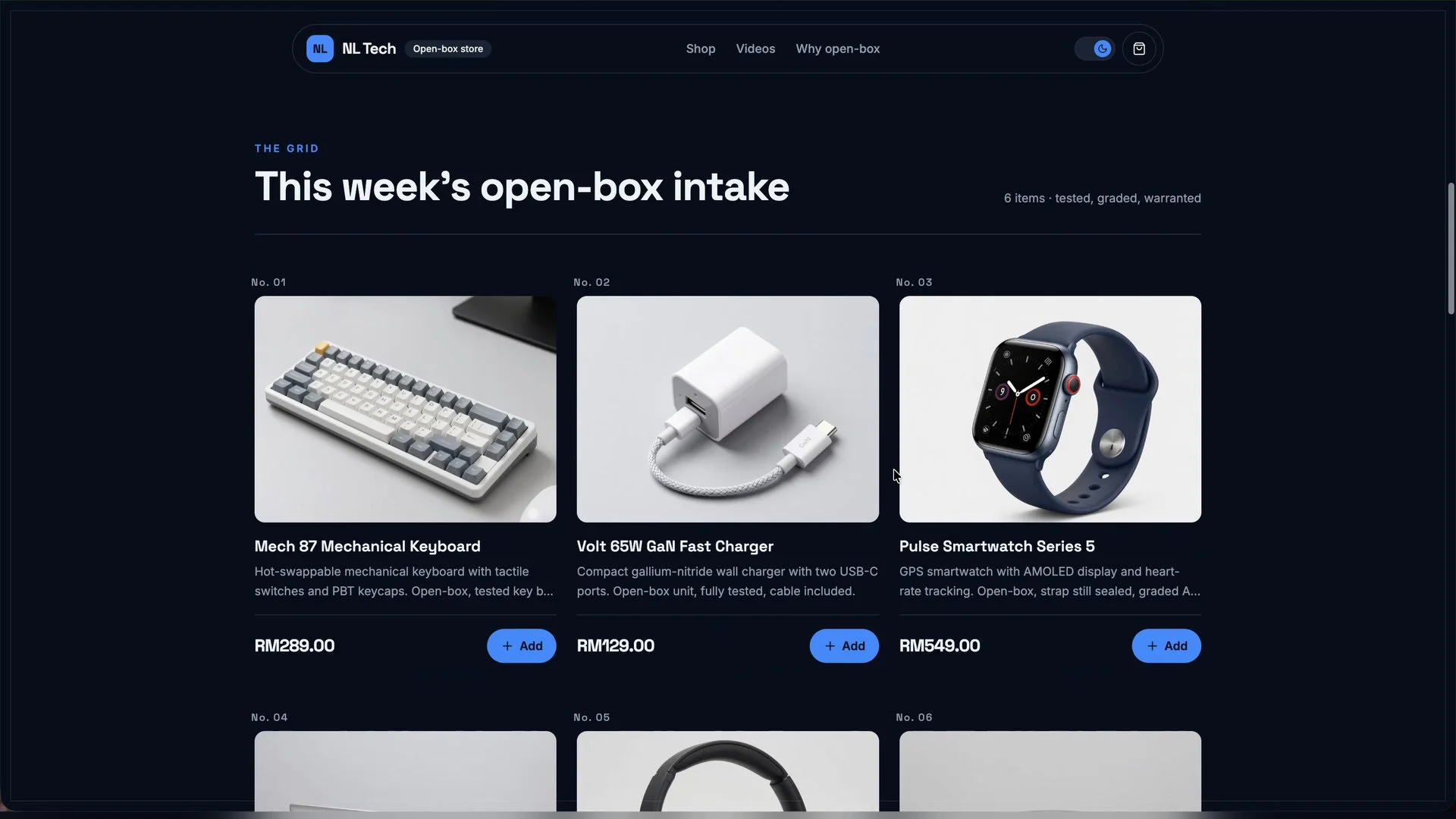
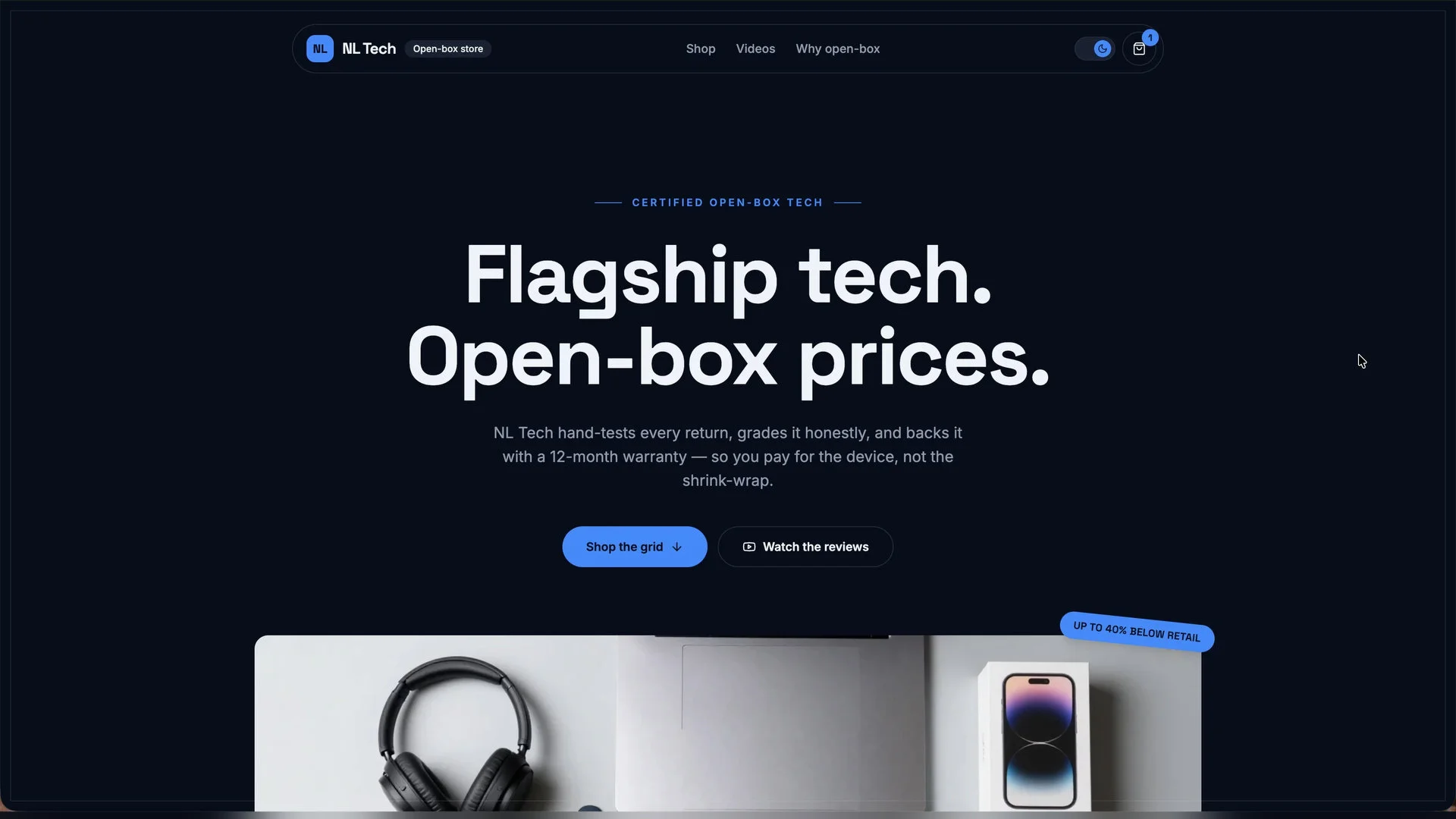
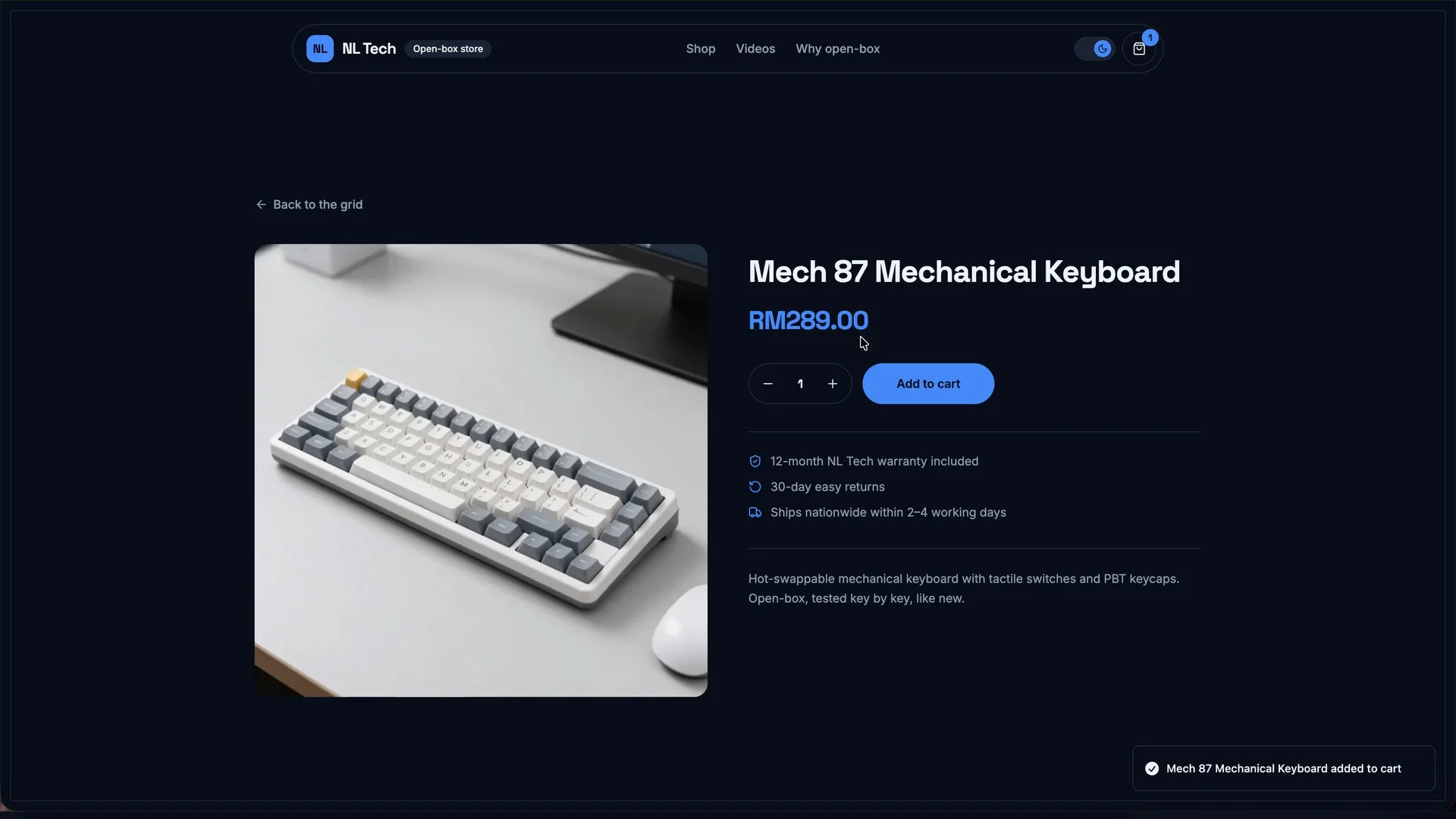
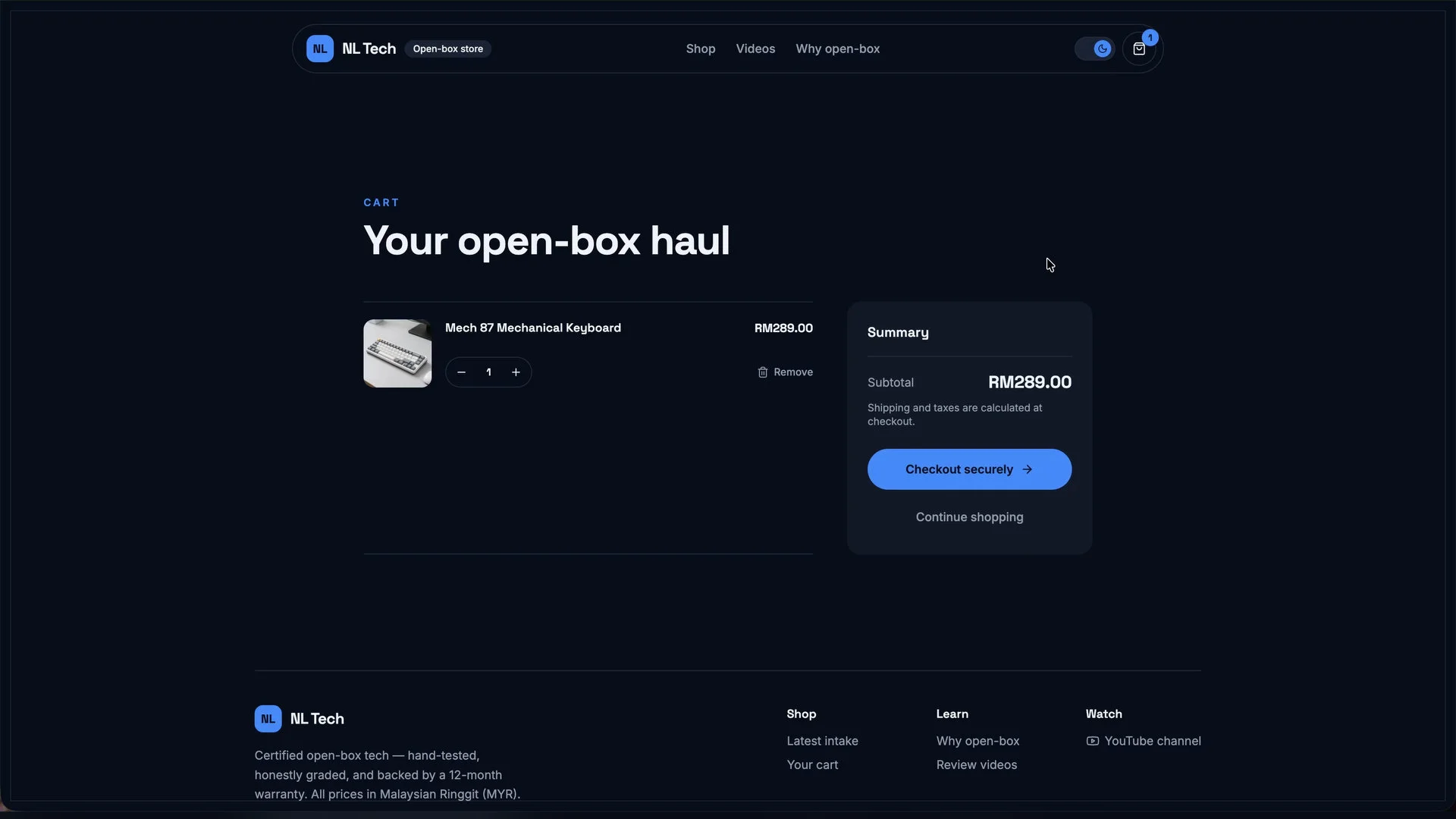
After about 24 minutes and 57 seconds – accounting for the time that the AI Builder seemed to be stuck, we’re presented with a fully-functional website with example images populated everywhere. There are even listings for items alongside some descriptions and prices too!
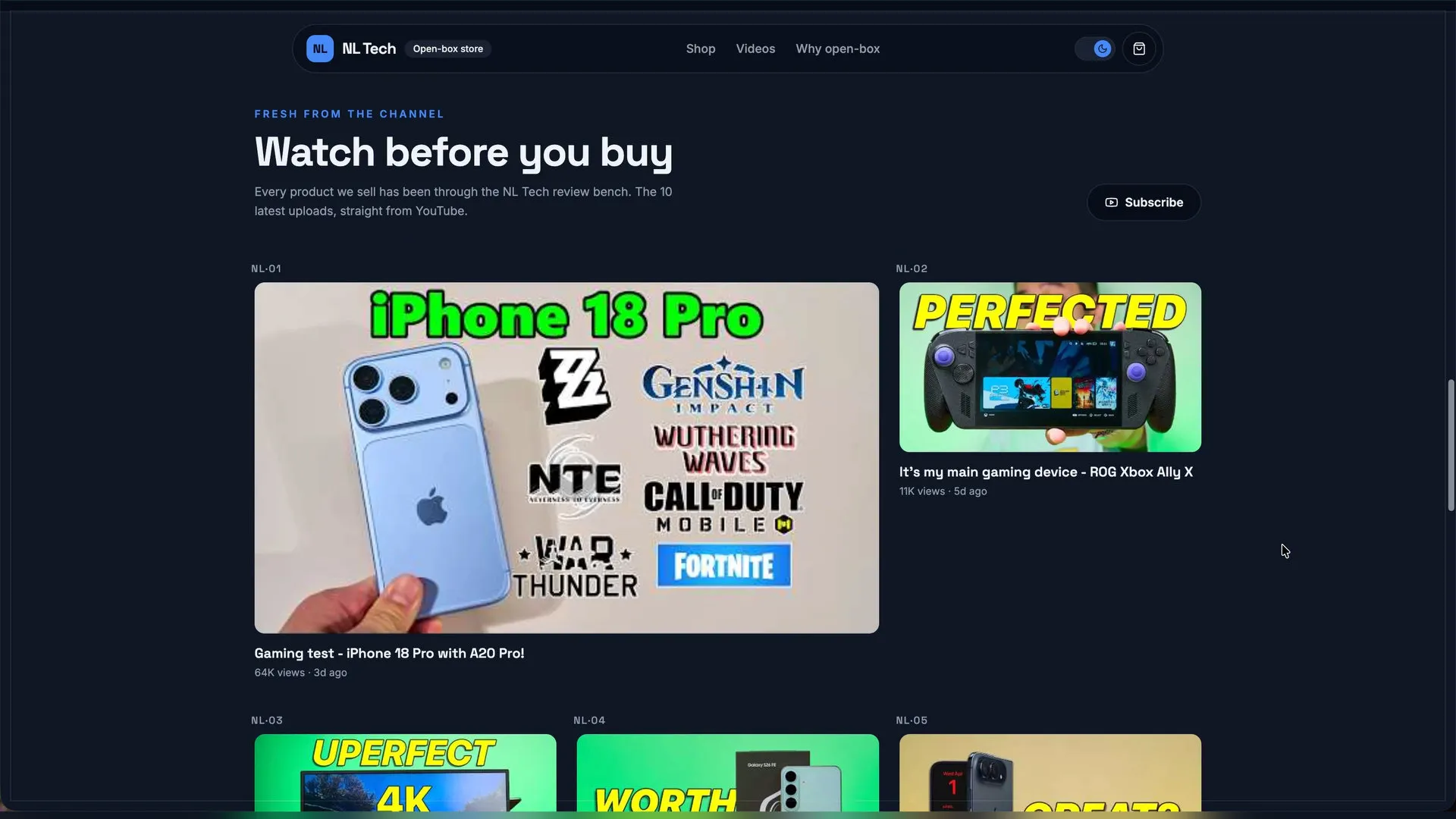
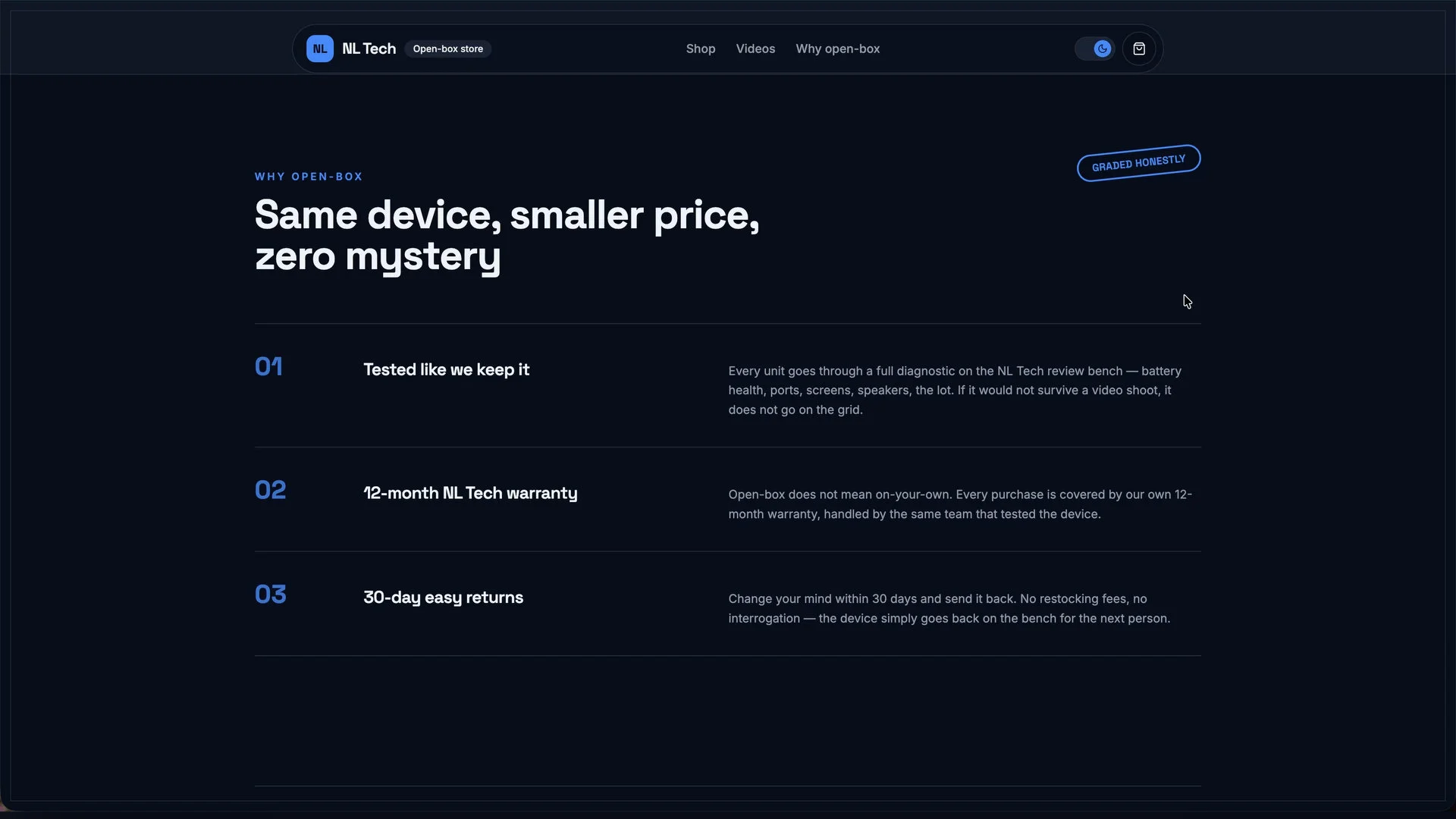
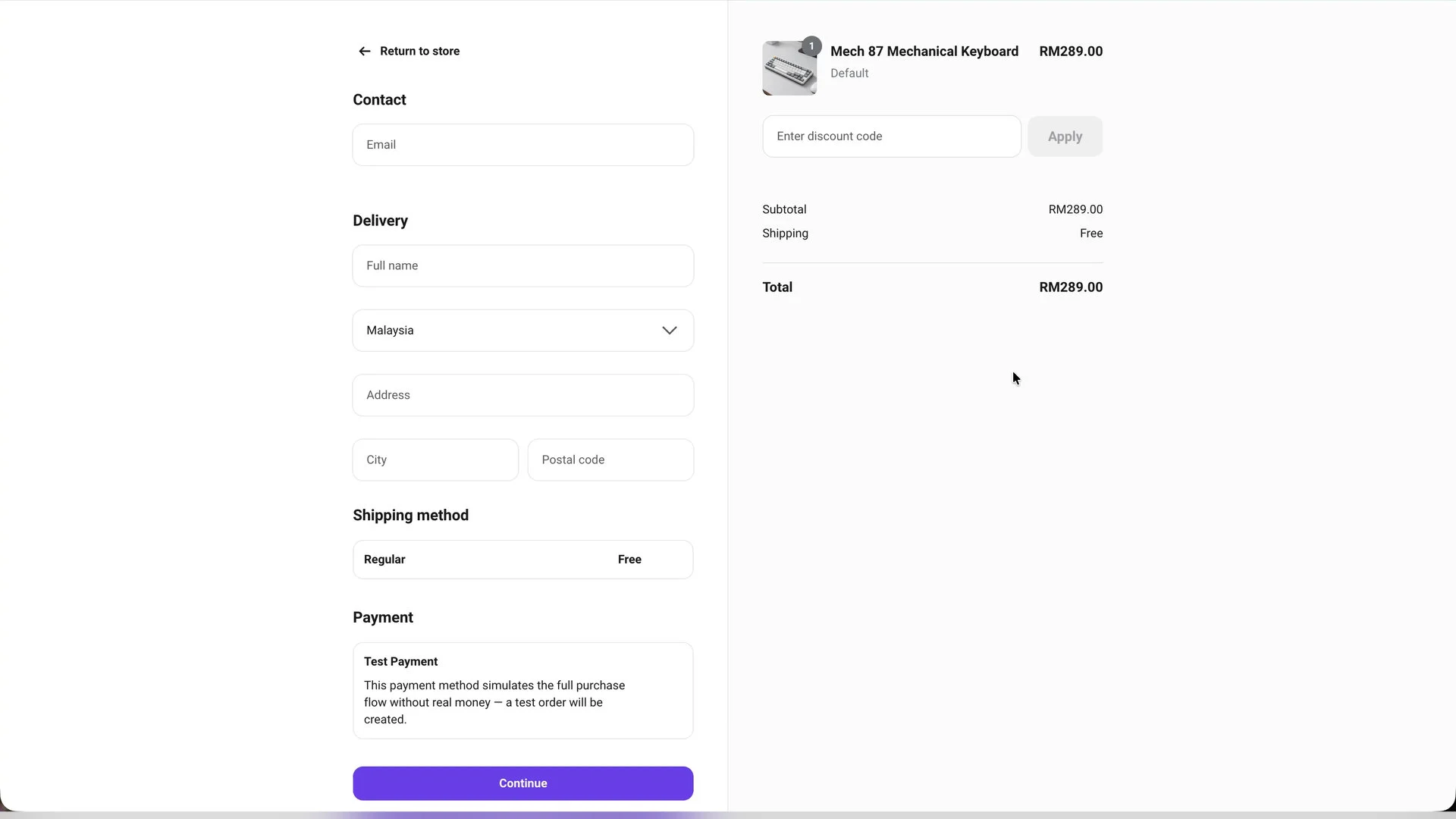
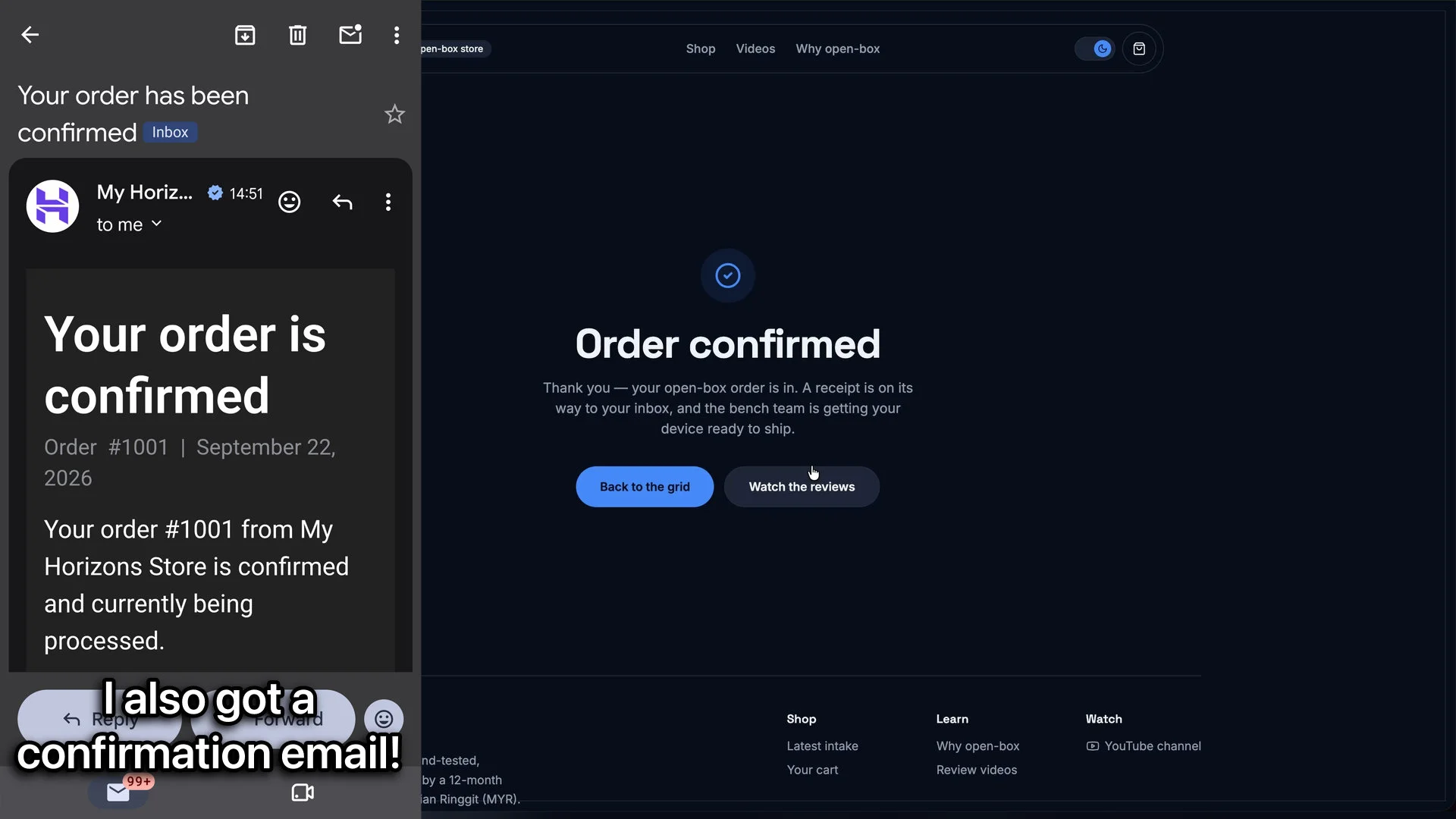
We tried the checkout method and that is also fully handled by Hostinger. Since the website isn’t live yet, Hostinger switched over to a test payment system to demonstrate how it functions. Surprisingly, it’s super easy and will also send us a confirmation email when the payment is made.
Inventory management
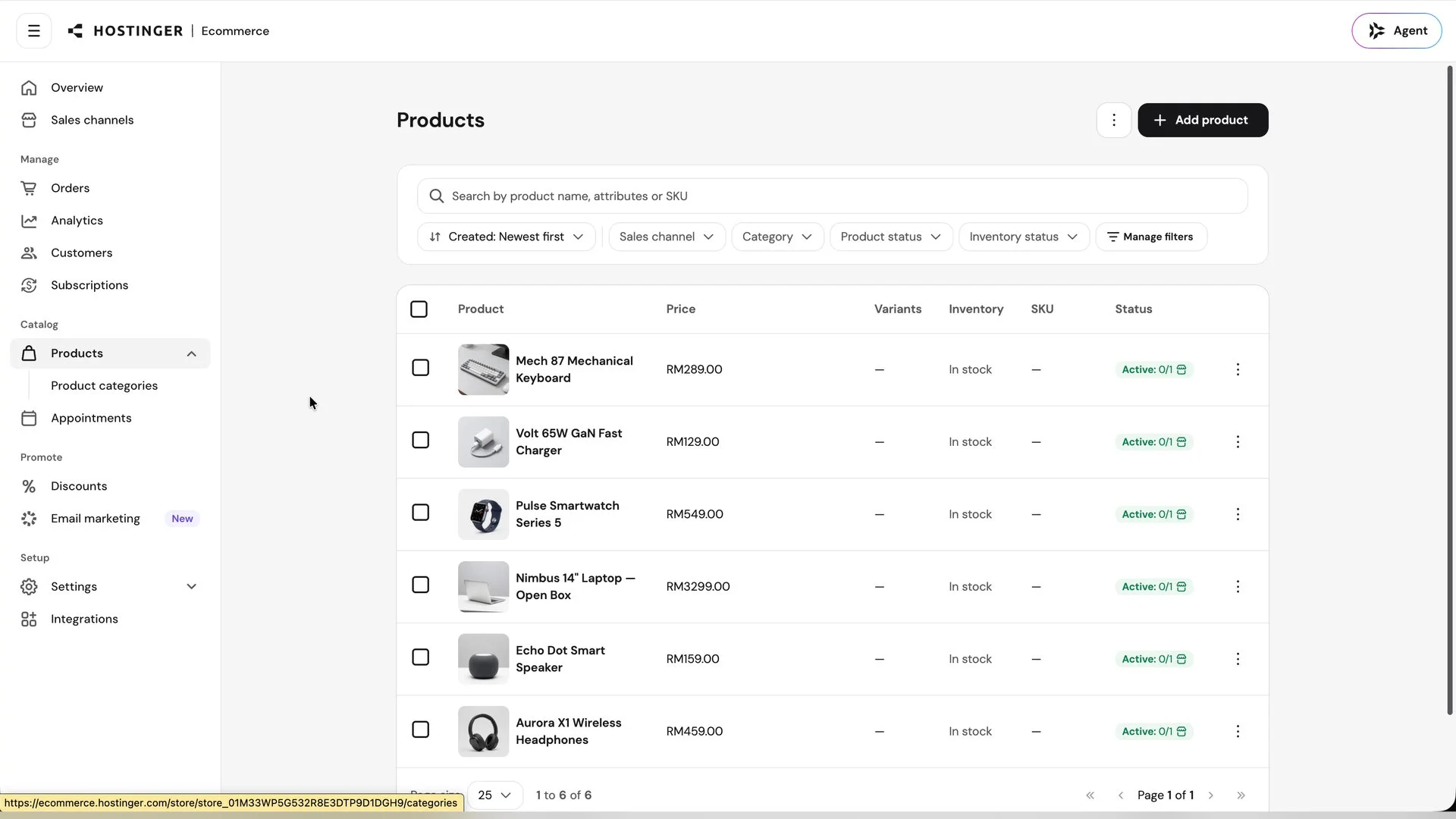
Since we’ve prompted the AI Builder to make something like an e-commerce site, inventory management is a huge deal. That is also handled by Hostinger’s backend too. We can head into the Ecommerce site to check out the dashboard and make further adjustments, see the analytics, earnings, customer orders, all of that stuff.
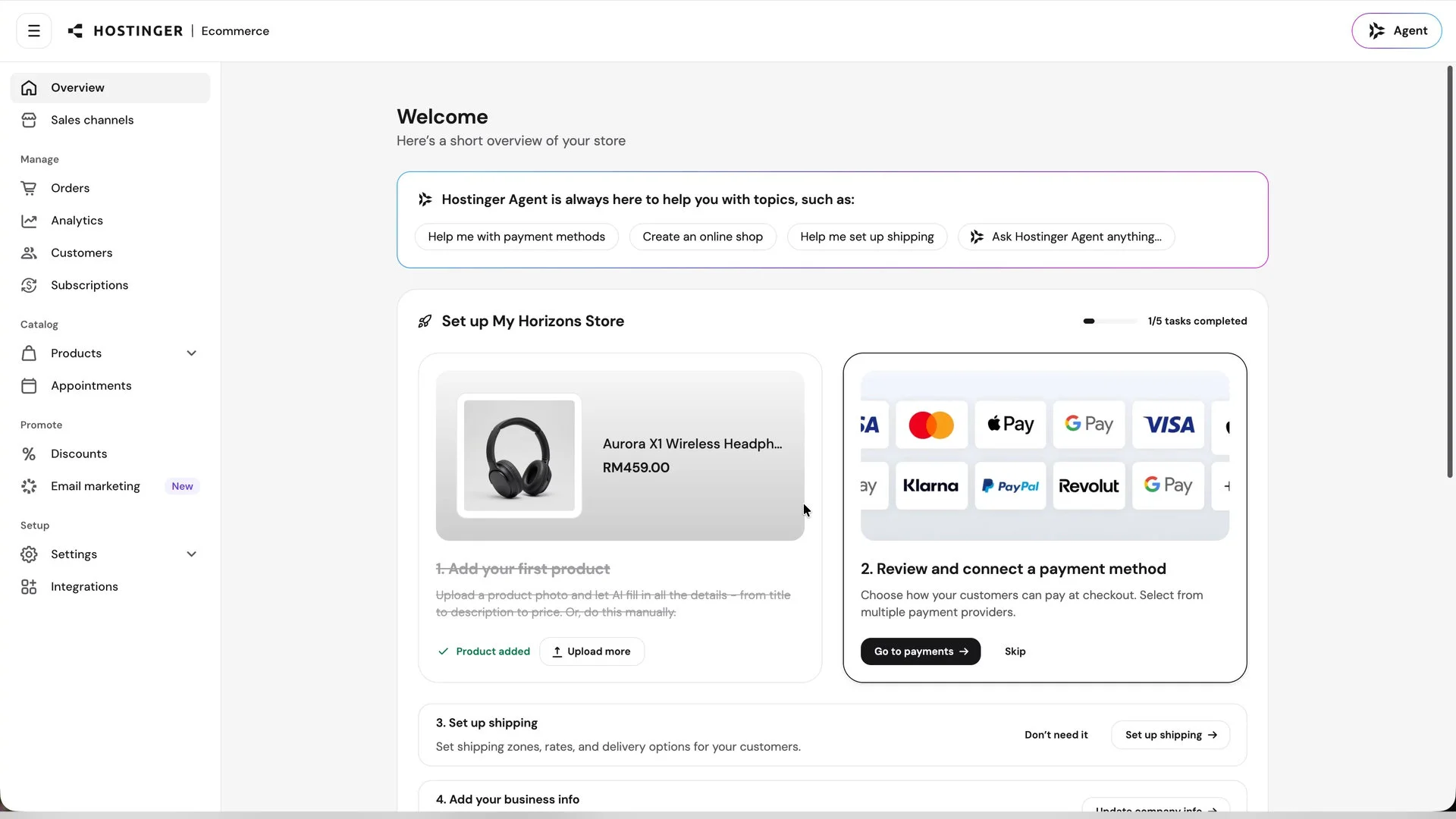
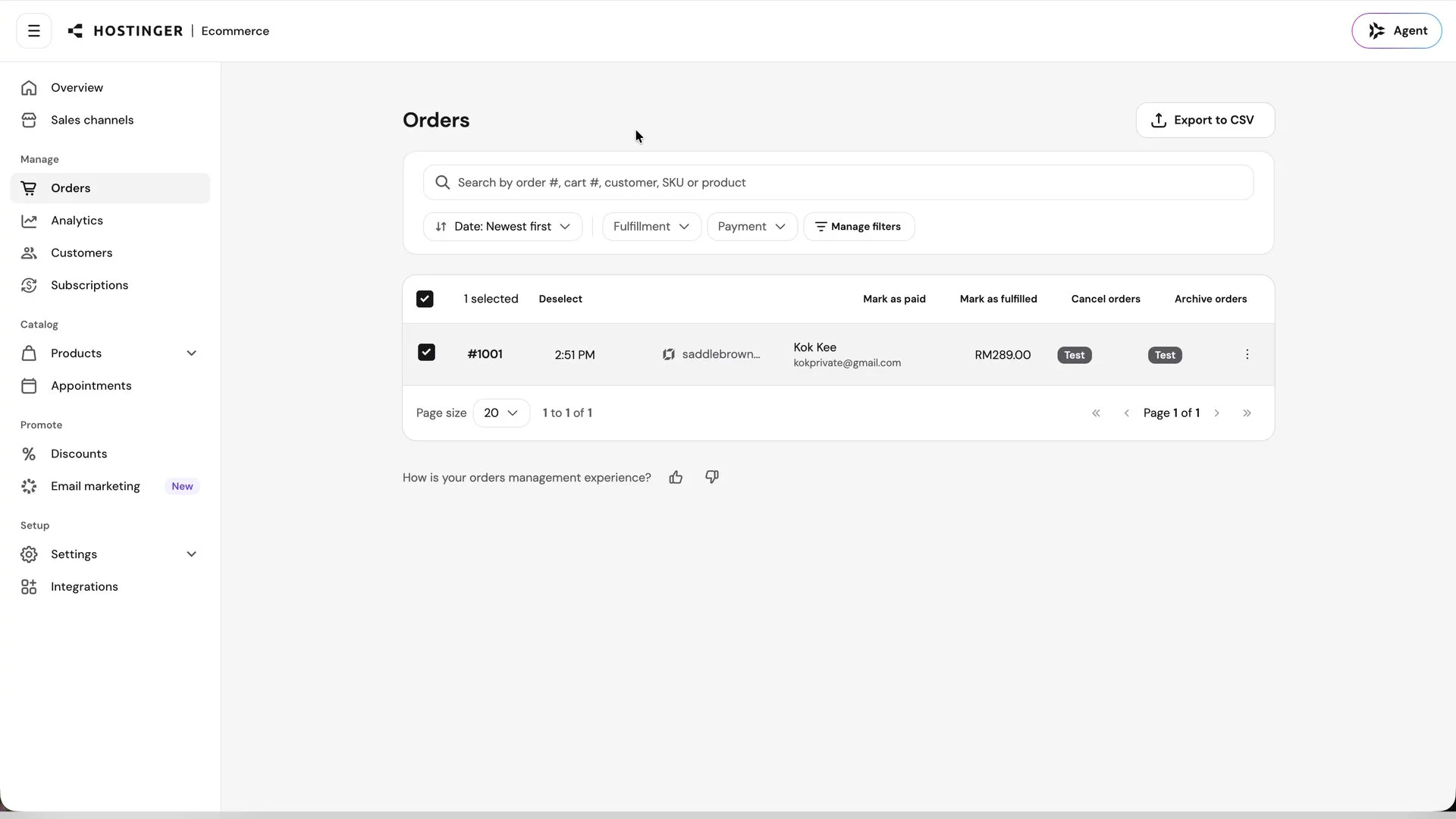
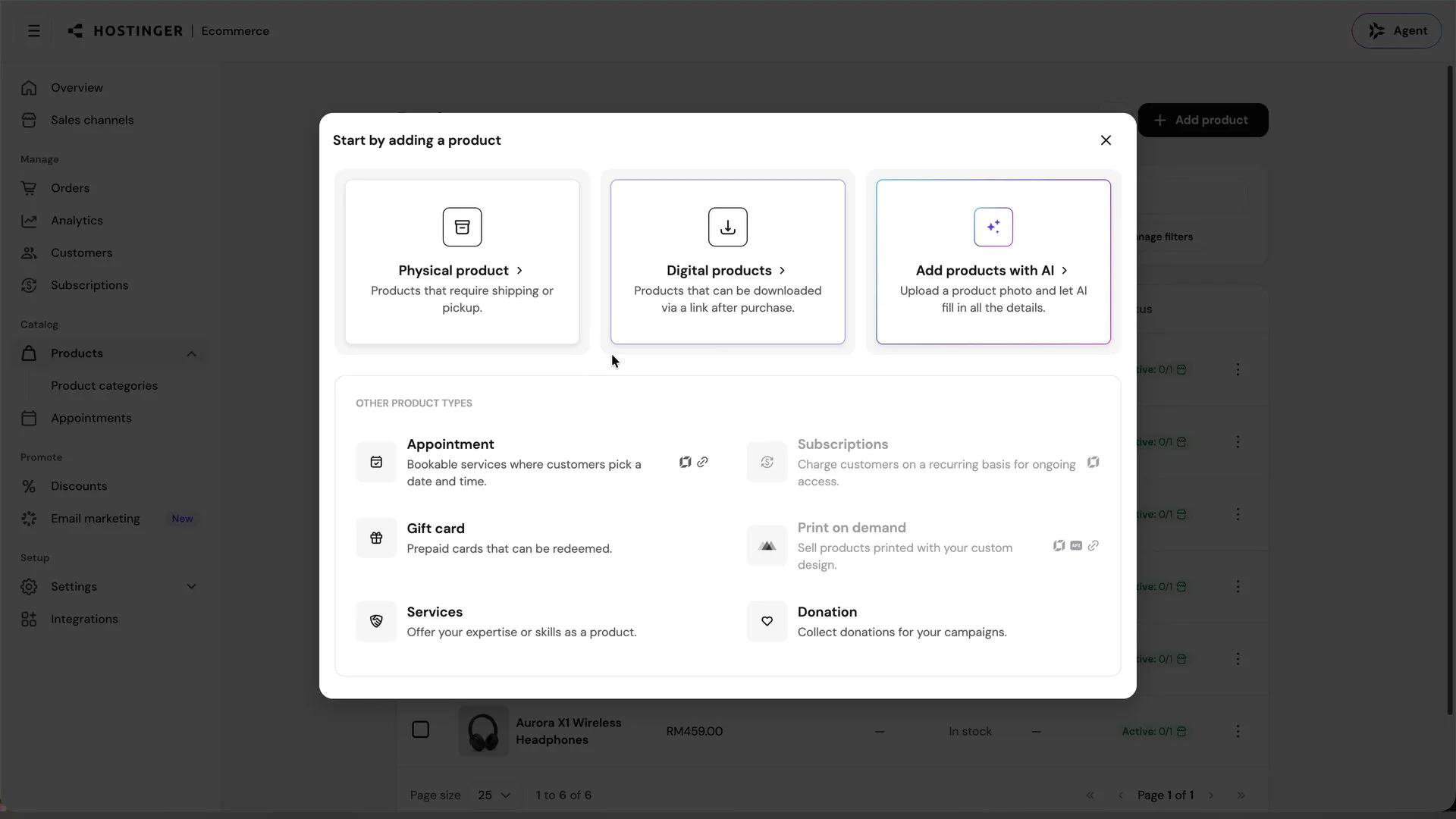
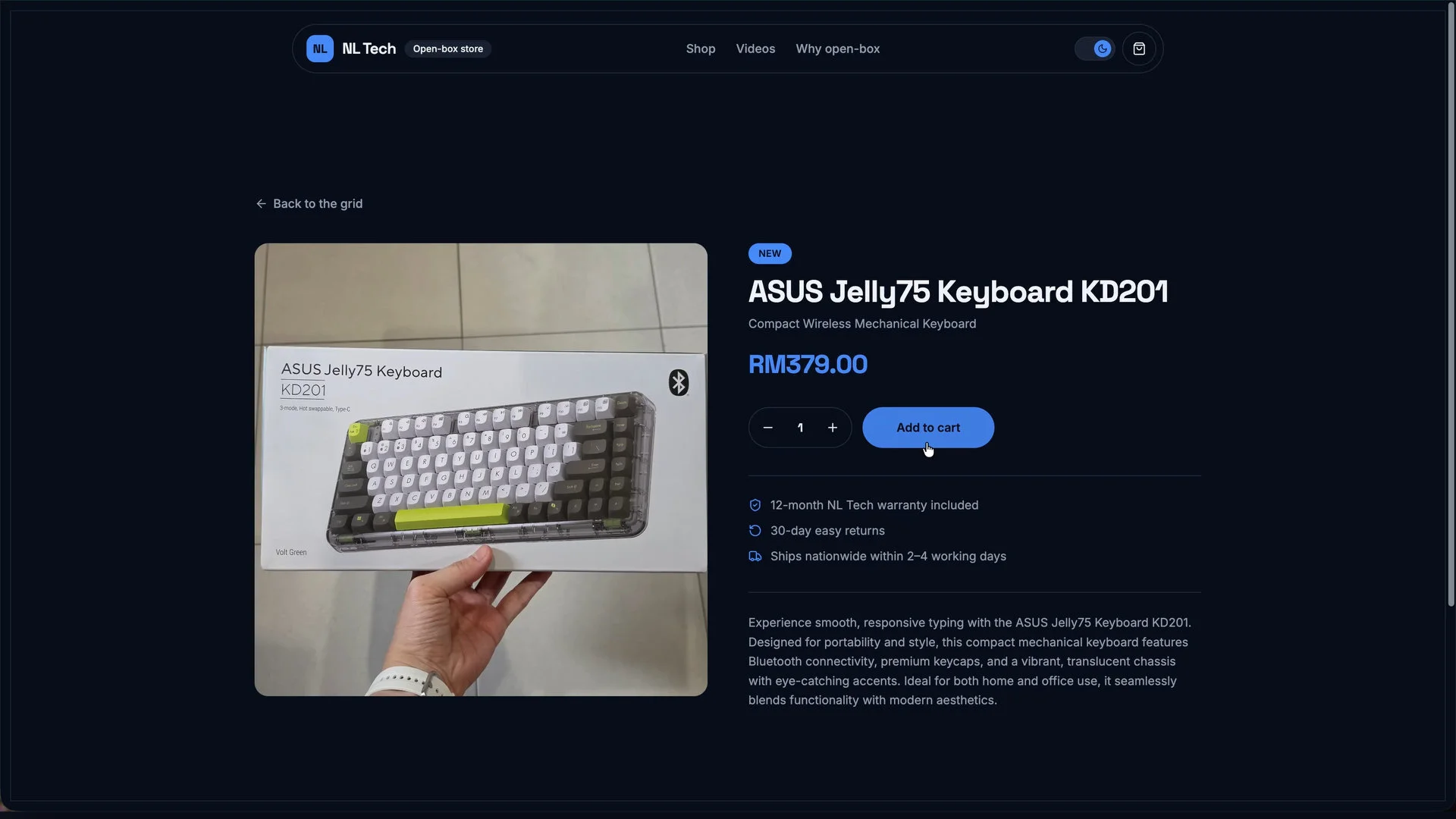
To add more listings to the site, we can just click “add products” and will be presented with a few different options. For me, I want to sell some existing products like a mechanical keyboard. I am also very lazy so I selected “add products with AI” and uploaded the photo of that keyboard.
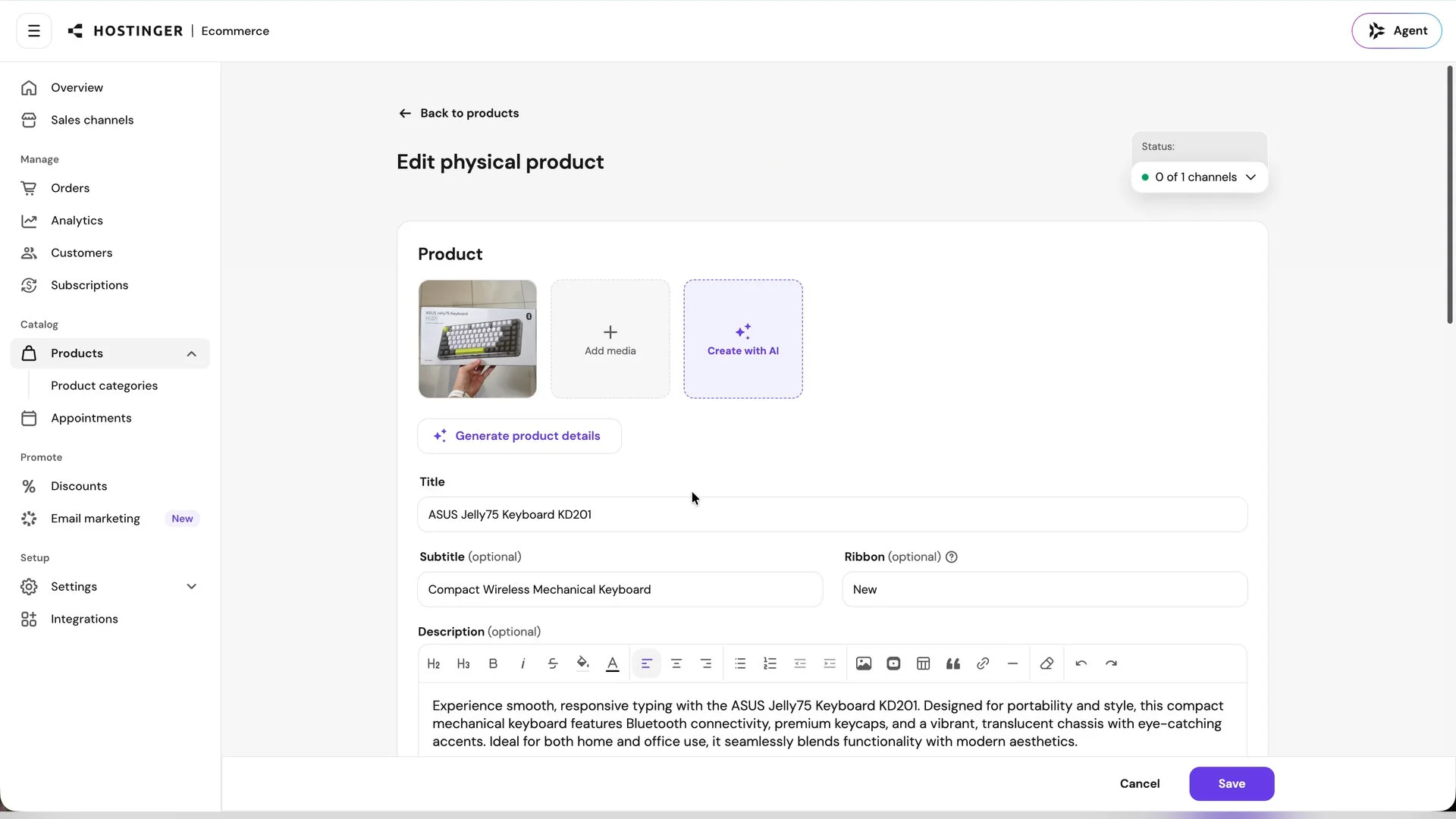
Hostinger will recognise that product in the picture, populate all the information, and also somehow manage to get the price. The retail price of this keyboard is around ~RM410, so selling this item in open-box condition for RM379 is perfectly reasonable. I’m just surprised at how good this feature is.
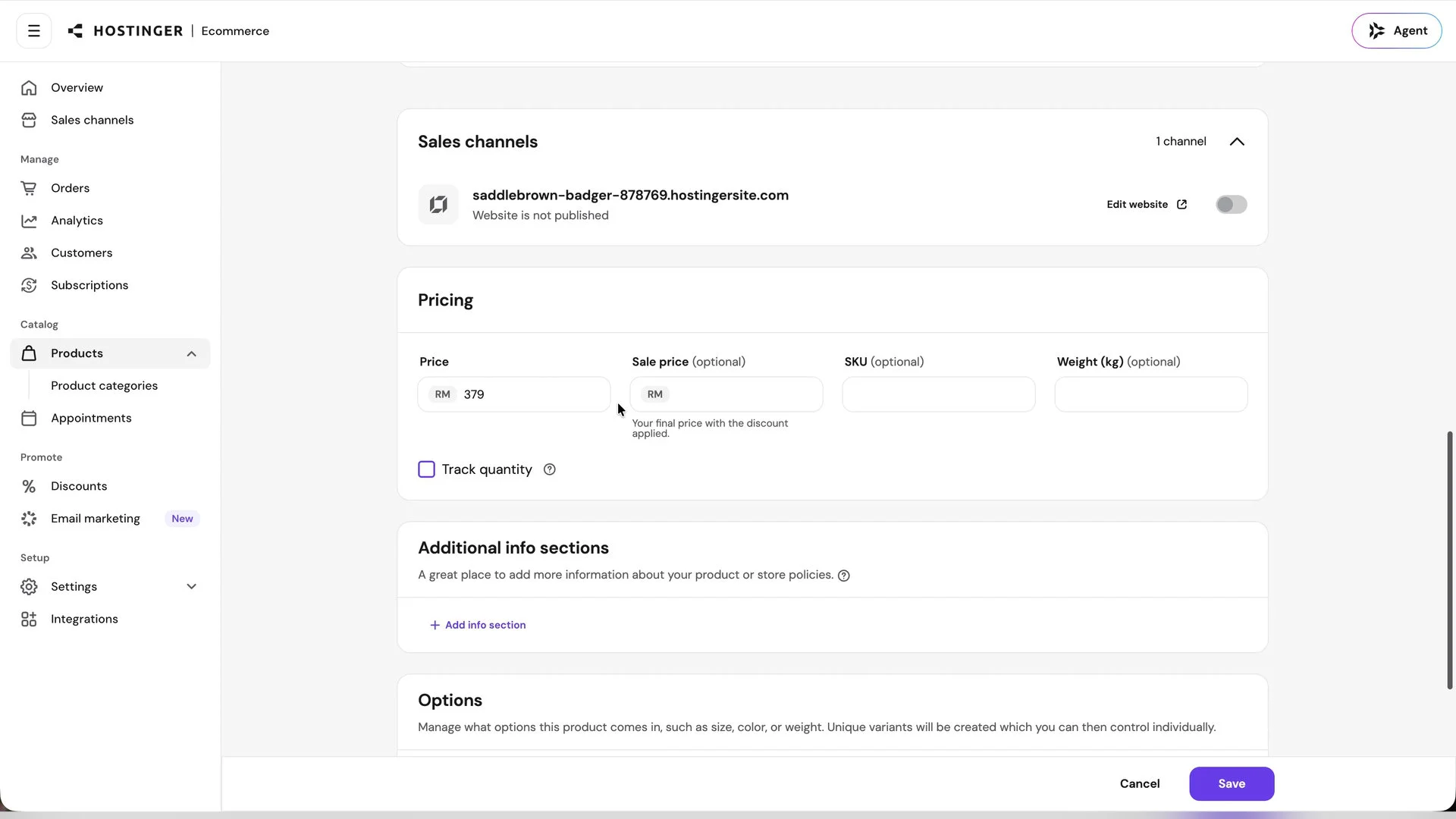
Once the listing is added to Hostinger’s Ecommerce backend, the site gets updated immediately. It’s that simple.
Hostinger’s supreme affordability
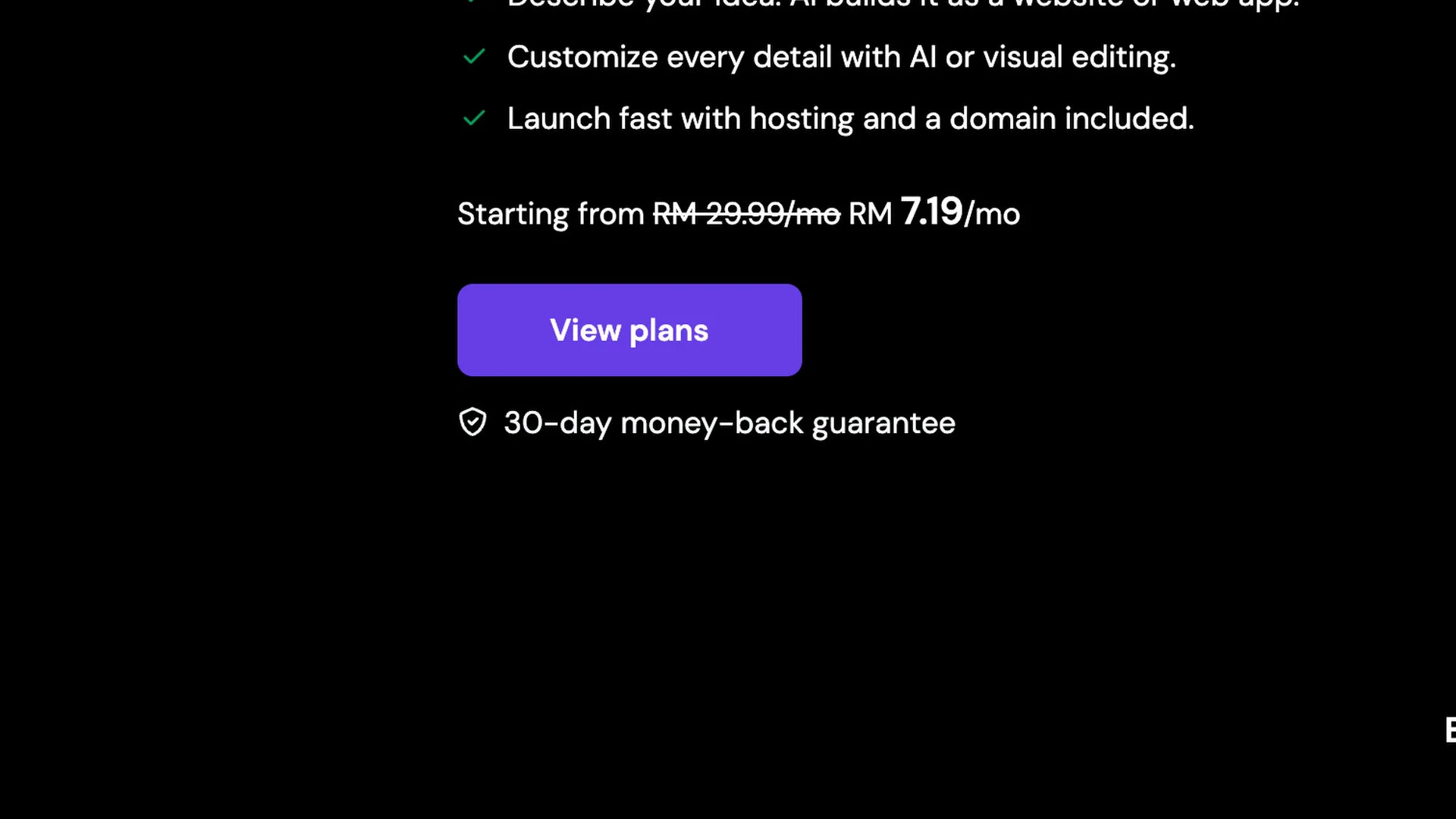
Even with Hostinger’s magical AI Builder and the extremely robust backend, the plan only starts from RM7.19 per month. With this plan, we can create up to 3 websites and have 5 AI credits to get started with the AI Builder too.
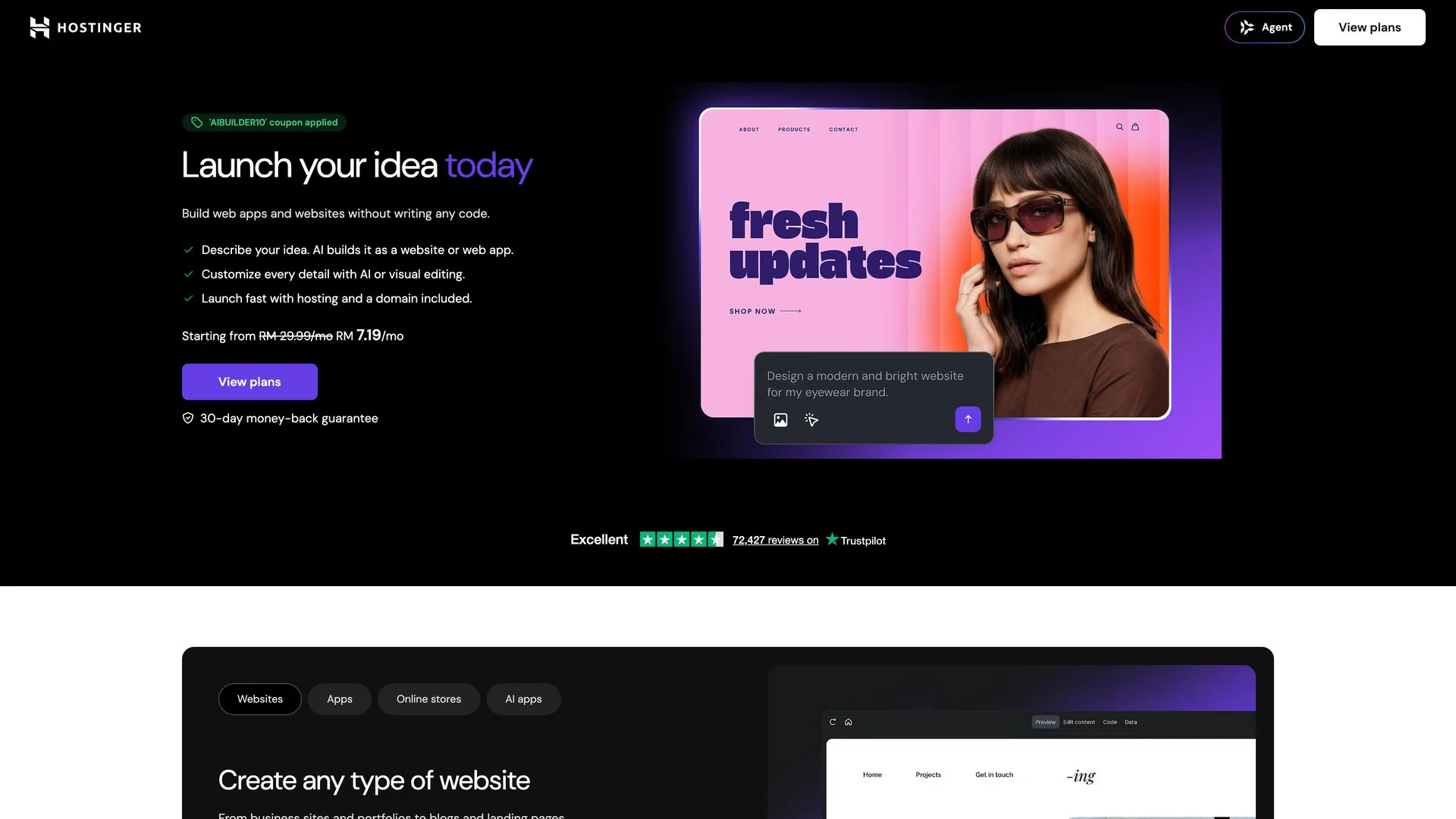
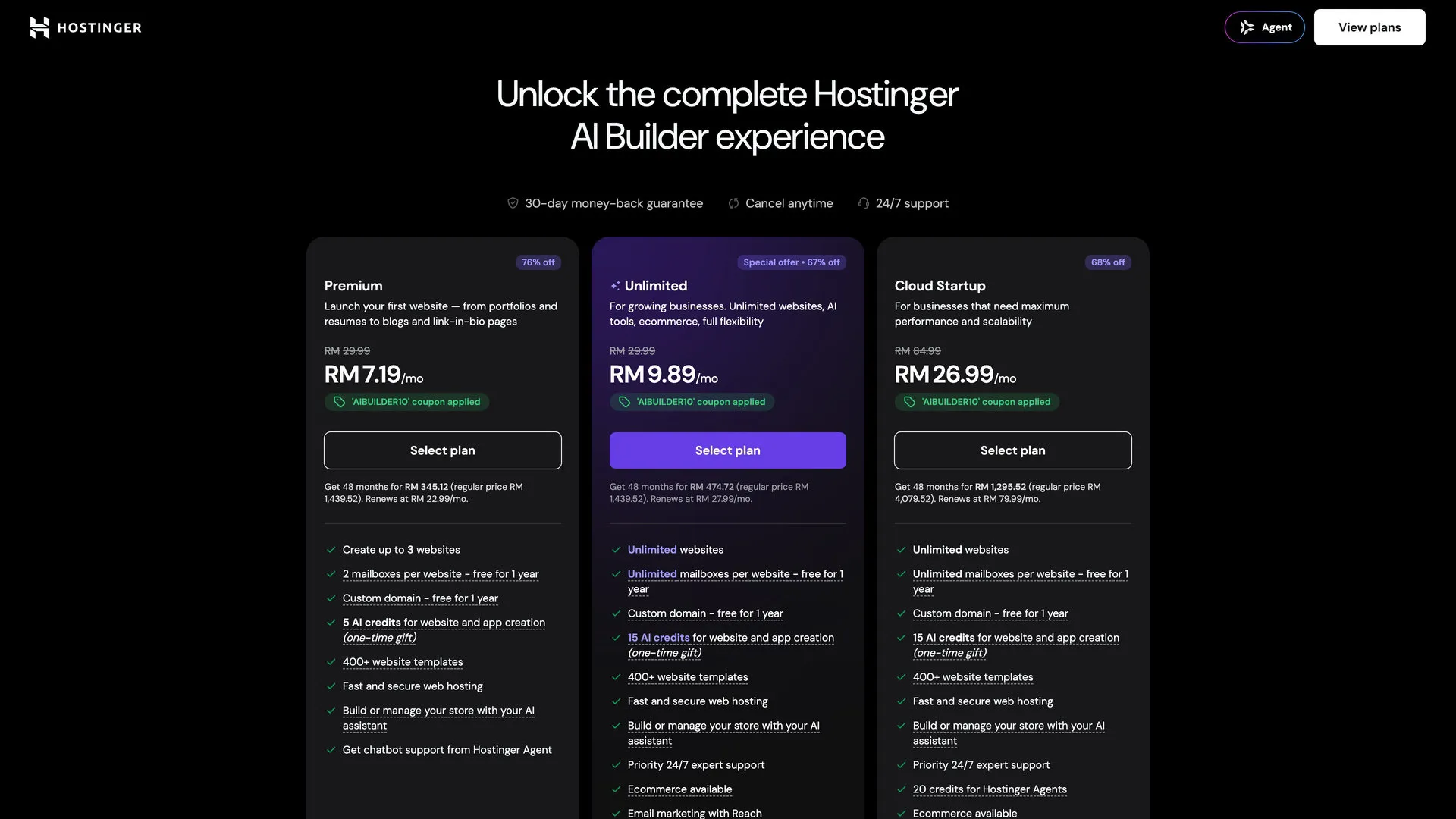
Plus, Hostinger is offering a 30-day money-back guarantee.
So, if you want to get started with Hostinger, check out the links down below.
Remember to use the coupon code NASILEMAKTECH for discounts!
- AI Builder: https://www.hostg.xyz/aff_c?offer_id=815&aff_id=240094&url_id=6557
- Hosting+domain: https://www.hostg.xyz/aff_c?offer_id=815&aff_id=240094&url_id=5486
- AI Agent: https://www.hostg.xyz/aff_c?offer_id=815&aff_id=240094&url_id=6517
- Homepage: https://www.hostg.xyz/aff_c?offer_id=815&aff_id=240094&url_id=6523
The post Hostinger’s AI Builder is literally magic appeared first on Nasi Lemak Tech.