
By Naresh Narendran
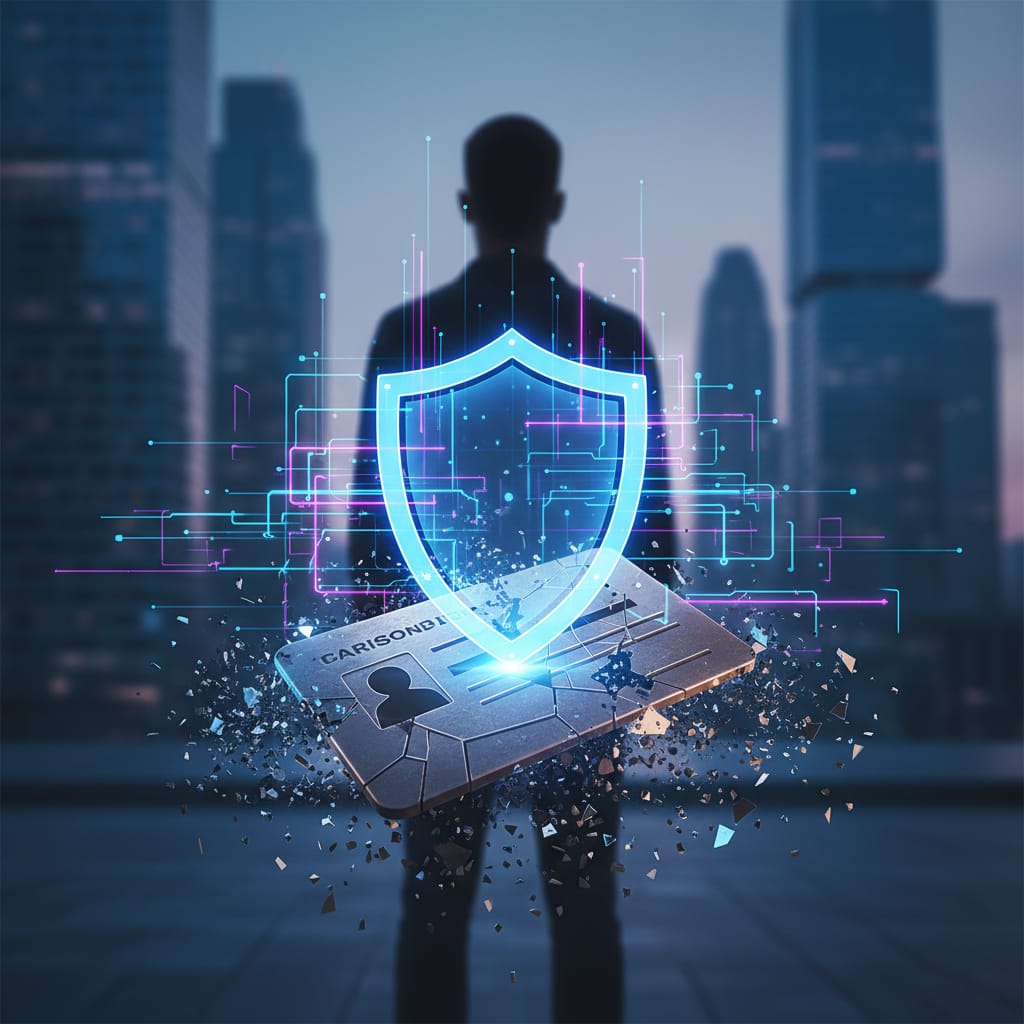
The Stolen ID Card
Last week, we talked about how a Password Manager is your ultimate digital keychain. But what happens if someone manages to steal one of those keys? What if you accidentally type your password into a fake website designed to look exactly like your bank?
In the world of cybersecurity research, we operate on a principle called "Assume Breach." We assume that, eventually, a password will be compromised. Relying solely on a password in 2026 is like trying to protect a bank vault with a simple padlock. You need a second layer of defense. You need a Digital Bouncer.
Meet 2FA: Two-Factor Authentication
The Metaphor: Imagine trying to get into an exclusive club. Your password is your ID card. It proves you know the entry phrase. But if someone steals your wallet, they have your ID and can pretend to be you.
Two-Factor Authentication (2FA) is the bouncer at the door. When you hand the bouncer your ID (your password), he looks at it and says, “Okay, the ID looks good. Now, show me the VIP wristband on your arm.”
Even if a hacker sitting in another country has your exact password, they cannot log into your account because they do not have your physical phone to provide that "wristband" (the 6-digit code).
Friction is Your Friend
I hear it all the time when I’m consulting on IT solutions: “Naresh, having to wait for a 6-digit code every time I log in is so annoying!”
It is a little annoying. But that tiny bit of friction—those extra 5 seconds—is exactly what stops an automated hacking script dead in its tracks. In my PhD research, I study how systems detect intrusions, and it is staggering how many devastating attacks could have been stopped by a simple 2FA prompt. That 5-second delay is the sound of you winning.
Your Week 3 Action Plan (3 Simple Steps)
1. The "Big Three" Lockdown
You don't need 2FA for everything today, but you must turn it on for these three:
Your Primary Email: If a hacker gets this, they can "Forgot Password" their way into everything else you own.
Banking & Finance: Protect your hard-earned money.
Social Media (LinkedIn/Facebook): To prevent someone from stealing your identity to scam your friends.
2. Graduate from SMS to an App
Receiving a code via SMS is better than nothing, but savvy hackers can sometimes "swap" your SIM card to intercept those texts. For a stronger bouncer, download an Authenticator App (like Google Authenticator, Microsoft Authenticator, or Bitwarden). These generate codes directly on your device.
3. Save the “Emergency Key”
When you set up 2FA, the site will give you "Backup Codes." These are for when you drop your phone in a lake and can't get your 6-digit codes. Print them out or save them in your Password Manager. Do not skip this!
The Bottom Line
Your password proves you know something. 2FA proves you have something. Combining them makes you a much harder target.
Connect with me:
Do you find 2FA annoying, or does it give you peace of mind? Let me know in the comments!
Next Week: We tackle the "Digital Immune System"—what those constant software updates are actually doing for you.
Naresh M.Narendran (naresh.m.narendran@gmail.com) is a content creator under the Newswav Creator programme, where you get to express yourself, be a citizen journalist, and at the same time monetize your content & reach millions of users on Newswav. Log in to creator.newswav.com and become a Newswav Creator now!
The User Content (as defined on Newswav Terms of Use) above including the views expressed and media (pictures, videos, citations etc) were submitted & posted by the author. Newswav is solely an aggregation platform that hosts the User Content. If you have any questions about the content, copyright or other issues of the work, please contact creator@newswav.com.