It’s become second nature. You get a new laptop or a new PC, and the first thing you do is install antivirus software. The internet is filled with dodgy websites and malicious pop-ups, all trying to trick you into downloading malware.
While Windows 11 does include Microsoft's built-in Defender security, it’s very surface-level in terms of protection. The best antivirus software constantly analyses your computer for threats, offer more advanced malware protection, and include extra privacy features such as a VPN, password manager, browser protection and identity monitoring.
That said, no antivirus can protect you from every threat. Even the best antivirus software can't replace good online habits. While good antivirus software will alert you to suspicious websites and links, you should still download software only from trusted sources and use a strong, unique password for every account. To help you choose the right protection, I've tested the best antivirus software you can buy in 2026.
The best antivirus apps for 2026 are:
- Best overall – Bitdefender total security: £42.49 for first year, Bitdefender.com
- Best VPN bundle – Malwarebytes plus: £49.99, Malwarebytes.com
- Best for protecting lots of devices – Sophos home premium: £37.46, Sophos.com
Bitdefender total security
Best: antivirus software overall
VPN included: Yes
Why we love it
- Good-value multi-device coverage on major platforms
- Excellent malware detection
- Built-in tools for phishing and ransomware protection
Take note
- VPN very limited
Available on mobile devices as well as PCs and Macs, Bitdefender packs a lot into its apps. Alongside virus scanning, you get malware protection that identifies problem files before they download, as well as ransomware protection, a VPN (limited to 200MB per day of traffic, which means you’ll likely leave it off a lot of the time), data breach protection to check if your passwords have been compromised, a password manager to help keep them secure, parental controls, a network vulnerability scanner, and newer AI-driven scam detection tools that help analyse suspicious links and messages… the list goes on. It also includes a firewall for added network protection.
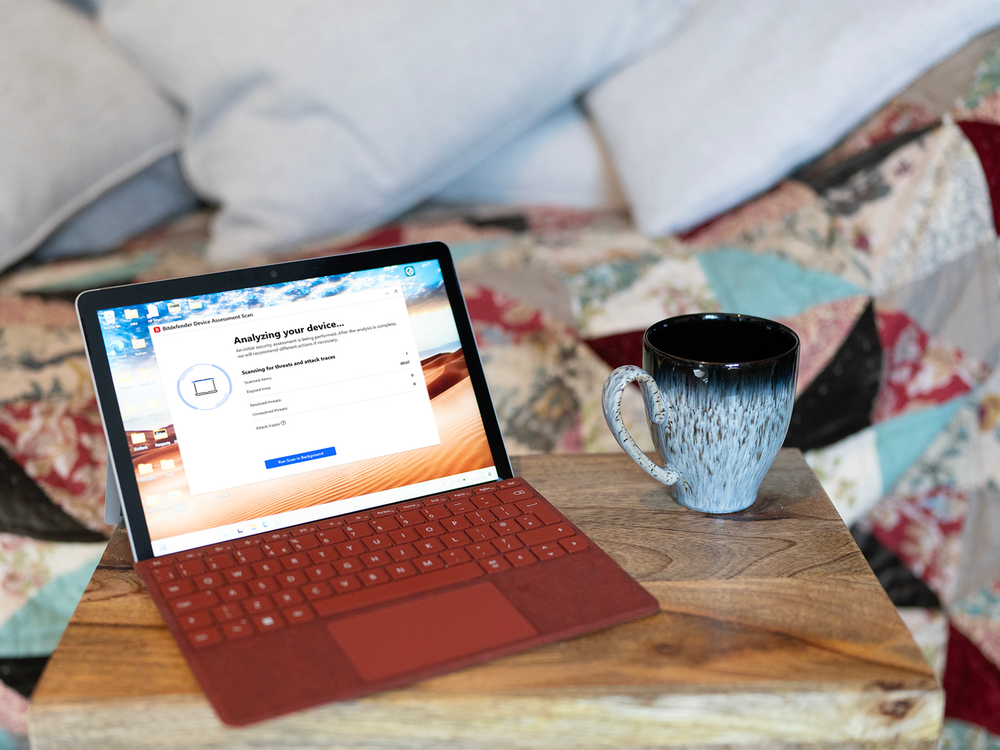
Bitdefender will make you do a full system scan when you first install it and while it’s not the fastest I’ve experienced, it’s possible to run quick scans after that, or limit them to particular directories such as your downloads. The best way to work with Bitdefender is to activate the autopilot feature from the app’s dashboard and allow it to fade into the background of your computer – it’ll only bother you when you really need to know something. It detected all the test files I was exposed to, and we received regular updates regarding new threats.
Bitdefender total security is £42.49 for the first year with our exclusive link for The Independent readers.
Buy now £42.49, Bitdefender.com
Malwarebytes plus
Best: antivirus software for a VPN bundle
VPN included: Yes
Why we love it
- Complete security solution
- Quick scanning
Take note
- Big price rise after first year
Malwarebytes was once focused purely on malware removal but has expanded into a broader antivirus-style offering, with a growing focus on identity protection features such as data breach alerts and improved phishing protection. Its basic ‘standard’ package costs £29.99 a year, for which you get protection from viruses, malware, ransomware and phishing, along with ad and tracker blocking via its Browser Guard extension. There's a VPN available separately or as part of this ‘plus’ bundle, which costs £49.99 a year.
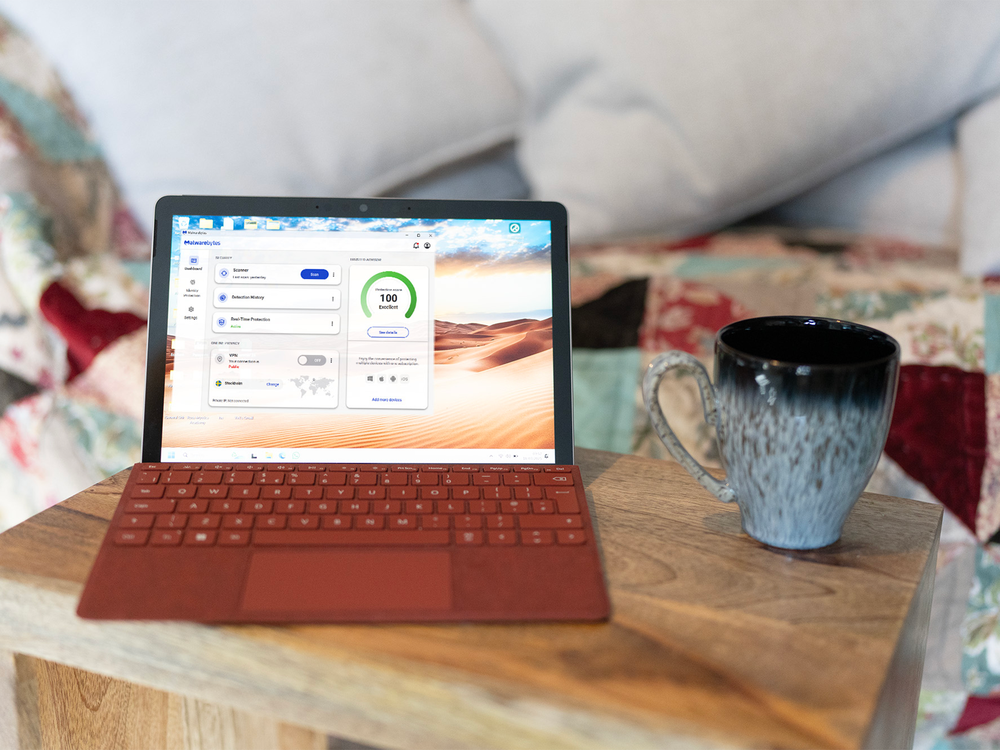
When put to the test, Malwarebytes detected and blocked every suspicious website I tried to visit, while the virus-lookalike files were blocked from being downloaded by the Browser Guard plugin. It was a fast mover when asked to scan the SSD, and didn’t slow down the PC by a noticeable amount. There's a free malware removal tool if you’re caught without protection, and, if you want to subscribe, the ‘standard’ and ‘plus’ packages don’t increase in price after the first year.
Buy now £49.99, Malwarebytes.com
McAfee premium

Best: antivirus software for multi-platform use
VPN included: Yes
Why we love it
- Unlimited VPN
- Fast scanning
Take note
- Scans can use up PC resources
Another big name in the computer security world, McAfee antivirus has been around in one form or another since 1988. It’s worth looking at if you need a VPN, as it offers one with unlimited usage, and its app is available on just about every platform, even Chromebooks. There's a firewall on board, along with ransomware protection, a password manager, identity monitoring features, and expanding AI-powered scam detection that now goes beyond text messages. If you step up to the more expensive ‘premium’ plan, you can install it on an unlimited number of devices.
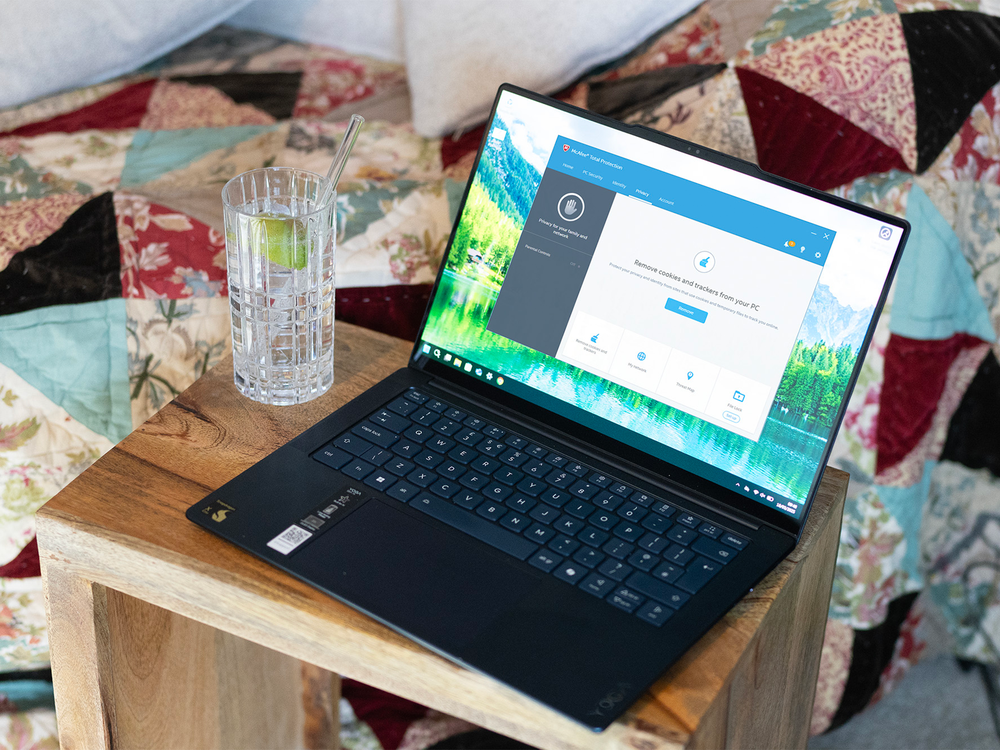
During my testing, it did well spotting the test files I tried to slip through the browser and onto the PC, being particularly fast at blocking virus-mimicking files from being downloaded. If you allow it to absorb available system resources while doing a full PC scan, it can slow your machine down, though it does finish quickly. Luckily, there's an option to have it complete in the background, though it takes longer this way.
As with most other antivirus offerings, McAfee’s price jumps after the first year, with the premium option going from £42.49 per year to £84.99 for a two-year subscription.
Buy now £42.49, Mcafee.com
F-Secure total
Best: antivirus software for speedy scanning
VPN included: Yes
Why we love it
- Password manager included
- DeepGuard flags suspicious apps
Take note
- Basic plan only covers a single device
F-Secure’s antivirus application can look expensive, as its basic plan only covers a single device. But, you get a lot of security for your money, with ransomware protection alongside the antivirus, and a VPN included as part of the ‘total’ tier, plus an increased focus on identity protection features such as breach monitoring. This gives you unlimited VPN traffic and useful wifi protection, which pops up a warning if something suspicious connects to your network. There's also a password manager, and while F-Secure doesn’t label it as phishing protection, its broader scam and browsing protection covers similar ground.
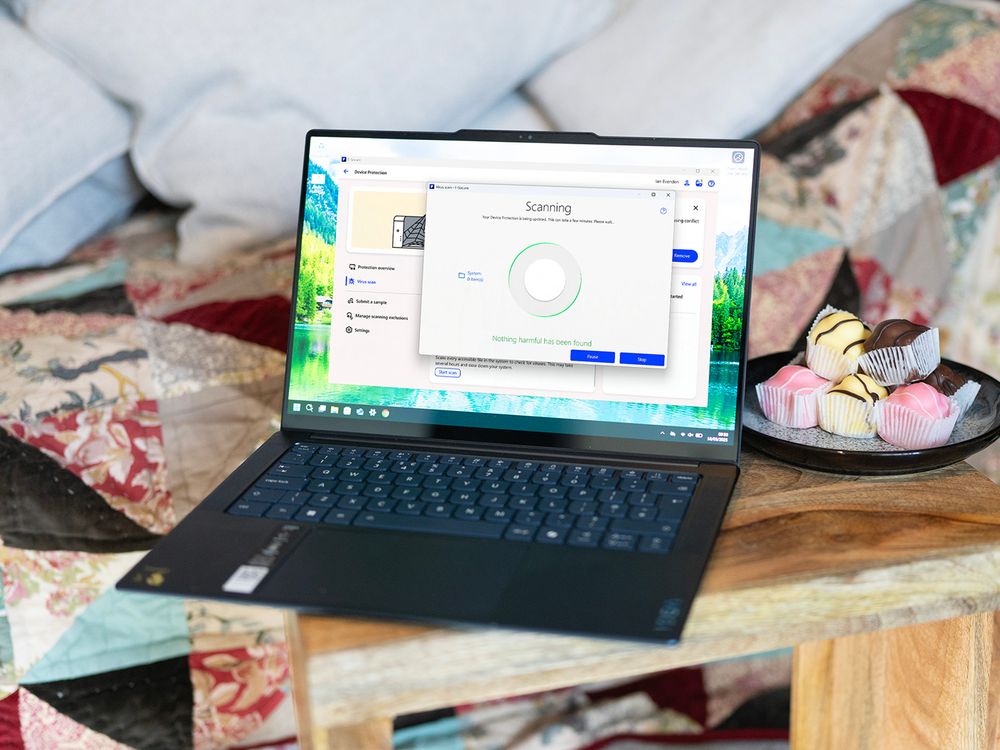
In use, I found it was effective at detecting and blocking the test files I tried to access, while its web traffic scanning clamped down on malicious URL access. Its scans of your SSD are fast enough, and there's the option to run quick or full scans. A full scan is always a good idea when you first install a new antivirus program, especially if you’ve been using the PC for a while without one, and F-Secure finished ahead of the others in this list. A notable feature of F-Secure is DeepGuard, a system that identifies unknown applications and processes running on your PC, and flags them as potentially problematic.
F-Secure doesn’t make it entirely clear on its website how much its subscription price will rise after the first year, but we were offered a price of £179.97 for F-Secure total before discounts, so this is likely to be the sort of price you’re looking at after an initial cost of £59.99 for the first year (for one device).
Buy now £59.99, F-secure.com
Sophos home premium

Best: antivirus software for protecting lots of devices
VPN included: No
Why we love it
- Ten PCs plus mobile with one subscription
- Web interface for management
Take note
- No password manager
Sophos’s home premium package covers up to 10 Windows (or Mac) computers plus mobile devices with one subscription and, as the company only offers one home product, all you have to do is choose how long you want your subscription to last. It’s a fully featured package, offering real-time scanning with predictive AI – a feature that draws on its enterprise security roots – to help identify new threats, alongside parental controls, malware and ransomware protection and (an advanced feature at this level), the ability to remote-manage the antivirus protection on the PCs you’re signed into through a web interface.
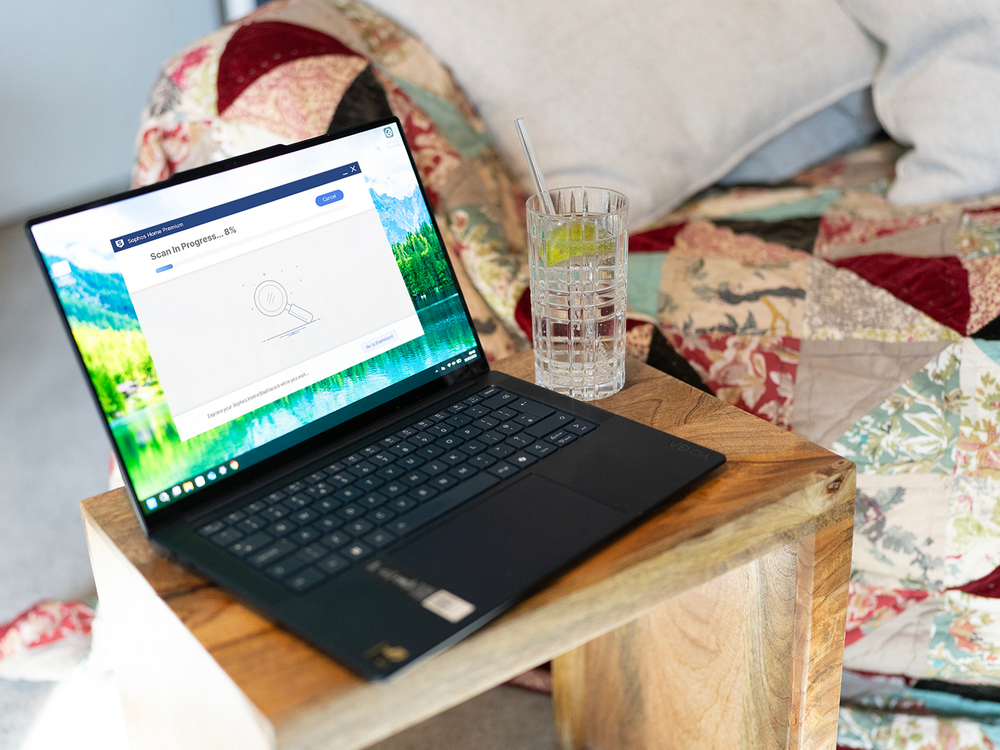
Sophos has a simple user interface and, while it looks like it’s going to consume lots of system resources as it adds more processes to your PC than other security software, it didn’t slow down my test PC noticeably, except when running the first full system scan after installation. It’s shown impressive accuracy in SE Labs’ antivirus testing reports with a 100 per cent score in December 2024.
Buy now £37.46, Home.sophos.com
What is the best antivirus software?
Navigating the chaotic waters of antivirus applications for Windows can be a confusing thing. There are so many claiming to be the best, and many trying to draw you in with first-year prices that rocket up when you resubscribe for a second year. Increasingly, these tools are doing more than just antivirus, too, bundling in features such as VPNs, identity monitoring and AI-powered scam detection alongside traditional malware protection.
Luckily, almost all security applications offer free trials, so you can try them out before you make a commitment, and this goes for the software at the top of this list, like Bitdefender & Malware Bytes. While it may seem like a difficult decision, the most important thing is you have something in place to defend your PC from the kinds of threats it’s surprisingly easy to stumble into online.
How I tested the best antivirus
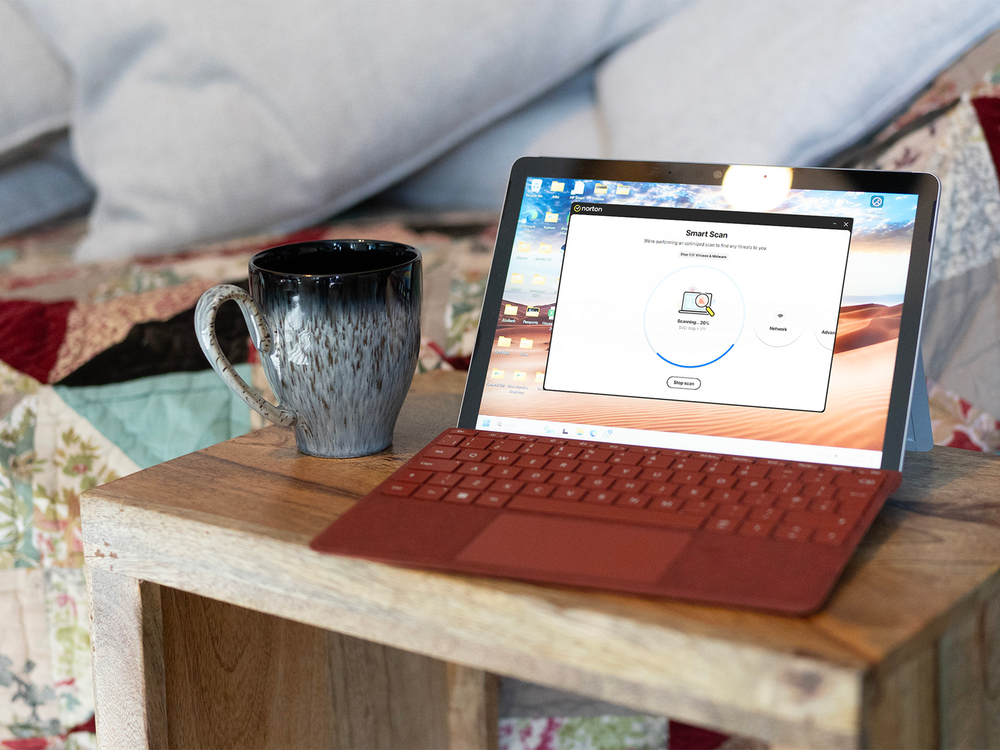
All the antivirus apps here were installed on a Windows 11 PC updated to the latest version and with all security patches available at the time of writing. I then used each product to scan the SSD of a Windows 11 PC with a mix of apps, documents and the OS itself – and noted how long it took to complete. I also looked at the reports compiled by independent security testing labs, such as SE Labs and AV-Test, to see which of the security packages were impressing the experts there.
Why you can trust IndyBest reviews
IndyBest is devoted to delivering honest reviews and expert recommendations. Our experienced team of editors and writers rigorously test products to provide reliable insights and helpful advice. Ian Evenden is a writer and editor specialising in gaming, computing, science and technology. He has been contributing to IndyBest since 2021, applying his keen eye for detail and high standards to tech reviews such as the best Chromebooks, keyboards and VPN services.