
The Convenience Tax
Be honest: How many of your accounts use the same password? Or perhaps a slight variation of the same one? Maybe it’s your pet’s name followed by 123, or a significant date you’ve used since 2010.
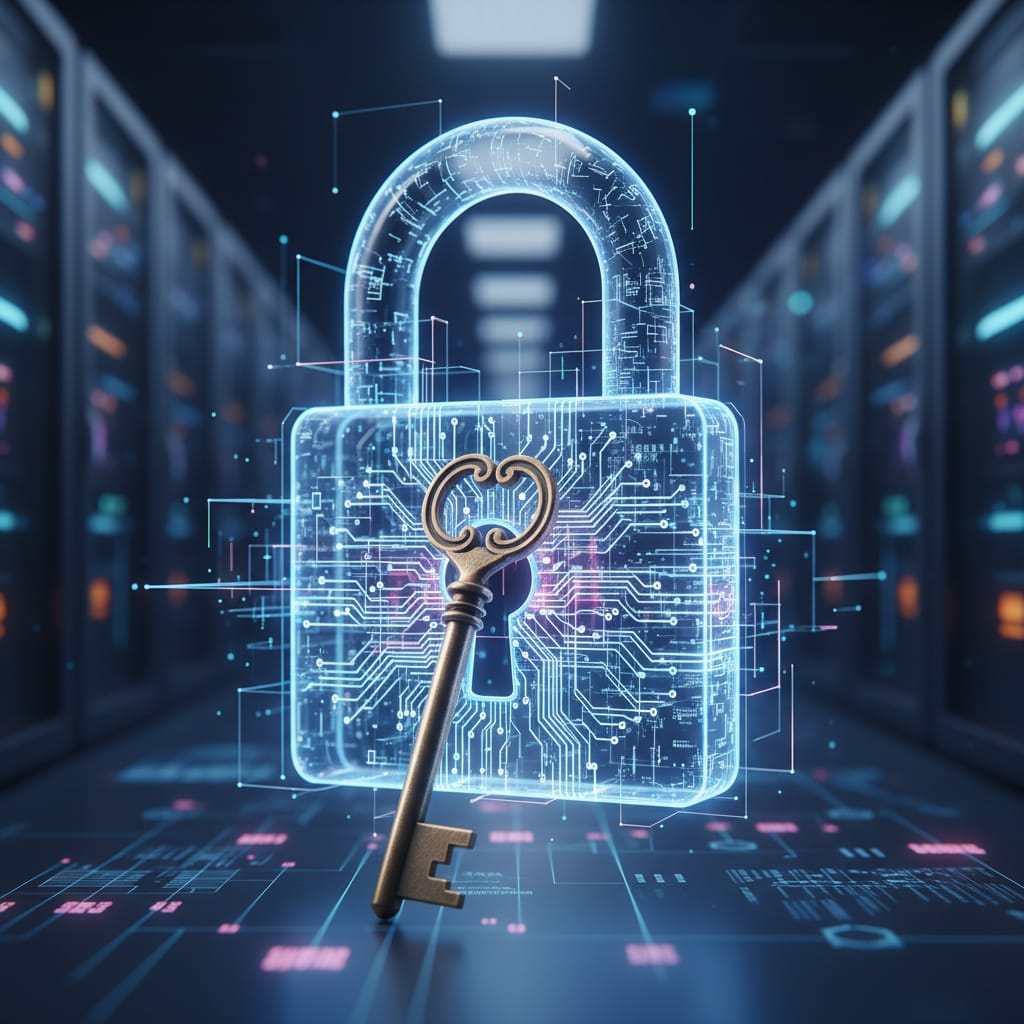
In the industry, we call this Credential Stuffing. To you, it’s just a way to remember how to get into your email, your Netflix, and your bank. But to a hacker, it’s the equivalent of having one "Master Key" that opens every door in your life—your house, your car, your office, and your safe.
The Domino Effect
Here is how it happens: A small, unimportant website you used once five years ago gets "breached" (hacked). The hackers steal a list of every username and password on that site.
They don't care about that small website. They take that list and feed it into a "bot"—a script that automatically tries those same combinations on Google, Facebook, PayPal, and Maybank.
If you use a Master Key, one small leak at a flower shop website can lead to your entire digital identity collapsing like a row of dominoes.
The Solution: Your Digital Keychain
You might be thinking, “Naresh, I have 50 accounts. I can’t possibly remember 50 unique, complex passwords!”
You’re right. You shouldn't have to. That is what a Password Manager is for.
The Metaphor: Think of a Password Manager as a high-tech, encrypted keychain. You only have to remember one very strong password (the "Vault Key"), and the manager remembers the other 49 for you. It even creates "un-hackable" passwords that look like gibberish (jK9!vP2#zL0), which are much stronger than anything a human brain would invent.
Your Week 2 Action Plan (3 Simple Steps)
1. Pick Your “Vault”
Download a reputable Password Manager. Options like Bitwarden, 1Password, or even the built-in Google/Apple Keychain are great places to start. Most have free versions that are more than enough for personal use.
2. The "VIP" Reset
You don't have to change all 50 passwords today. Just change three:
Your primary Email.
Your main Banking app.
Your primary Social Media account.
Make these unique and save them in your new manager.
3. Test the "Eyesight" Rule
A good password should be something you can't easily read aloud. If your password is a word found in the dictionary, a computer can crack it in seconds. If it looks like a cat walked across your keyboard, you’re doing it right.
Why This Matters
In my research, I see how quickly automated systems can guess weak passwords. By using a manager, you aren't just making your life easier; you are removing the single biggest target from your back.
Connect with me:
Are you using a password manager yet? If not, what’s holding you back? Let’s discuss in the comments!
linkedin.com/in/naresh-narendran
Next Week: The "Digital Bouncer"—We’ll talk about 2FA and why that annoying 6-digit code is actually your best friend.
Naresh M.Narendran (naresh.m.narendran@gmail.com) is a content creator under the Newswav Creator programme, where you get to express yourself, be a citizen journalist, and at the same time monetize your content & reach millions of users on Newswav. Log in to creator.newswav.com and become a Newswav Creator now!
The User Content (as defined on Newswav Terms of Use) above including the views expressed and media (pictures, videos, citations etc) were submitted & posted by the author. Newswav is solely an aggregation platform that hosts the User Content. If you have any questions about the content, copyright or other issues of the work, please contact creator@newswav.com.