Smart light bulbs can be controlled with your existing wall switches – but there are limitations to this setup, and full functionality is only available when permanently powered.
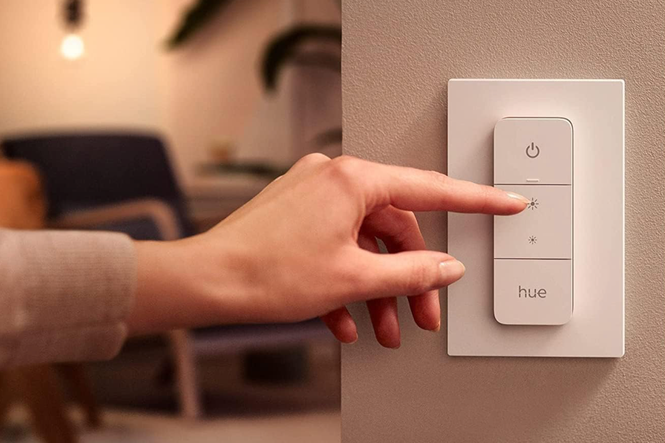
Many smart lighting companies make relatively inexpensive switches, buttons and other controllers for their bulbs and light strips. For example, Philips Hue offers wireless dimmer switches that are portable, but can also connect to a wall dock with a magnet and function more like a regular switch. Hue also sells small, single buttons that mount to any surface, more advanced switches with four buttons and a dimmer dial, and motion sensors too.
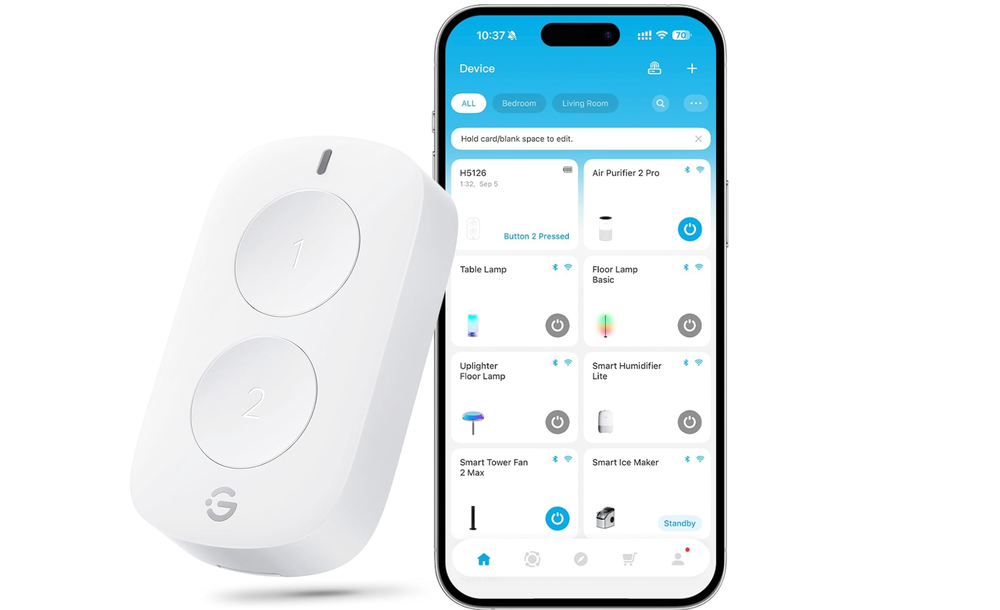
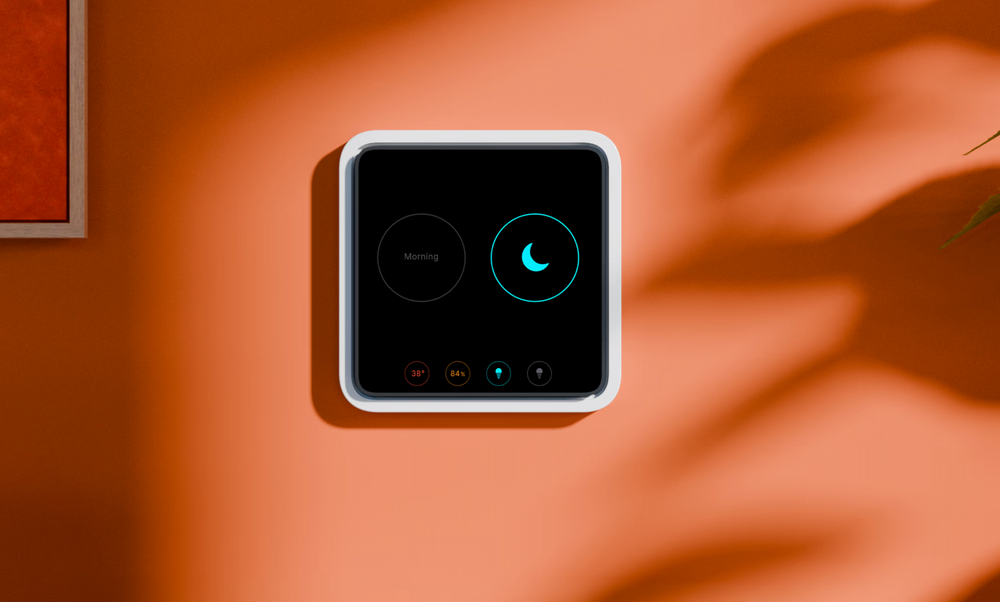
Other smart home and lighting companies – like Wiz and Govee – also make switches, while for the more confident DIYer Shelly makes components that add smart functionality to your existing wall switches. Firms like British startup Tewke take smart switches a step further. The Tewke Tap replaces your existing switch with an OLED touchscreen that controls your regular bulbs, but also monitors air quality, controls other smart home devices, and acts as a smart energy meter.
Read more: Everything to know about smart lighting, according to an expert
Why smart lights work best with their own switches
Although smart lights can be turned on and off (and sometimes dimmed, too) using your existing wall switches, this is where their functionality ends.
This is because smart bulbs lose their power supply and their connection to your phone, control hub, or router when turned off at the wall switch. This is fine if you only intend to turn them back on with that switch, but if you want to control the lights remotely, or configure a schedule so they turn on and off automatically, you’ll need to leave the wall switch on all the time.
Even when the smart bulb is off and not emitting any light, it is drawing a very small amount of power. This power is used to maintain its connection to your router or the light’s own control hub. Without that, the light can no longer be seen by the app used to control it, or by a smart home platform like Alexa and Apple Home. Schedules and automations also stop working, and the bulb can’t be triggered by sensors either.
Should you leave the wall switch on all the time?
Usually, yes. Flicking the wall switch essentially kills the smart bulb and breaks its connection to your phone, router or controller. Leave the switch on, and the bulb remains fully functional.
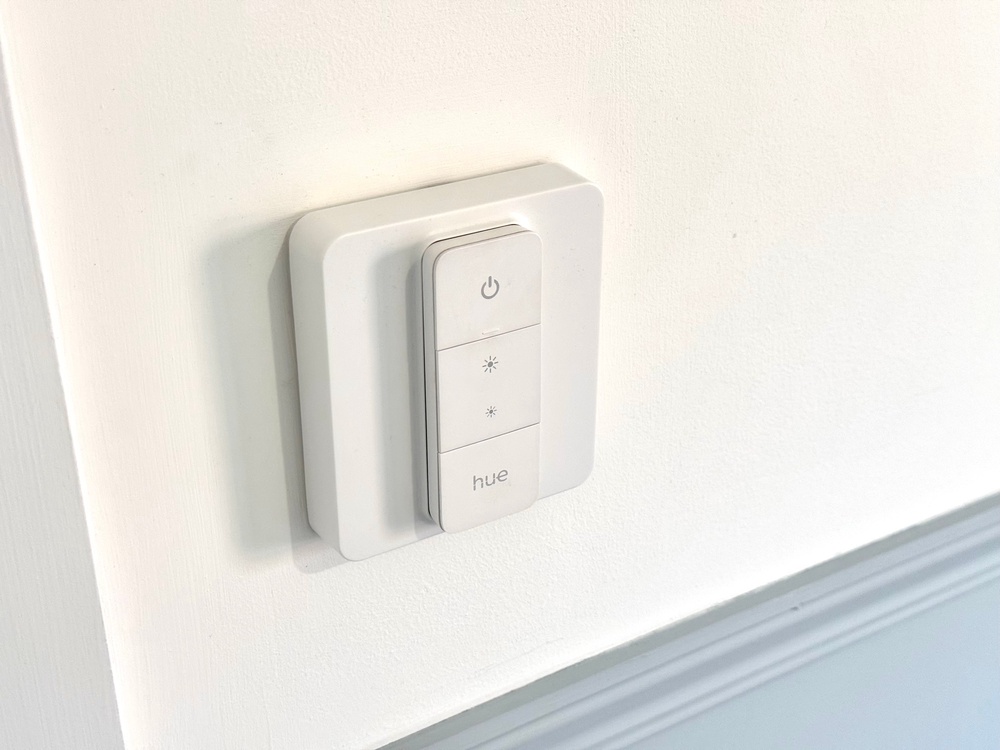
If you don’t want guests to mistakenly turn the wall switches off, some smart switches can be mounted to plates that cover the originals. I picked up a set on Amazon from a company called Iyoki, which cost £20 for two and attach neatly to a standard UK wall switch and provide a magnetic dock for a Philips Hue dimmer switch.
When to use existing wall switches with smart lights
There are occasions when the existing wall switch will work just fine. For example, when all you need from a smart light bulb is a different colour, brightness, or temperature than your existing regular bulbs. In that case, you can install the smart bulbs, configure them using the manufacturer’s smartphone app, then turn them on and off with the wall switch.
I did this in a previous property where the bathroom spotlights were far too bright and cold; the white light they emitted was almost blue, and far too harsh. So I bought a cheap set of smart bulbs from Amazon, by a company called Lepro, which are currently about £6.50 per bulb. They couldn’t change colour, but crucially they had brightness and temperature control, so I installed the Lepro app, configured the bulbs to my preferred warmer, softer glow, then deleted the app and controlled the lights entirely from the existing wall switch. Despite no app control, they always turned on to the setting I’d configured.
However, it’s worth noting that some smart lighting brands don’t work like this and instead will return to their default setting after being switched off at the wall. More helpfully, others let you configure how they behave when powered up.
What are the different types of smart light switches?
Broadly speaking, there are three types of smart light switches. The first is a wireless button, dial or switch made by the smart lighting company itself, like Hue or Govee. These work entirely independently of your wall switches and can usually be programmed to run automations and routines, turning a room full of lights to a pre-configured state with one press.
The second type is a wired smart switch. This replaces your conventional wall switches and controls the lighting circuit, but can also be controlled by a smartphone, either at home or remotely. That way, you can operate your lights as normal, but also control them from afar and set up schedules, routines or automations.
Lastly, there are smart relays and modules. Like the aforementioned Shelly, these are designed to sit inside your existing light switch, connect to the conventional wiring, and then be controlled by a phone app or other smart home interface.
Crucially, the first type of switch works with smart lights, while the second and third bring smartness to regular bulbs.