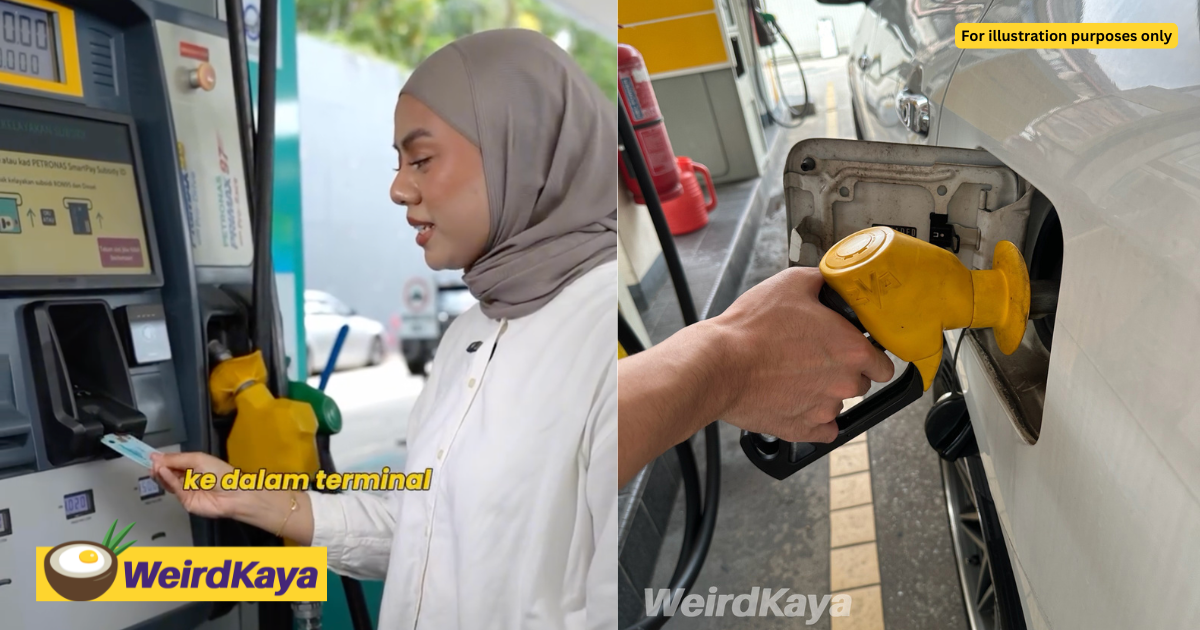
Malaysians who have received the new generation MyKad may notice one important difference when using it to purchase subsidised RON95 petrol under BUDI95.
The National Registration Department (JPN) has shared a guide explaining how holders of the new MyKad should insert their cards into MyKad readers at petrol stations.
The new generation MyKad officially began being issued progressively from today, September 17, 2026. According to JPN, existing MyKad holders do not need to replace their cards just to obtain the newer version, as their current cards remain valid as long as they are still in good condition.
The chip is now at the back
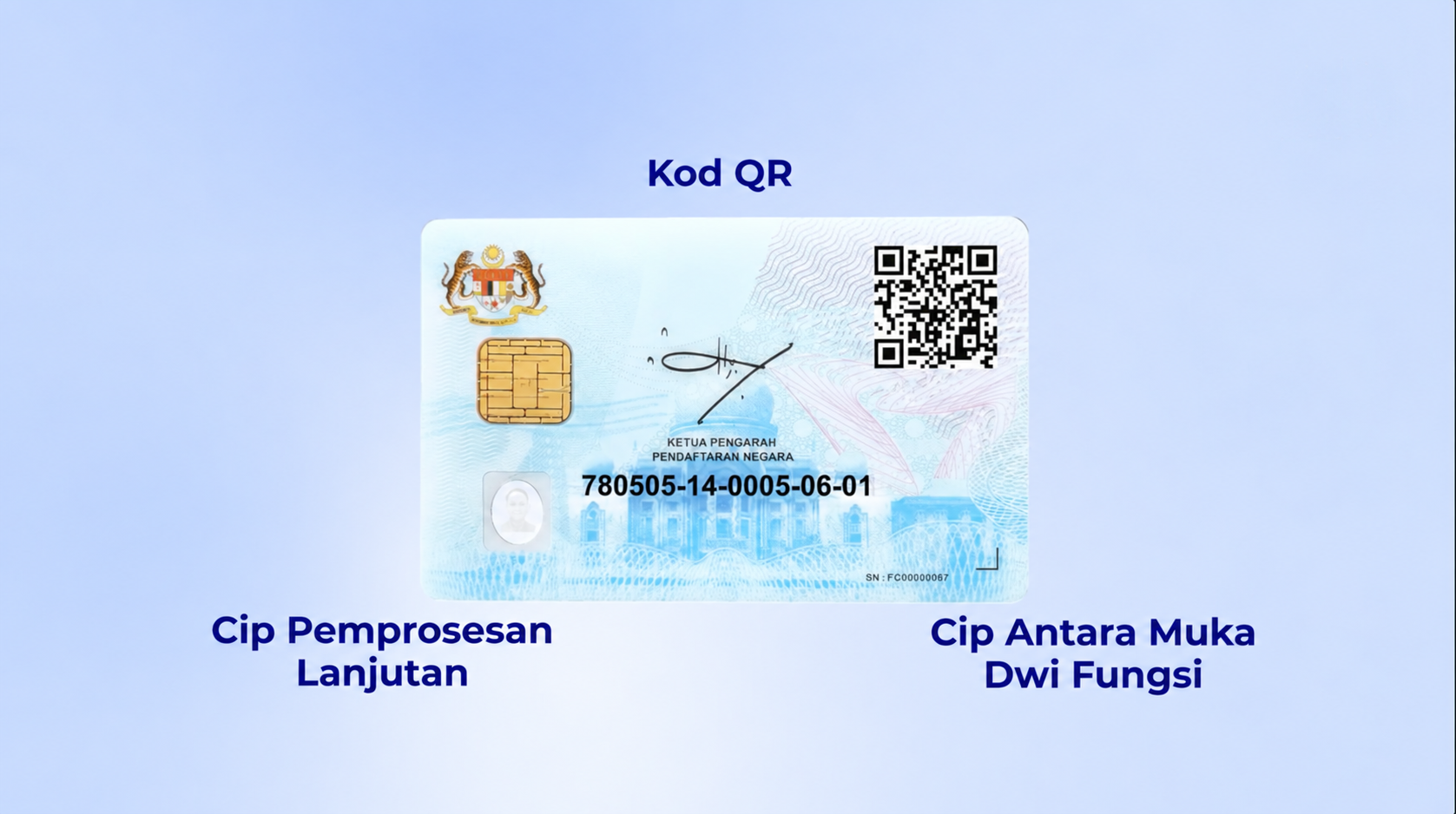
One of the biggest physical changes involves the placement of the smart chip.
On the older MyKad, the chip is located on the front of the card.
However, on the new generation MyKad, the chip has been moved to the back of the card as part of its redesigned layout. The new card also comes with upgraded security features, including a QR code, hologram and enhanced encryption.
Because of the change in chip placement, those using the new MyKad at petrol station terminals will need to insert their card slightly differently.
Here’s how to use the new MyKad for BUDI95
According to the guide shared by JPN, users can follow these steps when purchasing subsidised RON95 at supported petrol stations.
1. Select the amount and make payment

Choose the amount of petrol you wish to purchase at the terminal and proceed with payment using your bank card or another supported payment method.
2. Flip your new MyKad over

This is the important part.
As the chip on the new generation MyKad is located on the back, users should flip the MyKad over before inserting it into the MyKad reader.
This allows the terminal to properly detect and read the chip.
3. Wait for your BUDI95 eligibility to be verified
Once the MyKad has been inserted correctly, the terminal will verify the user’s eligibility for the BUDI95 subsidy.
The screen should then display relevant information such as the user’s MyKad details, eligibility status and remaining subsidised petrol allocation.
4. Remove your MyKad and start refuelling

Follow the instructions shown on the terminal and remove your MyKad when prompted.
Once verification is completed, you can proceed to fill up your vehicle with RON95 as usual.
Your existing MyKad still works
For Malaysians who are still using the previous MyKad, there is no need to rush to JPN for a replacement.
JPN has clarified that the rollout of the new generation MyKad is being carried out progressively, and existing MyKads can continue to be used as normal provided they are still in good condition.
The new generation MyKad can also continue to be used for government assistance and subsidy programmes that rely on MyKad for verification, subject to the respective programme’s eligibility requirements.
In other words, the biggest thing new MyKad holders need to remember at the petrol pump is simple: the chip has moved to the back, so flip the card before inserting it into the reader.
New MyKad Starts Rolling Out Sept 17, Here’s Everything You Need To Know