.jpg)
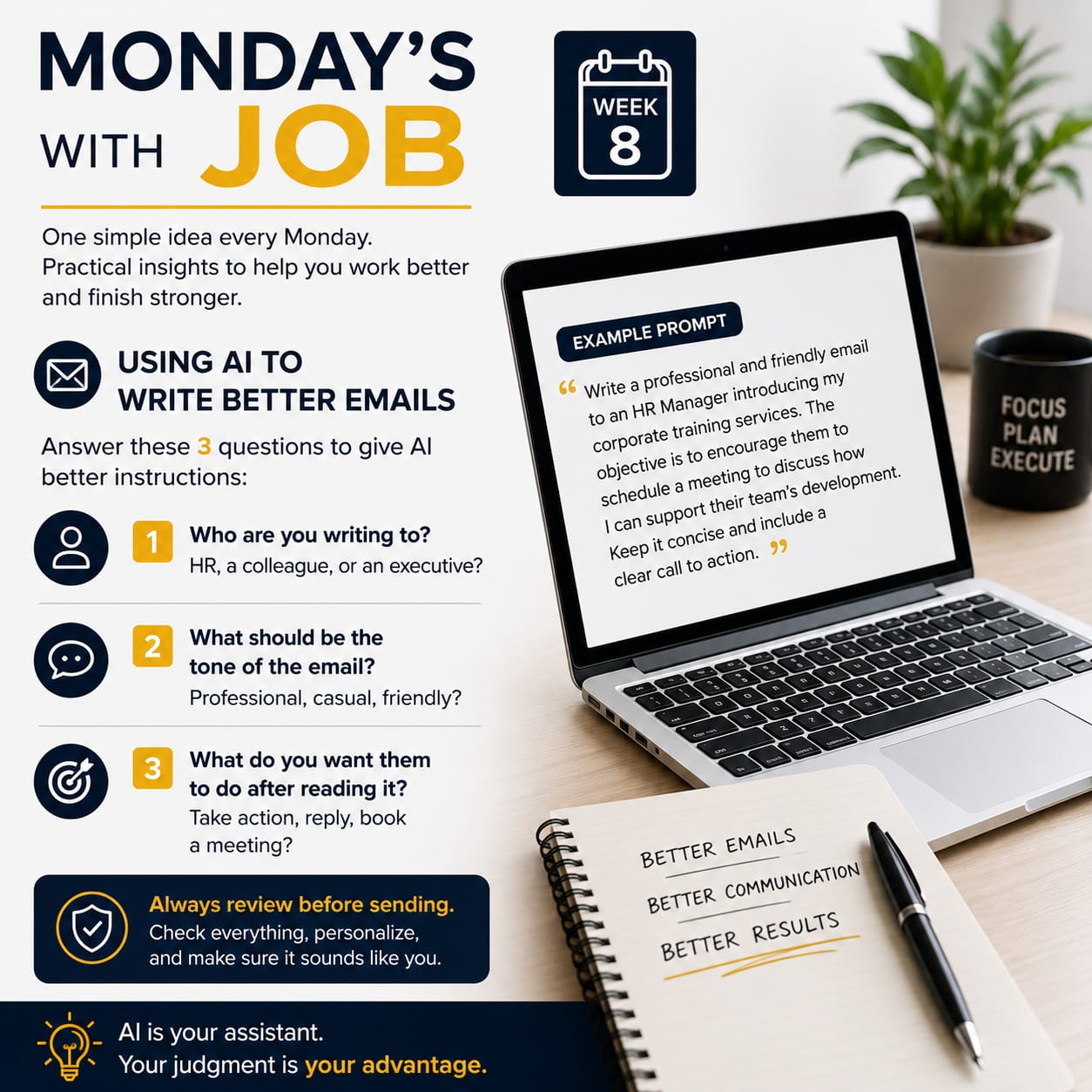
This is the 8th week of my Monday's with Job series.
A simple idea I started to share every Monday, one practical productivity insight to help you work better, stay focused, and finish stronger.
This week is about using AI to write better emails. I used to spend a lot of time composing emails, making sure they sounded right, communicated my message clearly, and achieved the purpose for which they were sent.
Now, I use AI to help me create the first draft.
The quality of the email depends on the quality of your instructions.
Before asking AI to write your email, answer these three questions in the prompt:
Who are you writing to?
Is it an HR manager, a colleague, a client, or an executive?
Depending on the relationship, the email will be structured for an example if the email was to a HR manager then it will be structured more towards compliance. Compared to a friend, the email will be more simpler and direct.
2. What tone do you want?
Professional, casual, friendly, persuasive, or formal?
The tone sets how the email is read, for an example a friendly email will be more towards conversationally oriented and warmer compared to a professional email which will be more structured and polite.
3. What do you want the reader to do after reading the email?
Reply, book a meeting, approve a request, or take another action?
Without the call to action, most emails will fail because the reader will not know what to do next. So it is important to have a call to action if the objective of your email is clear.
Here's an example of a prompt:
"Write a professional and friendly email to a SME introducing my training services. The objective is to encourage them to schedule a meeting to discuss on a potential training. Keep the email concise and include a clear call to action."
REMEMBER Don't just copy and paste what AI gives you.
Always review the email, check that the information is accurate, make sure it reflects your voice, and confirm it achieves the outcome you're looking for before you hit send.
AI is a powerful assistant but your judgment is still your greatest asset.
Job Manikkam (jobthecoach@gmail.com) is a content creator under the Newswav Creator programme, where you get to express yourself, be a citizen journalist, and at the same time monetize your content & reach millions of users on Newswav. Log in to creator.newswav.com and become a Newswav Creator now!
The User Content (as defined on Newswav Terms of Use) above including the views expressed and media (pictures, videos, citations etc) were submitted & posted by the author. Newswav is solely an aggregation platform that hosts the User Content. If you have any questions about the content, copyright or other issues of the work, please contact creator@newswav.com.