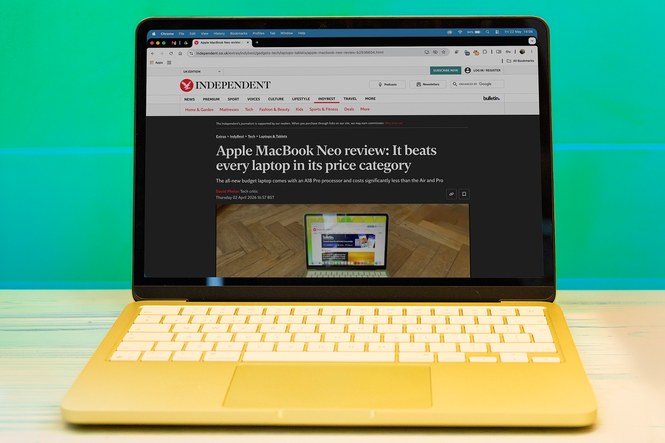
Having a laptop is an essential part of being a student these days. They’re everywhere from the moment you enter secondary school, and once you make the jump to university it becomes even more crucial, with the added responsibility of sourcing and maybe even paying for one yourself.
Which one you’ll choose depends on how you intend to use it. For those studying abstract subjects with a lot of reading, or topics that require long days of essay writing, then something low-powered and low-cost will suit you. Most laptops these days are capable all-rounders, thinking nothing of running web browsers, office apps, 2D games, design software and more. If you are studying something that requires 3D rendering, high-res video with effects, or playing the latest games, you’re going to want something with a more capable graphics processor, which will push the price up and the battery life down, as well as adding weight and, when you’re pushing it hard, heat. This is the payoff for more powerful laptops, and there's no way to reconcile the two.
So the best laptops for students are generally lightweight, low-cost models for writing essays, watching lectures and doing research on. If you need more power, you’re going to have to pay for it, but there are machines designed for gaming that can step into the breach and prove excellent for video editing and rendering without pushing the price sky-high. Here are some of the best choices.
Read more: Best laptops, reviewed
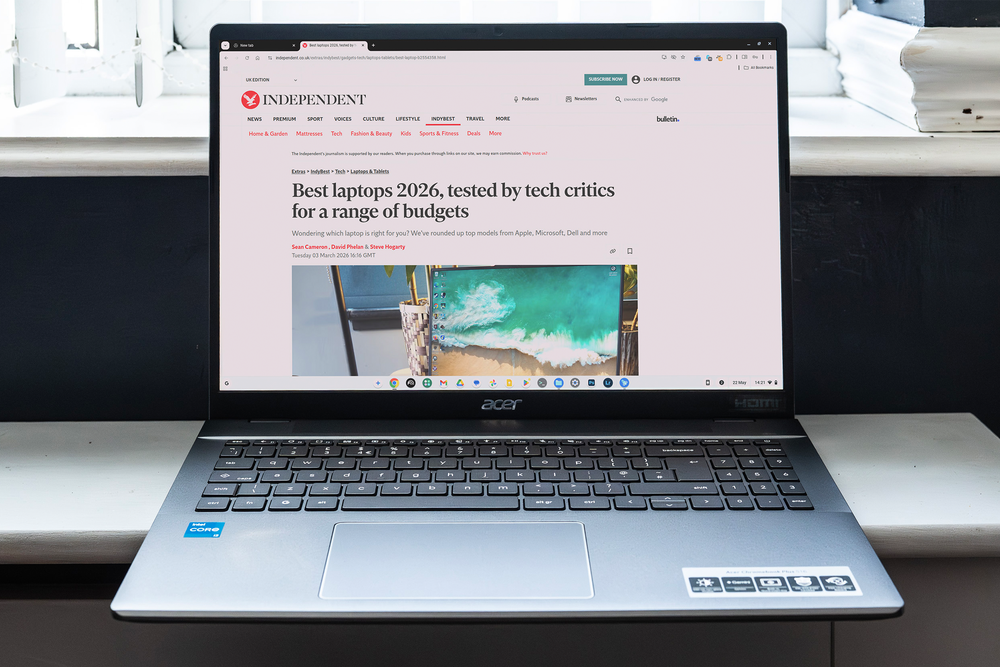
The best laptops for students in 2026 are:
- Best overall – Apple MacBook Neo: £699, Currys.co.uk
- Best two-in-one – HP Omnibook X Flip 14: £899, Hp.com
- Best for gaming – Lenovo LOQ 15i Gen 10: £1,441.50, Lenovo.com
- Best Chromebook – Acer Chromebook Plus 516: £399, Johnlewis.com
- Best pro – MacBook Pro 14 M5: £1279, Johnlewis.com
Read more: Best power bank for laptop, reviewed
Apple MacBook Neo

Best: student laptop overall
Why we love it
- Comes in a great range of colours
- Remarkable performance
- Nice price
Take note
- Not for 3D rendering apps
- No fingerprint reader on cheapest version
- No touchscreen
The Neo absolutely took the laptop world by storm when it launched earlier this year. Apple isn’t known for its products being particularly cheap, so a laptop that costs the same as the entry-level iPhone, and is powered by the same CPU as the iPhone 16, was always going to attract a lot of attention. Luckily, it’s an absolute banger of a laptop, providing levels of performance that still manage to beat more expensive machines. It will even play Cyberpunk 2077 at its lowest graphics settings, should you need a break from your studies.
It’s a superb laptop for writing on, and while it’s not Apple’s thinnest - that accolade goes to the more expensive MacBook Air - it’s the same weight and is eminently portable, and will go all day on one charge of its battery.
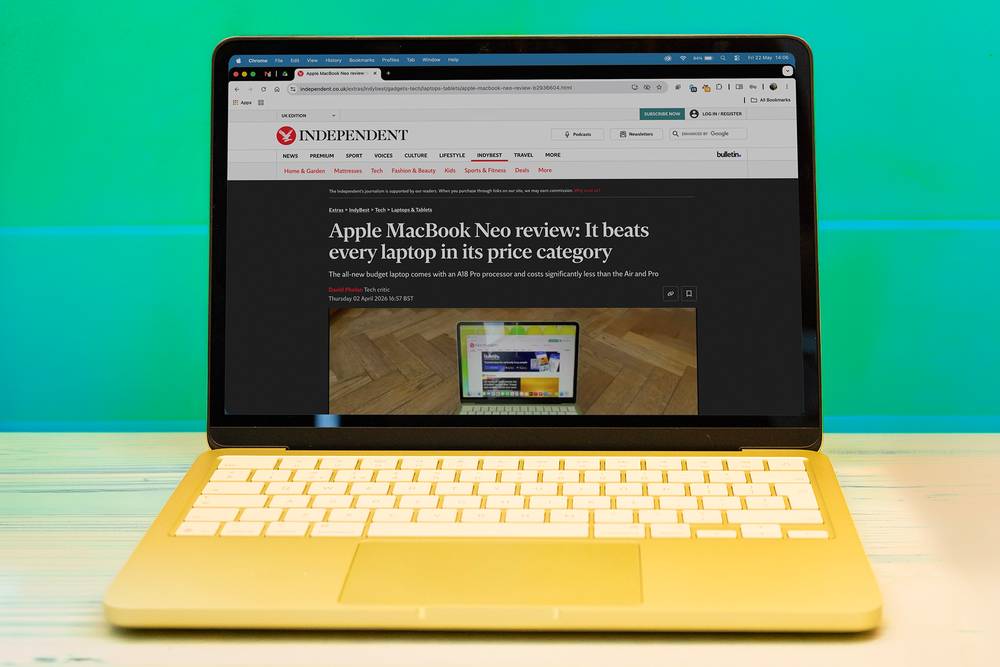
What you don’t get with the Neo is a lot of graphics processing ability, so it can struggle if you start layering on the effects in a video editing app. However, it’s got a bright and colourful screen, a decent keyboard and trackpad, fingerprint security (if you spring for the version with the larger SSD, that is, as it’s not included with the base model) and a good price. It’s the ideal laptop for students, and anyone else who spends a lot of their time making notes and writing essays.
Key specifications
Buy now £699, Currys.co.uk
HP Omnibook X Flip 14
Best: two-in-one laptop for students
Why we love it
- Laptop and tablet in one
- Bright OLED touchscreen
- Thunderbolt 4 ports
Take note
- Best with a stylus
- Keyboard not the best
- Can get pricey
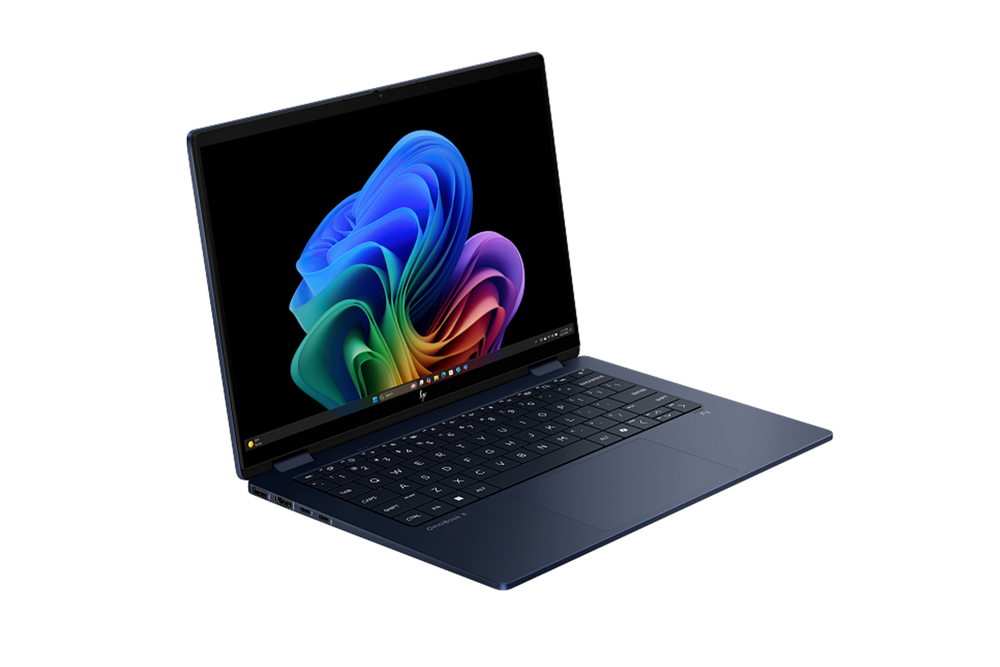
A two-in-one laptop is one that has a touchscreen, and can fold back on itself to produce a slightly thicker version of a tablet. HP has been making these for a while now, and this expertise, combined with Windows 11’s ability to flip into tablet mode when it detects a fold in progress, means this style of laptop can be used as a sketchpad or digital painting surface as well as for writing and streaming video.
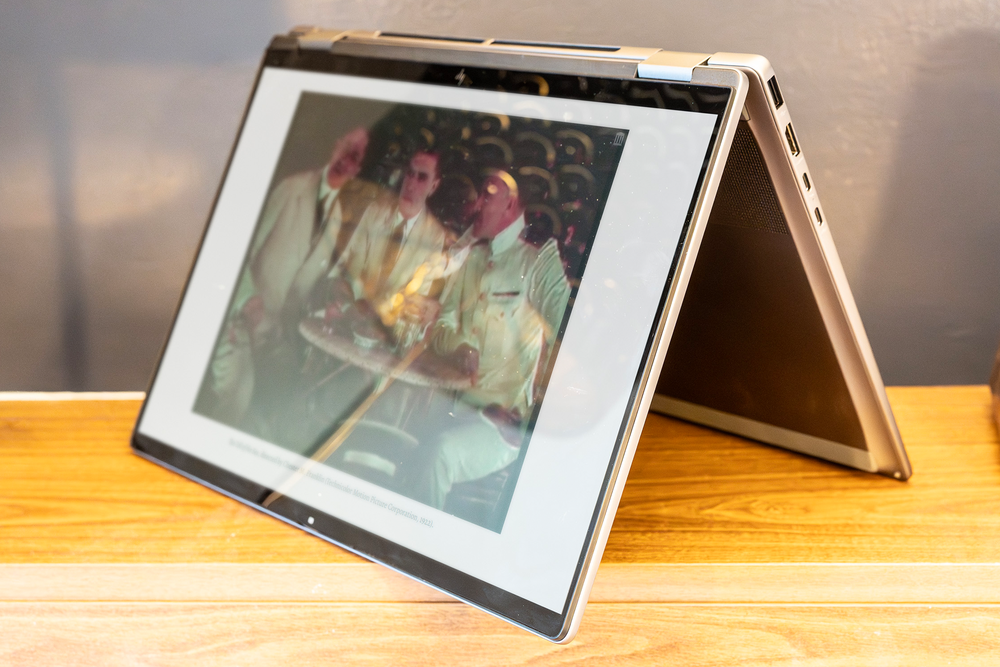
There's a 16in version of the OmniBook X Flip too, which offers a larger area for painting and drawing on, though it’s more expensive, and this 14in version is better for slipping into a bag and taking with you. Note that a stylus is an optional extra, so you’ll have to factor that into your purchase plans. The HP Rechargeable MPP 2.0 Tilt Pen offers 4,096 levels of pressure sensitivity, tilt support for shading, and recharges easily via USB-C.
With one of Intel’s Core Ultra 7 processors inside, and a 2.8k OLED touchscreen that makes movies and streaming video look great, this is a useful all-rounder that will particularly appeal to anyone studying art and design subjects.
Key specifications
Buy now £1099.99, Hp.com
Lenovo LOQ 15i Gen 10
Best: gaming laptop for students
Why we love it
- Excellent graphics power
- Decent screen
- Reasonably priced
Take note
- A bit heavy
- Battery life not the best
- No really fast ports
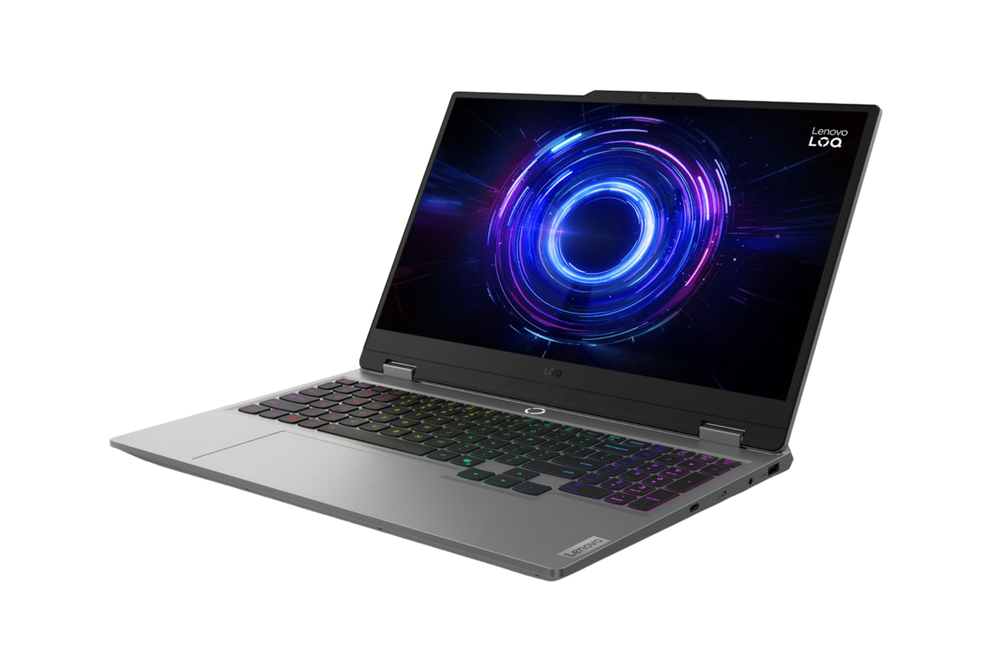
A low-end gaming laptop can be a very capable machine. The discrete graphics processor - in this case a GeForce RTX 5050 - gives it processing punch in things like video editing, CAD, running local AI applications and anything that involves crunching through large amounts of data.
Of course, downtime between lectures is also important, and having a laptop that will happily play Marathon or the latest Assassin's Creed means you might not need to invest in a console to go alongside it. The LOQ 15i Gen 10 comes with a choice of processors, but you can pick up a version with an AMD Ryzen 5 for a very nice price, especially if you catch it when it’s on offer.
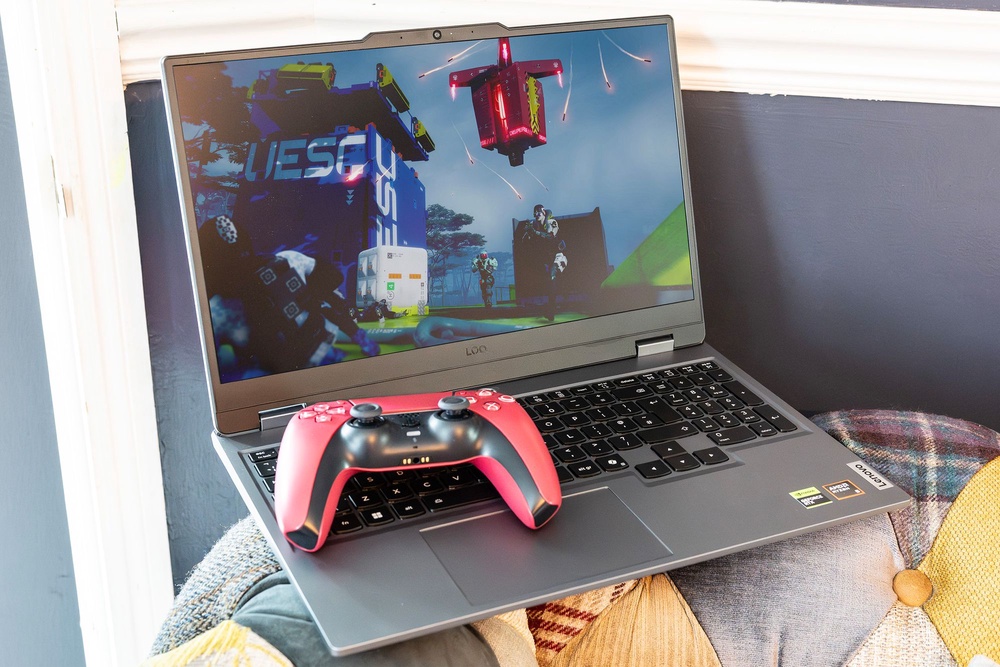
Elsewhere, the 15in 1080p IPS screen has a 144Hz refresh rate that’s perfect for playing back 120fps video or seeing how smooth you can get the framerate in Forza Horizon. The issue with gaming laptops tends to be that they can’t run as long using their internal battery as more business-oriented PCs can, and so it proves here. In testing, the LOQ 15i Gen 10 lasted around five to six hours, and that will go down once you start using the GPU more. So if you’re using it to study in the library, remember to take the charger with you.
Key specifications
Buy now £1399.99, Lenovo.com
Acer Chromebook Plus 516
Best: Chromebook for students
Why we love it
- Really good for the price
- Sharp IPS screen
- Versatile for office apps and streaming
Take note
- Not Windows, so apps can be limited
- Battery life not quite all-day
- Not a two-in-one
A Chromebook can be an attractive prospect for students who don’t need the kind of fancy processors and top-end features you find elsewhere. If you’re using your laptop to read, write and watch video on, then you’ll find everything you need in ChromeOS.
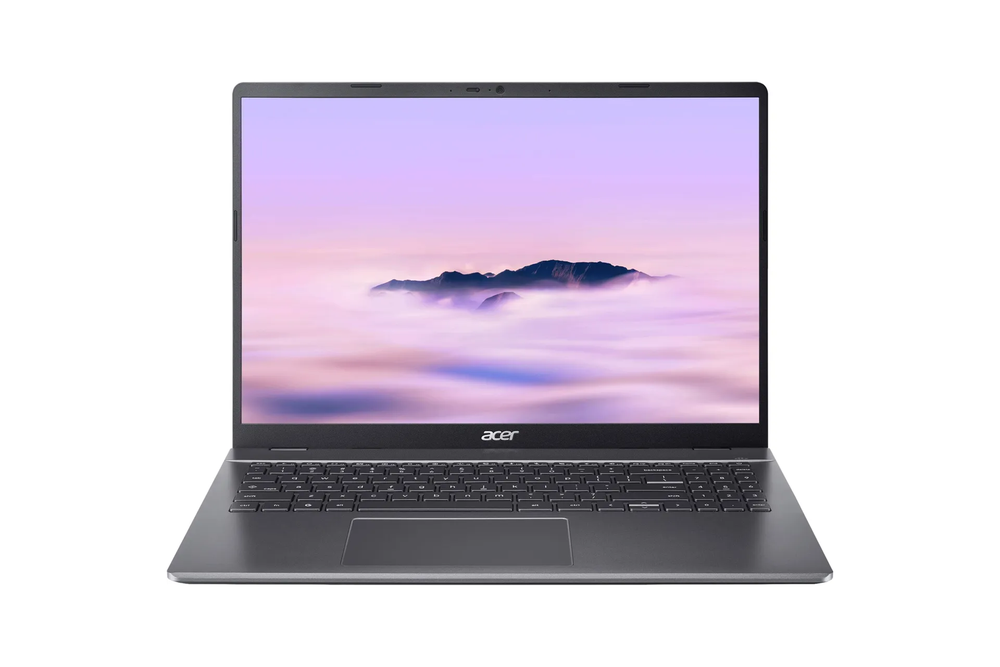
The 516 is a large laptop with a 16in screen that still manages to be cheaper than everything else on this list. It’s lighter than many others too, though still heavier than the MacBook Neo, and can get away with lower specs thanks to an OS that uses the Chrome web browser as its main interface.
They can run Android apps as well, though the interface is often not designed for use with a mouse pointer, and this means that a modern Chromebook is more versatile than it may appear. Gone are the days when you were tied to Google’s cloud system, though web apps such as Google Docs can still be the best way to use one, as your work is all neatly backed up in Google Drive, and public wifi and personal hotspots make it easy to access.
Being a larger laptop, you get a wider keyboard as well as the bigger screen, so there's space for a numpad on the right-hand side, as well as a line of shortcut keys for things like screenshots and dictation. It’s a really good keyboard for typing on, and won’t slow you down when you’re in the zone. The trackpad is also larger than seen on many small laptops, and with more than 7 hours of battery life, this is a low-cost way to get a laptop that’s easy to use and live with, even if the performance isn’t spectacular.
Key specifications
Buy now £399, Johnlewis.com
MacBook Pro M5
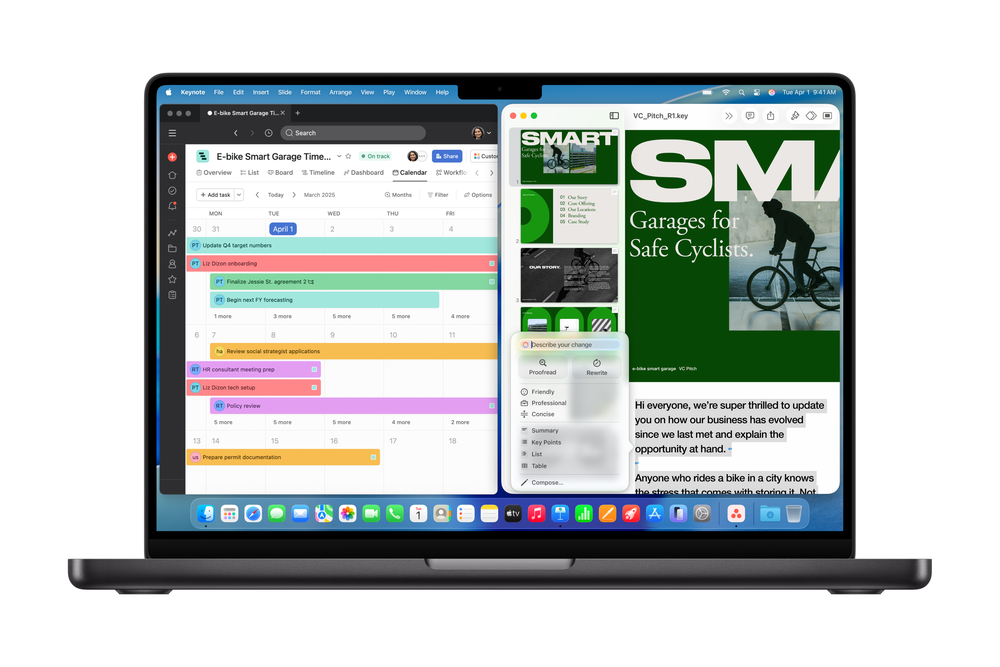
Best: pro laptop for students
Why we love it
- Lots of computing power
- Well made
- Enormous battery life
Take note
- Gets expensive
- No touchscreen
- The MacBook Air is thinner and lighter
You might need some parental help with this one, as it’s the most expensive laptop on this list, but it’s also the battery life king. Treat it gently and it will keep going for as much as 16 hours, as well as giving you a little extra kudos when you open it in a coffee shop.
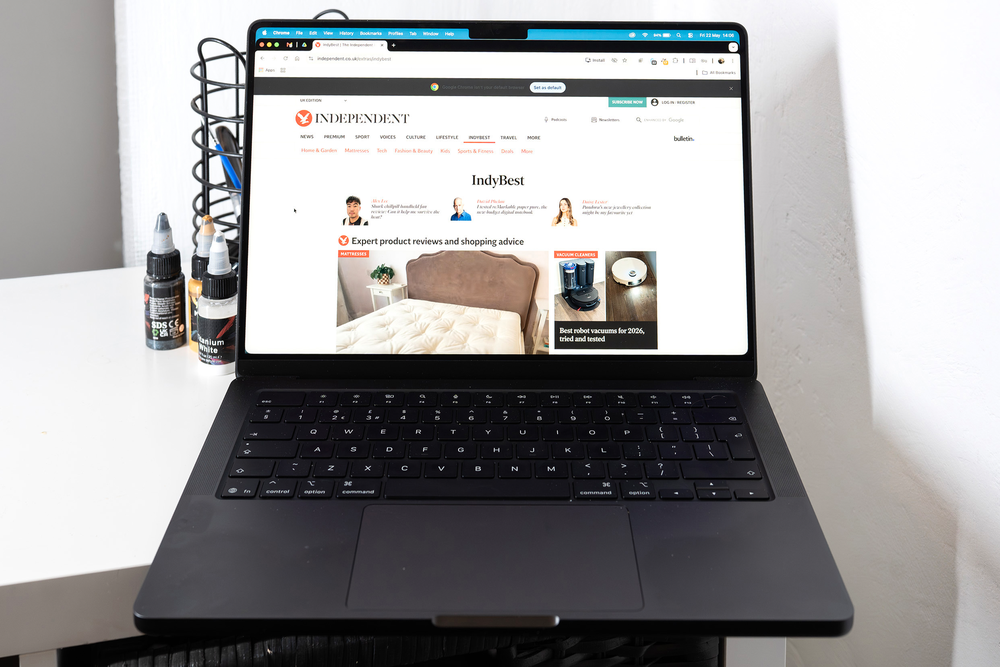
It’s not worth spending all that money on a laptop you won’t make the most of, especially as the life of a student becomes ever more difficult - and in fact the price of £1,699 represents the entry-level 14-inch model. It’s only going to go up from there if you start adding extras or jump to the 16-inch screen.
If you’re mainly using your PC for word processing, online research, or killing time between lectures, then you’d be much better off with the MacBook Neo or even the Chromebook above. For students of graphic design and film and video production, or those who want to make music or create engineering marvels, however, something with the kind of grunt the MBP represents can be a wise investment.
It also helps that MacBook Pros are extremely well-built, come with an intuitive operating system (though if you’re used to the way Windows 11 does things they can drive you mad) and have extremely bright, high-resolution screens as standard. They’re the gold standard for certain classes of professional use, and can make student projects fly.
Key specifications
Buy now £1279, Johnlewis.com
Microsoft Surface
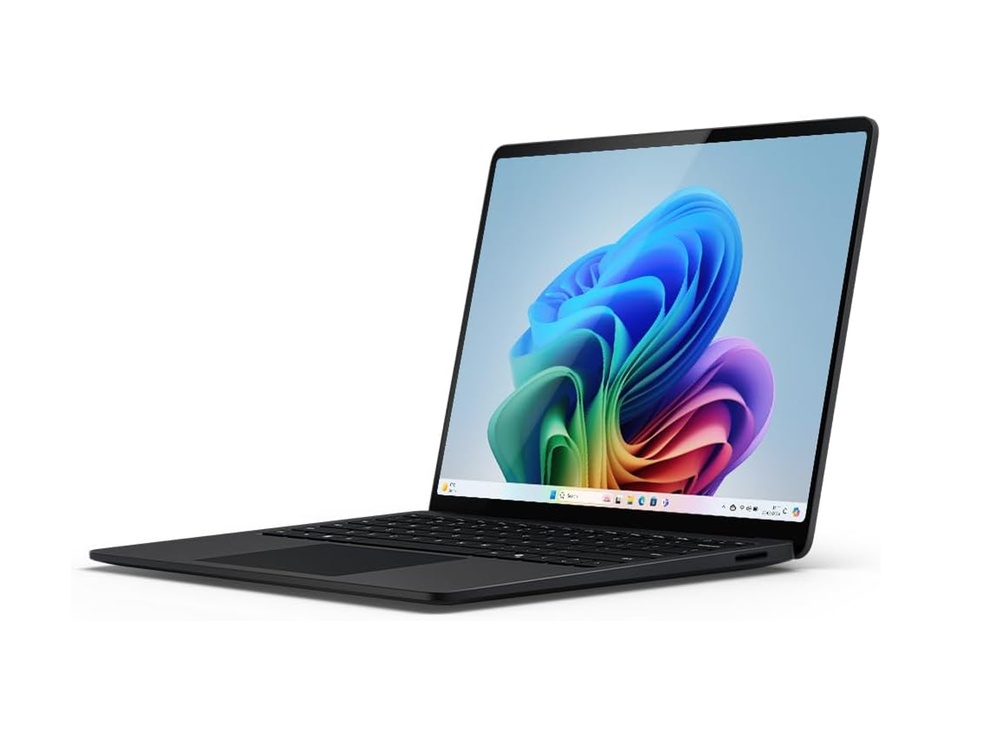
Best: lightweight laptop for students
Why we love it
- Thin and light
- Zippy performance
- Good battery life
Take note
- Graphics performance can suffer
- Occasional Snapdragon compatibility issues
- Not for gaming
The little 13in Surface laptop is well-priced, nicely made, and with its Snapdragon X Plus CPU and more than nine hours of battery life will keep going all day. In some ways this was the MacBook Neo before Apple thought about releasing it - a low-cost, reasonably well powered laptop from a big name in computing that’s perfectly at home running web browsers and office apps all day.
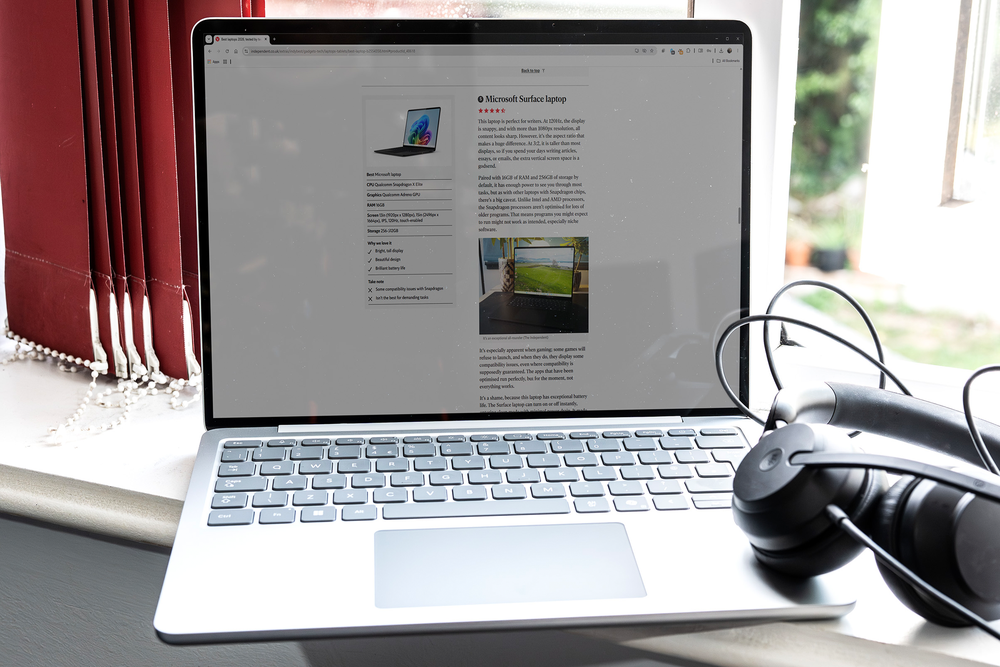
With its chunky casing and shiny Microsoft logo on the lid this is a great looking machine, and at 1.25kg it’s just a tiny bit heavier than the Neo. Being a Windows 11 laptop it’s running an operating system that more users are likely to be familiar with, and you get all the Copilot+ options here, including the chatbot invoked at the stroke of a special key and Recall, Microsoft’s optional way of remembering everything you do and scrolling back to it.
Performance levels from the eight-core Snapdragon are very good as long as you work to its strengths. The Adreno graphics cores aren’t particularly strong on this chip, something the new second-generation Snapdragons have improved on, so it’s not ideal for heavy graphical work. It will keep up with photo editing and 2D design, however, and its portability makes it an excellent choice for bicycling around a city or working on the train.
Key specifications
Buy now £984.5, Amazon.co.uk
Your questions on student laptops answered
What is the best laptop for students?
While the best student laptop will subjectively depend on what you plan to use it for, overall, the Apple MacBook Neo came out on top, thanks to its ability to cover most bases while being around half the price of more-premium machines. If your budget is tighter still, the Acer Chromebook Plus 516 will set you back less than £500 and will see you through semesters of note-taking and essay-writing. For students of graphic design and film and video production, or those who want to make music or create engineering marvels, the MacBook Pro 14 M5 is worth the splurge.
Can students get discounts on laptops?
Yes. Most of the big laptop brands offer discounts to current and newly accepted university students, as well as teachers and staff, so it’s always worth checking if the laptop you’re buying can be made cheaper with your student ID.
Apple’s discount is the best known and can be accessed through the Apple Education Store, where you can save up to 10 per cent on most Apple products. Other companies have also followed suit: Asus offers student discounts on some laptops; Dell offers students 10 per cent off electronics; and HP offers up to 40 per cent off a selection of its products.
You can also check out retailers like Currys and AO.com for student deals on some of our featured laptops and more top tech.
How I tested
It may have been a long time since I was a student, so long in fact that the laptop I had at university had a black and white screen, Windows 3.1 and a 3.5in floppy drive, but I can still just about remember what it’s like.
I used these laptops as my only computer, carried them around, set them up on tables in the local cafes and library, even the park, and generally treated them as if they were my sole screen. That meant watching movies on them as well as a lot of typing, chatting, using them for image editing, taking notes, creating reports and presentations in the likes of Google Docs, Affinity, Powerpoint, wasting time in Microsoft Solitaire and more.
Why you can trust IndyBest reviews
Ian Evenden is a writer and editor specialising in gaming, computing, science and technology publications. Ian has been contributing to IndyBest since 2021, applying his keen eye for detail and high standards to tech reviews such as the best bluetooth speakers, VPNs for speed and best digital photoframes.
Want even more choice? Check out our round-up of the best laptops in 2026