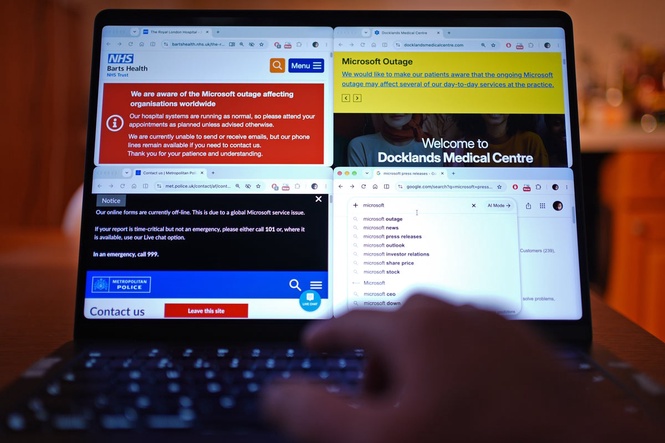
An IT and cybersecurity services provider has outlined what to do if Microsoft services go down again, the mistakes that could “make things worse”, and how to prepare yourself and your business.
Services provided by the global tech giant are being “gradually restored” after a major global outage that hit businesses and organisations across the UK in one of the worst IT failures in years.
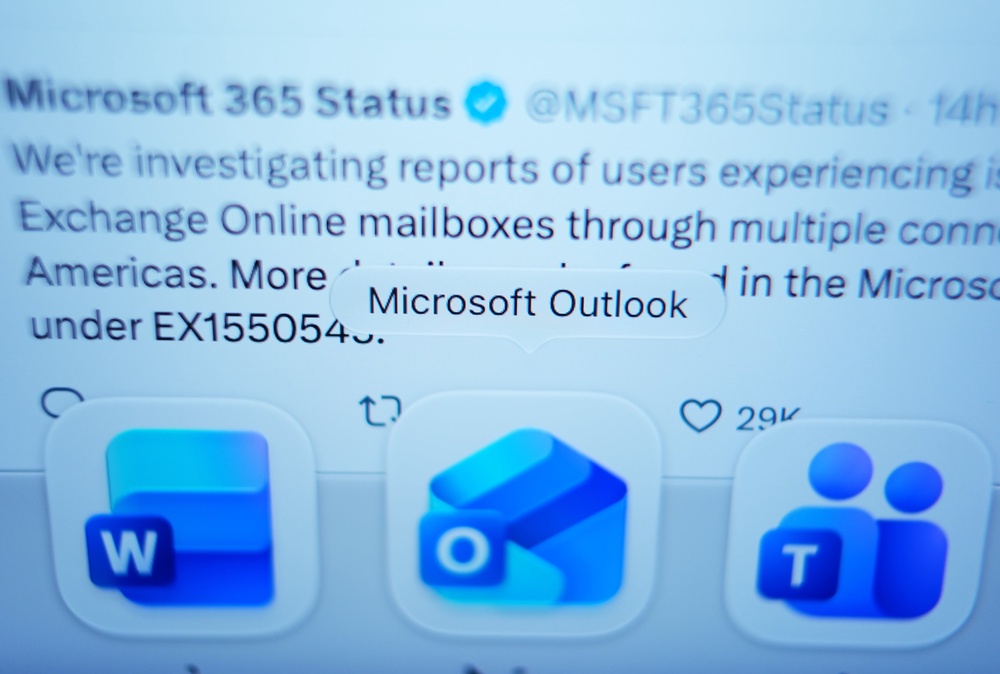
The UK Government and its counterparts across the world put contingency measures in place during the outage, which caused Microsoft to scramble to restore services they went offline at about 6pm Thursday. Meanwhile, millions of its customers were unable to send and receive emails through Outlook, and Teams was also down for a time.
Utilize Group Technical Director Paul Adams said there were clear steps to take if a similar outage hits Microsoft services again.
“The first thing you should do when Microsoft goes down is surprisingly simple: stop trying to fix it yourself and check whether Microsoft is experiencing a wider service disruption.”
Things like restarting your computer or changing your password won’t help if the issue is on Microsoft’s side, he said.
“These actions won’t solve the problem and could make things worse.”
Here’s what he recommends.
Check the root cause
Visit Microsoft’s official Service Health status page, or Microsoft 365 admin centre if you’re a business administrator, to determine whether the company is aware of any issues affecting its services before troubleshooting, Adams said.
It’s also important to check your own internet connection by accessing another website or another cloud service, he added.
“If those work normally but Outlook doesn’t, it may indicate a problem with Microsoft’s services rather than your device or broadband.”
Checking whether your colleagues are having the same outage as you is also a good box to tick, he added.
Don’t make unnecessary changes
Adams noted one of the biggest mistakes people often make during an outage is to try too many fixes at the same time.
“Resetting passwords, reinstalling applications or clearing cached data won’t help if the underlying issue is with Microsoft’s infrastructure,” he said.

It could also create additional login problems once services are restored, he added.
“If an application is already signed in and working intermittently, don’t automatically sign out or reinstall it.”
Find another way to communicate
Businesses should have an agreed alternative channel if their main communication service goes down, such as telephone calls, SMS, or an approved messaging platform, Adams said.
“For individuals, a phone call or text might be all that’s needed, and not every Microsoft service will necessarily be affected.”
Keep essential work moving
It’s important to focus on essential work during an outage and not get caught up with trying to fix the issue if the problem is on Microsoft’s side.
Businesses should differentiate between core activities and those that can wait during an outage, Adams said.
Prepare before the next outage
Although outages are not the perfect time to start planning for the future, they can serve as a reminder to prepare for next time.
Businesses should review how dependent they are on a single provider, as being tied to a single ecosystem could create a single point of disruption, he said.
“That doesn’t mean every business needs expensive alternative infrastructure. Maintaining secure backups, documenting essential processes and agreeing alternative ways of working can make a significant difference.”
Be patient when services return
Don’t assume everything will work perfectly the moment Microsoft announces the issue has been resolved, Adams warned.
“Services may take time to recover fully, and some applications could continue experiencing intermittent problems,” he said.
He reminded people to check for official updates before assuming everything was back to normal.
Ultimately, outages are an occasional part of relying on modern technology, he added.
“We shouldn’t expect major providers to be completely immune to disruption, but we should expect businesses to be prepared.
“The best response isn’t necessarily having the most sophisticated technology; it’s knowing what to do when the technology you depend on isn’t available.”
Microsoft outage is ‘one of the most economically damaging in history’
Microsoft gradually restores services after major global outage
Microsoft outage sparks chaos across NHS, police and schools
Estate agents and home movers navigate Microsoft outage on ‘unlucky’ Friday 13
Outlook and Teams are down in a huge outage that Microsoft can’t fix - follow live